 BotHub VS
  Klyra AI
Categories LLM aggregators and APIs, All-in-one AI platforms All-in-one AI platforms
Pricing and payment
Pricing model Pay as you go Paid
Starting price Pay as you go from $19/month
Free access No No
Pricing plans - Free, Basic, Premium, Deluxe, Elite, Enterprise — Pay as you go
- Personal — $19/month
- Professional — $49/month
- Teams — $79/month
Regional payment options Pay directly on the website Pay directly on the website
Pricing last changed
Ratings and reviews
Editorial assessment Good product Average
Functionality Good Good
Price and value Good Average
Ease of use Good Average
Reliability and support Good Average
Innovation Average Average
User rating +4 +1
User reviews 2 —
Data freshness
Service status Online, checked Online, checked
Last full review of the listing
Checked
Values come from catalog data: collected pricing, editorial assessments, reviews and the verification history. How we assess tools
 BotHub
 Pros
- Unified OpenAI-compatible API that lets developers switch providers just by changing the base URL and API key
- Extensive catalog covering text, image, video, and audio generation from OpenAI, Anthropic Claude, Google Gemini, Kling, and more
- Prepaid credit model (Caps) where purchased tokens never expire over time
- Built-in automatic failover routing and ECO/PRO modes to balance output quality and inference cost
Cons
- Proprietary Caps pricing system requires manual calculation to figure out actual costs across different models
- Video generation clips are limited to 15 seconds in duration
- Live human customer support operates strictly within set business hours
- External queues for media generation can cause latency spikes during peak service periods
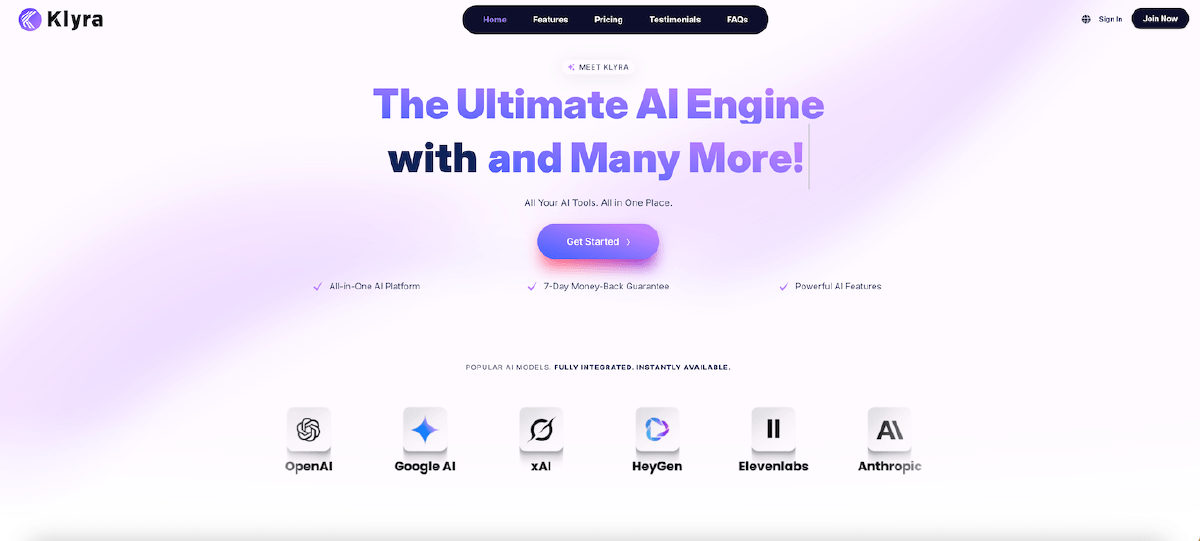 Klyra AI
 Pros
- Consolidates text, video, speech synthesis, image editing, and chatbots into a single workspace
- Integrates leading foundation engines from OpenAI, Google Veo, Kling, and ElevenLabs via smart routing
- Extensive avatar library featuring over 700 digital presenters with multilingual lip-sync
- Direct publishing workflows to WordPress and social media channels
Cons
- Service availability and generation speeds depend entirely on external provider APIs
- Offers less granular manual control compared to specialized standalone editors
- Heavy tasks like video rendering and voice cloning rapidly consume generation capacity
























