
 Trial
Trial
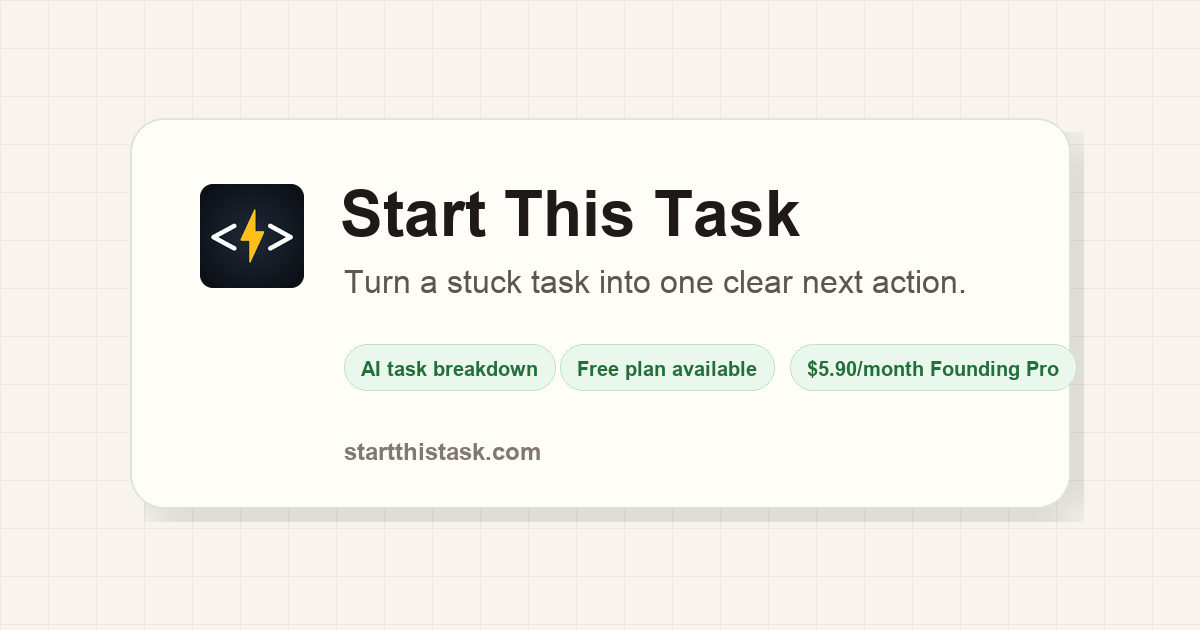
Start This Task
Quick facts
- Pricing model
- Trial
- Minimum price
- Free
- Free access
- Yes
- Regional payment options
- Pay directly on the website
- Service status
- Online, checked
- User rating
Developer and reliability
Information about the developer and the service's terms. This is a factual reference, not a quality assessment or a guarantee of safety.
- Developer
- CNVX Studio
- Domain registered
- May 26, 2026
- The domain registration date is not the service's launch date.
Compare with alternatives
Choose a pair to compare features, pricing and assessments.
Editorial assessment
Good specialized serviceStart This Task stands out because it does not pretend to be a bloated enterprise project manager; it zeroes in on the hardest part of personal productivity—the friction of starting. Giving users an immediate first micro-action while building the broader sequence in the background solves an authentic psychological barrier, and the Tiny steps mode is tailored specifically to crack executive paralysis:
- Laser focus on execution: Isolating a single step inside Focus Mode with a timer cuts through cognitive fatigue far better than an intimidating multi-tier backlog.
- Lightweight footprint: It operates cleanly as an independent web application, though guest sessions rely strictly on local browser memory until you sign in.
It is a tidy, practical, and genuinely helpful anti-procrastination utility that earns its status as a Good specialized service.
- Functionality Good
- Price and value Good
- Ease of use Good
- Reliability and support Average
- Innovation Average
About the tool
We have all stared at a massive, looming to-do item like "write quarterly performance report" and ended up reorganizing a bookshelf instead. Start This Task is a focused AI web tool engineered specifically to dismantle that exact cognitive freeze. Rather than acting as another complex project board, it targets the psychological bottleneck of task initiation.
The tool bypasses dread through a staged workflow:
- Instant first action: You type whatever chaotic, half-baked thought is cluttering your mind, and the AI serves up a single, physical micro-step right away—such as opening your mail app and hitting Compose—before it even finishes assembling the full plan.
- Adaptive step granularity: You set the size of your moves. Standard provides broad milestones, Small lowers mental fatigue, and Tiny breaks actions down into almost effortless physical motions for moments of severe executive block.
- Background roadmap and deep breakdown: While you gain momentum on step one, the system drafts the remaining sequence in the background. You can drag to reorder, edit, delete, or recursively split any intimidating sub-step into even smaller micro-actions.
- Focus Mode: Strips away the rest of the list and isolates the active step on screen with a countdown timer, preventing your brain from spiraling over what comes next.
How it helps you
Helps people struggling with ADHD, executive dysfunction, anxiety, or deep procrastination bypass cognitive lockup. It replaces overwhelming project lists with one immediate, friction-free micro-action to get work moving right away.
Pros and cons
Pros
- Generates an immediate, startable first step without forcing you to wait for the entire plan to finish
- Tiny step size breaks complex tasks into minimal physical actions to lower the initiation barrier
- Dedicated Focus Mode isolates a single step on screen alongside a built-in countdown timer
- Free plan provides 15 monthly breakdowns with full core features and a zero-signup guest trial
- Interactive editor supports recursive breakdowns, drag-and-drop ordering, and manual edits
Cons
- Unregistered guest work relies solely on local browser storage and is lost if cache or site data is cleared
User reviews
No reviews collected yet
We are collecting user reviews of this tool from public sources. They will appear here soon.
Pricing
Prices are based on the provider's information and may change.
Looking for a free option? Try these alternatives to Start This Task:
Compare with popular alternatives
Compare key features, prices and capabilities with similar tools
| Feature | Current tool |  |  |  |
|---|---|---|---|---|
| Pricing model | Trial | Trial | Trial | Paid |
| Minimum price | from $5.90/month | from $10/month | from €6.01/month | from $15/month |
| Free access | Yes | Yes | Yes | No |
| Regional payment options | Direct payment | Direct payment | Direct payment | Direct payment |
| Editorial assessment | Good specialized service | Strong technology platform | Good product | Good product |
| User rating | ||||
| Current tool |
























Frequently asked questions
How does Start This Task help with task paralysis?
It tackles task initiation directly. Instead of generating a long, intimidating list of obligations, the AI immediately surfaces one concrete, observable action you can do in seconds. While you begin that step, the application compiles the rest of the editable plan in the background.
Can I break a step down further if it still feels overwhelming?
Yes. You can adjust the breakdown granularity to Small or Tiny before generating, or click the break down option on any individual step in an existing plan. The AI will recursively split that step into smaller, manageable sub-steps without resetting the rest of your sequence.
What is the difference between Free and Founding Pro?
The Free plan gives you full access to core features with a cap of 15 AI breakdowns per month, including a one-time trial without signing up. Founding Pro costs $5.90 per month and removes monthly breakdown limits for normal personal use.
What happens to my tasks if I use the service without an account?
Guest breakdowns and Brain Dump entries remain saved in that specific browser's local storage for up to 30 days. However, clearing your browser cache or cookies will erase your tasks, so creating an account is necessary for persistent, cross-device access.
Similar tools
 Taskade ▲ 2 ▼ 0
Taskade started out as a lean task-and-note tool and transformed into Taskade Genesis—an AI app generator that translates a simple text description into a fully deployed software system.
 TeraBox - Your All-in-One AI Workspace ▲ 2 ▼ 0
TeraBox has expanded beyond raw cloud storage into an integrated productivity hub known as TeraBox AI Workspace.
 Sider AI ▲ 1 ▼ 0
Sider AI embeds a multi-model workspace straight into your browser and desktop environment, eliminating the need to jump between endless tabs.