 Facee VS
  SpriteBrew
Categories AI image tools, AI avatars and digital humans AI image tools, Game development
Pricing and payment
Pricing model Trial Trial
Starting price from RUB 99 one-time Depends on the plan
Free access Trial access Trial access
Pricing plans - Free — Price not specified
- Пакет «Стандарт» — RUB 449 one-time
- Пакет «Премиум» — RUB 1,490 one-time
- Пакет «Ультра» — RUB 6,990 one-time
- Пополнение на 30 токенов — RUB 99 one-time
- Пополнение на 100 токенов — RUB 299 one-time
- Пополнение на 200 токенов — RUB 469 one-time
- Пополнение на 500 токенов — RUB 990 one-time
- Пополнение на 1000 токенов — RUB 1,890 one-time
- Пополнение на 2500 токенов — RUB 3,190 one-time
- Пополнение на 5000 токенов — RUB 5,790 one-time
- Free — Trial access
- Starter — $4.99 / 500 tokens
- Creator — $14.99 / 1,650 tokens
- Studio — $29.99 / 3,600 tokens
- Pro Pack — $79.99 / 9,750 tokens
Regional payment options Pay directly on the website Pay directly on the website
Ratings and reviews
Editorial assessment Good specialized service Good specialized service
Functionality Good Good
Price and value Good Good
Ease of use Good Good
Reliability and support Average Average
Innovation Average Good
User rating +2 +2
Data freshness
Service status Online, checked Online, checked
Last full review of the listing
Checked
Values come from catalog data: collected pricing, editorial assessments, reviews and the verification history. How we assess tools
 Facee
Facee Good specialized service +2 Pros
- Over 150 turnkey photoshoot presets and viral visual themes ready in one click
- Generates realistic couple and family portraits from separate solo photos
- Transparent one-time payment structure without hidden recurring subscriptions
- Fast cloud training of custom AI avatars in 1–2 minutes
Cons
- Facial likeness varies across generations, often requiring multiple tries and prompt adjustments for an exact match
- Free trial photos carry watermarks and run on standard rather than PRO models
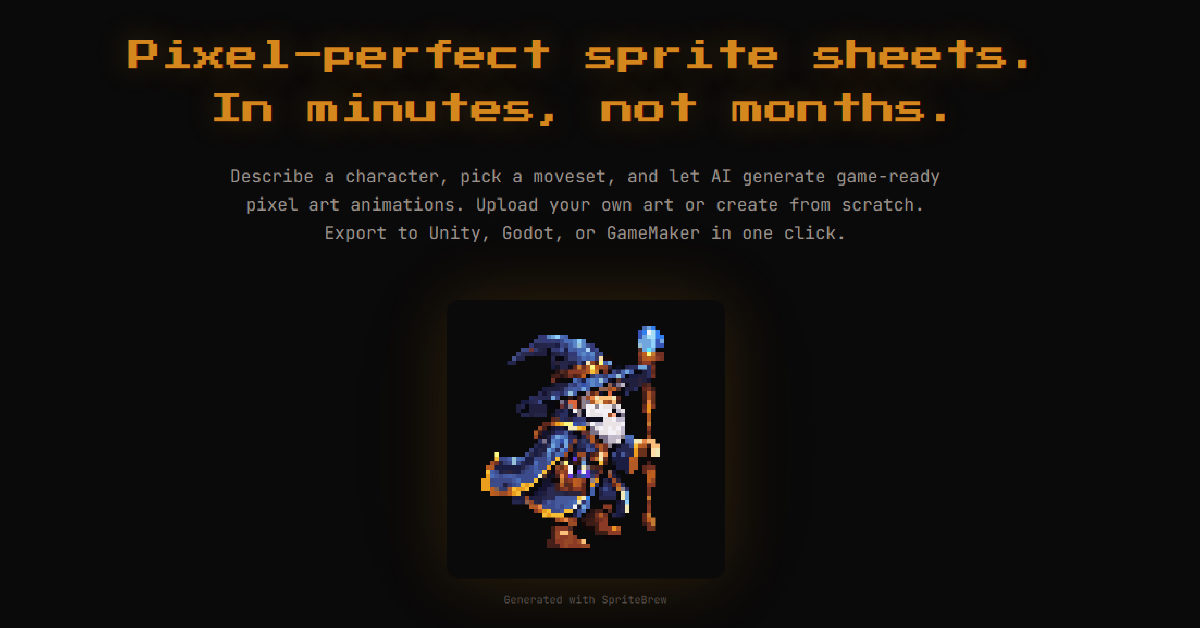 SpriteBrew
 Good specialized service +2 Pros
- Direct export presets for Godot (.tres), Unity (TexturePacker), GameMaker, and RPG Maker
- Smart contour detection that automatically crops sprites without relying on a fixed grid
- Built-in 16x pixel editor for fast cleanup and an interactive WASD test playground
- Manual utility tools (slicer, background remover, editor) are free and work without registration
Cons
- Diffusion animations can experience pixel jitter or inconsistent small details across frames, requiring manual touch-ups
- Generative AI features require an active internet connection to communicate with the backend pipeline
























