
 Trial
Trial
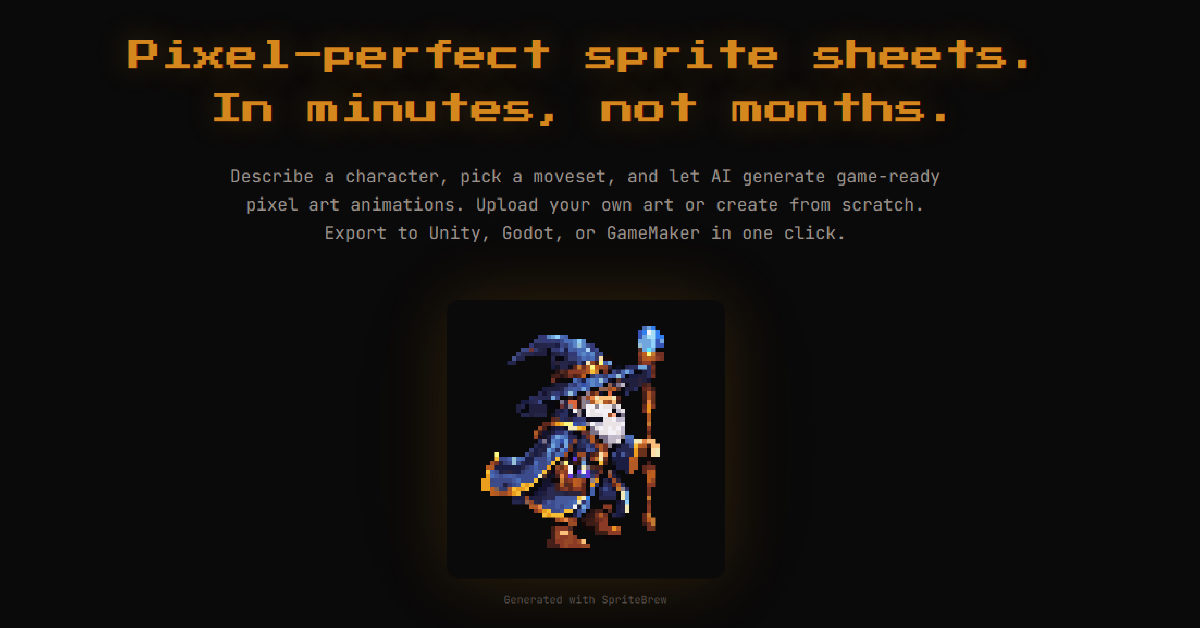
SpriteBrew
Quick facts
- Pricing model
- Trial
- Minimum price
- Depends on the plan
- Free access
- Trial access
- Regional payment options
- Pay directly on the website
- Service status
- Online, checked
- User rating
Developer and reliability
Information about the developer and the service's terms. This is a factual reference, not a quality assessment or a guarantee of safety.
- Developer
- George Albanese
- Domain registered
- April 3, 2026
- The domain registration date is not the service's launch date.
Compare with alternatives
Choose a pair to compare features, pricing and assessments.
Editorial assessment
Good specialized serviceWhile generic image generators still force developers to spend hours manually cleaning up blurry pixel art, SpriteBrew tackles the actual game development pipeline head-on. Its biggest advantage is understanding what developers need at the finish line: not just isolated concept images, but structured sheets and resource files that import directly into Godot, Unity, or GameMaker with a single click.
You should not expect flawless results every single time—diffusion algorithms still tend to introduce slight pixel jitter on minute accessories or armor trims during dynamic movement phases. However, having a built-in pixel editor to touch up frames and a playable PixiJS stage to test movement keys immediately saves immense effort. The developer also deserves praise for open-sourcing the core under AGPL-3.0 and keeping client-side slicing and editing completely free without forced sign-ups.
- Functionality Good
- Price and value Good
- Ease of use Good
- Reliability and support Average
- Innovation Good
About the tool
SpriteBrew is a specialized web-based toolkit created by indie developer George Albanese to solve one of the biggest bottlenecks in 2D game development: tedious frame-by-frame sprite animation. Instead of generic diffuse illustrations, it targets authentic pixel art through text-to-sprite prompts and an image-to-animation workflow powered by Retro Diffusion models.
The tool covers the entire asset-preparation cycle directly in the browser:
- Character & Asset Synthesis: Generates characters, items, tiles, and UI icons across dozens of style presets without blurry sub-pixel antialiasing.
- Animation from Static Art: Takes your uploaded raster sprites and synthesizes movement cycles—such as walks, attacks, idles, and jumps—while preserving silhouettes, palettes, and dynamic padding.
- Smart Sprite Slicing: Uses contour detection to automatically isolate characters on irregular sheets without requiring rigid coordinate grids.
- Built-in Pixel Editor: Features a 16x zoom canvas with pencil, eyedropper, eraser, and undo/redo history to clean up AI artifacts manually.
- Interactive PixiJS Playground: Lets you control your animated sprite with WASD or arrow keys across switchable terrain tiles before exporting.
- Engine-Ready Presets: Exports directly into formats tailored for Godot, Unity, GameMaker, RPG Maker, and Aseprite.
How it helps you
Saves indie game developers, technical artists, and game jam teams dozens of hours of manual animation by converting text prompts or static character designs into game-ready, engine-compatible sprite sheets in minutes.
Pros and cons
Pros
- Direct export presets for Godot (.tres), Unity (TexturePacker), GameMaker, and RPG Maker
- Smart contour detection that automatically crops sprites without relying on a fixed grid
- Built-in 16x pixel editor for fast cleanup and an interactive WASD test playground
- Manual utility tools (slicer, background remover, editor) are free and work without registration
- Generations include full commercial usage rights and token credits never expire
Cons
- Diffusion animations can experience pixel jitter or inconsistent small details across frames, requiring manual touch-ups
- Generative AI features require an active internet connection to communicate with the backend pipeline
User reviews
No reviews collected yet
We are collecting user reviews of this tool from public sources. They will appear here soon.
Pricing
Free
Starter
Creator
Studio
Pro Pack
Prices are based on the provider's information and may change.
Looking for a free option? Try these alternatives to SpriteBrew:

Compare with popular alternatives
Compare key features, prices and capabilities with similar tools
| Feature | Current tool |  |  |  |
|---|---|---|---|---|
| Pricing model | Trial | One-time purchase | Trial | Trial |
| Minimum price | from $4.99 one-time | from RUB 199 one-time | from RUB 99 one-time | from RUB 200 one-time |
| Free access | Trial access | No | Trial access | Trial access |
| Regional payment options | Direct payment | Direct payment | Direct payment | Direct payment |
| Editorial assessment | Good specialized service | Good specialized service | Good specialized service | Good specialized service |
| User rating | ||||
| Current tool |
























Frequently asked questions
How does SpriteBrew animate existing static artwork?
You upload a static 2D character image, and the platform analyzes the silhouette and color palette. It applies smart padding to prevent weapon or limb clipping, then synthesizes standard animation cycles like walking, jumping, idling, or attacking using specialized diffusion models while preserving the character's core visual identity.
Which game engines and formats can you export to?
SpriteBrew supports six ready-to-use export targets: Godot SpriteFrames (.tres resources), TexturePacker JSON Hash (for Unity and other game engines), GameMaker horizontal strips, RPG Maker MV/MZ standard grids, Aseprite JSON sheets, and zipped raw PNG frames.
Do I need an account to use the pixel editing and slicing tools?
No. The manual utility toolkit—including the contour-based sprite slicer, background removal tool, pixel editor, and format converter—runs locally in your browser and is completely free without requiring an account or credit card.
Can I use the sprites generated by SpriteBrew commercially?
Yes. All assets created or processed through the platform carry full commercial rights, allowing indie developers and commercial studios to use them directly in shipped video games and commercial projects.
Similar tools
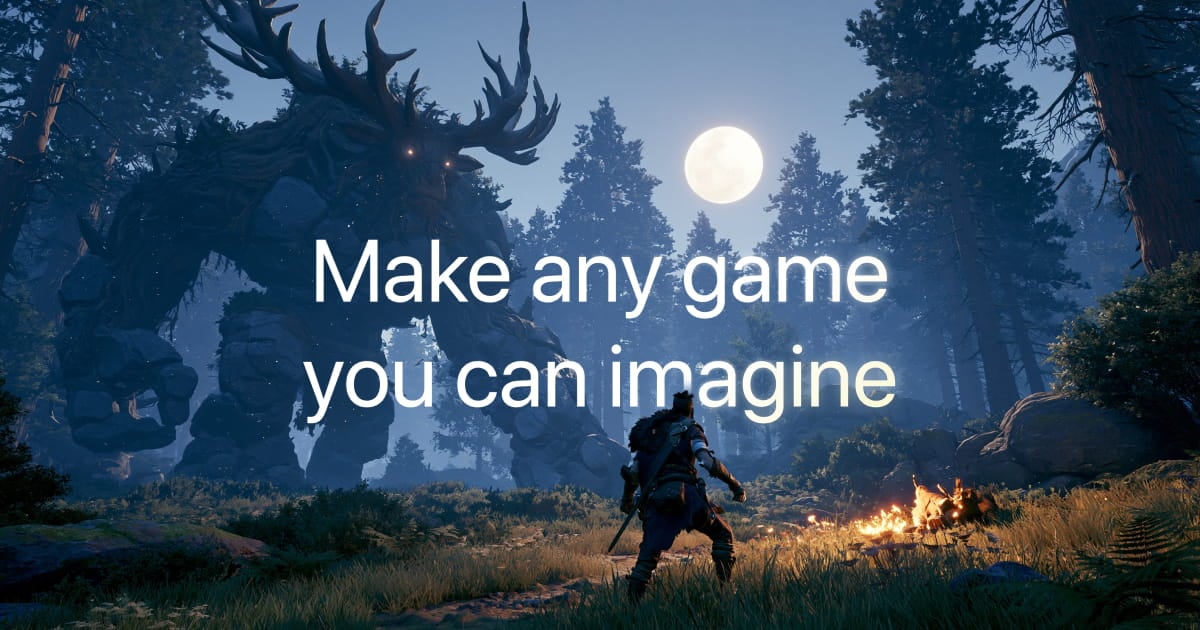
 Tesana ▲ 2 ▼ 0
Tesana is a cloud-based AI game development engine that turns natural language prompts and visual references into fully playable 2D and 3D games directly in the browser or on mobile.
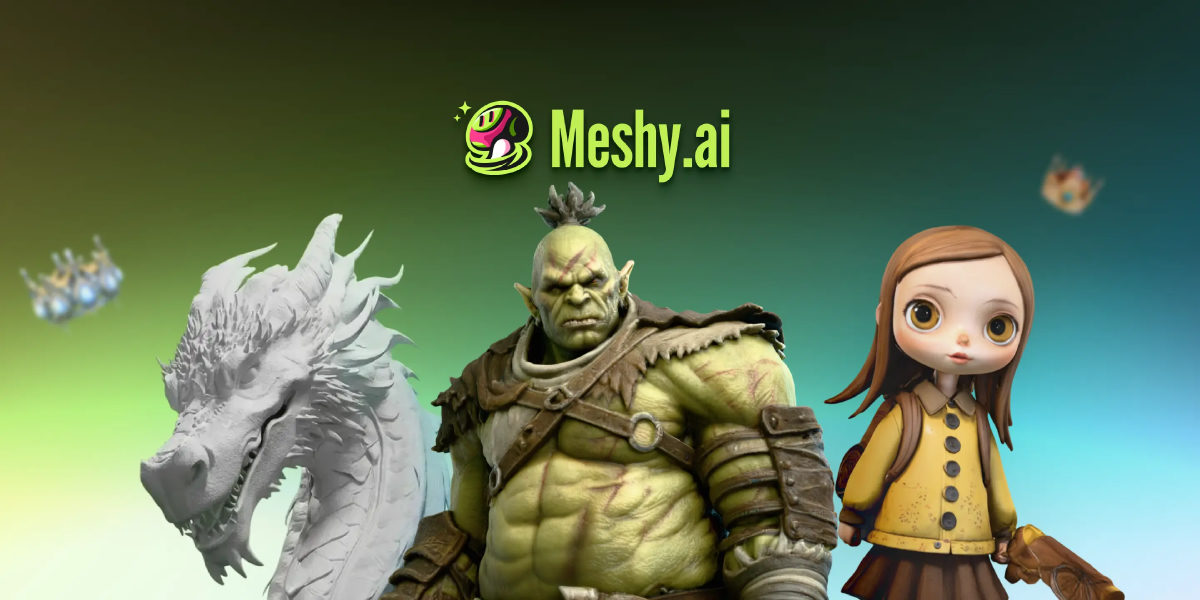
 Meshy ▲ 2 ▼ 0
Meshy is a cloud-based generative AI platform built to turn text prompts, sketches, and photos into textured 3D assets in under a minute.
 Summer Engine ▲ 1 ▼ 0
Summer Engine is a native desktop game development environment for Windows and macOS that merges a traditional game engine with conversational AI agents.
 Fotee ▲ 5 ▼ 0
If setting up a physical photo session feels like a logistical nightmare, Fotee offers a practical shortcut.
 Facee ▲ 2 ▼ 0
Facee cuts out the entire studio circus—photographers, lighting rigs, makeup artists, and weeks of waiting.
 lora.pro ▲ 2 ▼ 0
Forget spending hours setting up local diffusion environments, tweaking weights, or crafting fifty-word prompt formulas just to get a decent profile picture.