



lora.pro or Visla — comparison 2026

lora.pro VS Visla

Comparison lora.pro Visla
Categories AI image tools, AI video generators AI video generators, Video editing

Pricing and payment

Pricing model Trial Trial
Starting price from RUB 200 one-time from $18/month
Free access Trial access Trial access
Pricing plans
  • Try it free — Trial access
  • Start — RUB 200 one-time
  • Popular — RUB 500 one-time
  • PRO — RUB 1,000 one-time
  • Free, Enterprise — Price not specified
  • Pro — $18/month
  • Business — $59/month
Regional payment options Pay directly on the website Pay directly on the website
Pricing last changed

Ratings and reviews

Editorial assessment Good specialized service Good product
Functionality Good Good
Price and value Good Good
Ease of use Good Good
Reliability and support Average Good
Innovation Average Average
User rating +2 +1

Data freshness

Service status Online, checked Online, checked
Last full review of the listing
Checked

Values come from catalog data: collected pricing, editorial assessments, reviews and the verification history. How we assess tools

What they share and how they differ

Only lora.pro

AI avatarsAI photoshootsConsistent charactersFace swap

Only Visla

Corporate trainingVideo generationVideo editingVideo voiceoverScreen recording
lora.pro lora.pro
Good specialized service +2

Pros

  • Preserves facial geometry reliably across individual, couple, and group generations
  • Unified pipeline to animate finished still portraits into short video clips with sound
  • Broad aggregation of underlying image and video models from families like Kling, Veo, Grok, and Seedance
  • Transparent pay-as-you-go token model with no recurring subscriptions and non-expiring balances

Cons

  • Video generation is restricted to short clips lasting only several seconds
  • Generation times fluctuate significantly depending on the model, reaching over a minute for high-detail render modes
  • Facial consistency drops if the input reference photos have occlusions, harsh shadows, or low resolution
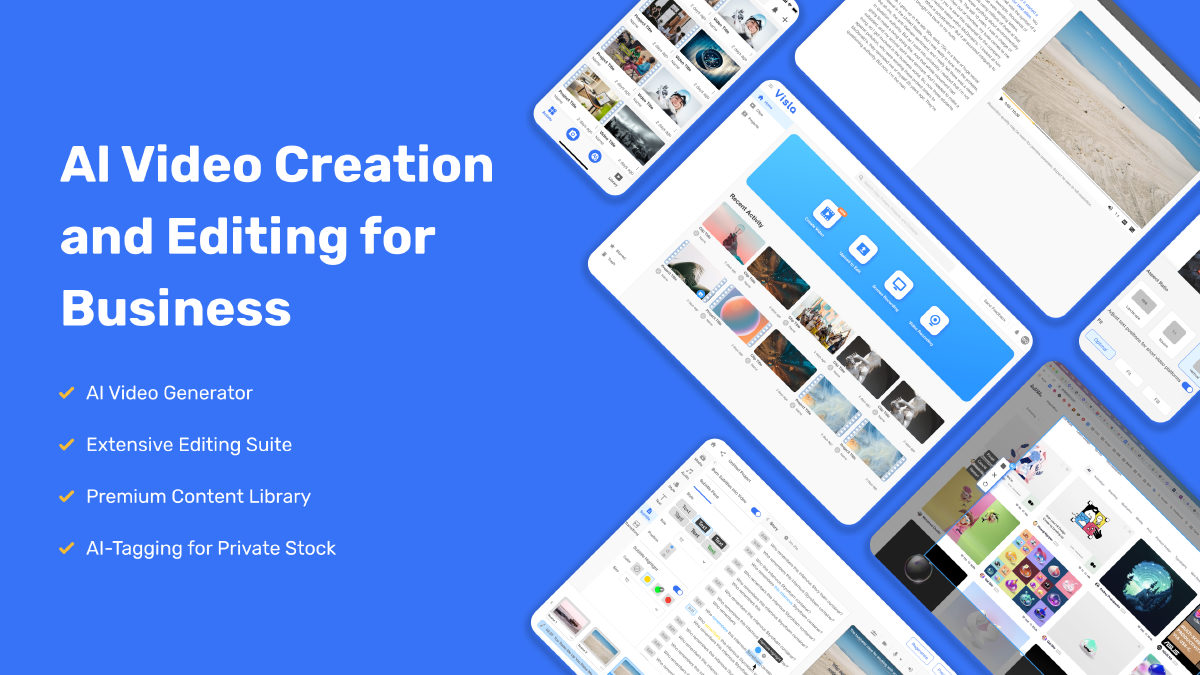
Visla Visla
Good product +1

Pros

  • Comprehensive all-in-one workflow spanning multi-camera recording, AI generation, and post-production
  • Fast, intuitive text-based editing with automatic removal of filler words and silent pauses
  • Direct conversion of PDFs and slide presentations into structured, narrated explainer videos
  • Dedicated screen step recorder that automatically maps software clicks into polished video SOPs

Cons

  • Stock video selections by the AI agent occasionally feel generic and require manual scene replacement
  • Generating scenes with advanced video models and high-end avatars consumes AI credits quickly
  • API key generation and programmatic video creation are restricted to paid tiers























