
 Trial
Trial
Visla
Quick facts
- Pricing model
- Trial
- Minimum price
- from $18/month
- Free access
- Trial access
- Regional payment options
- Pay directly on the website
- Service status
- Online, checked
- User rating
Developer and reliability
Information about the developer and the service's terms. This is a factual reference, not a quality assessment or a guarantee of safety.
- Developer
- Visla
- Legal entity
- Visla, Inc.
- Legal entity's country
- United States
- Domain registered
- March 18, 2020
- The domain registration date is not the service's launch date.
Compare with alternatives
Choose a pair to compare features, pricing and assessments.
Editorial assessment
Good productThe main appeal of Visla is sheer practicality. Instead of chasing viral social media gimmicks, it solves genuine corporate bottlenecks: recording product demos with a built-in teleprompter, converting dense slide decks into training videos, and cutting down footage simply by deleting words in a text transcript.
While the AI still occasionally picks odd metaphorical stock clips that require manual swapping, the integration of screen recording, document ingestion, and scene-level editing makes Visla a solid workhorse for marketing teams, educators, and enterprise operations.
- Functionality Good
- Price and value Good
- Ease of use Good
- Reliability and support Good
- Innovation Average
About the tool
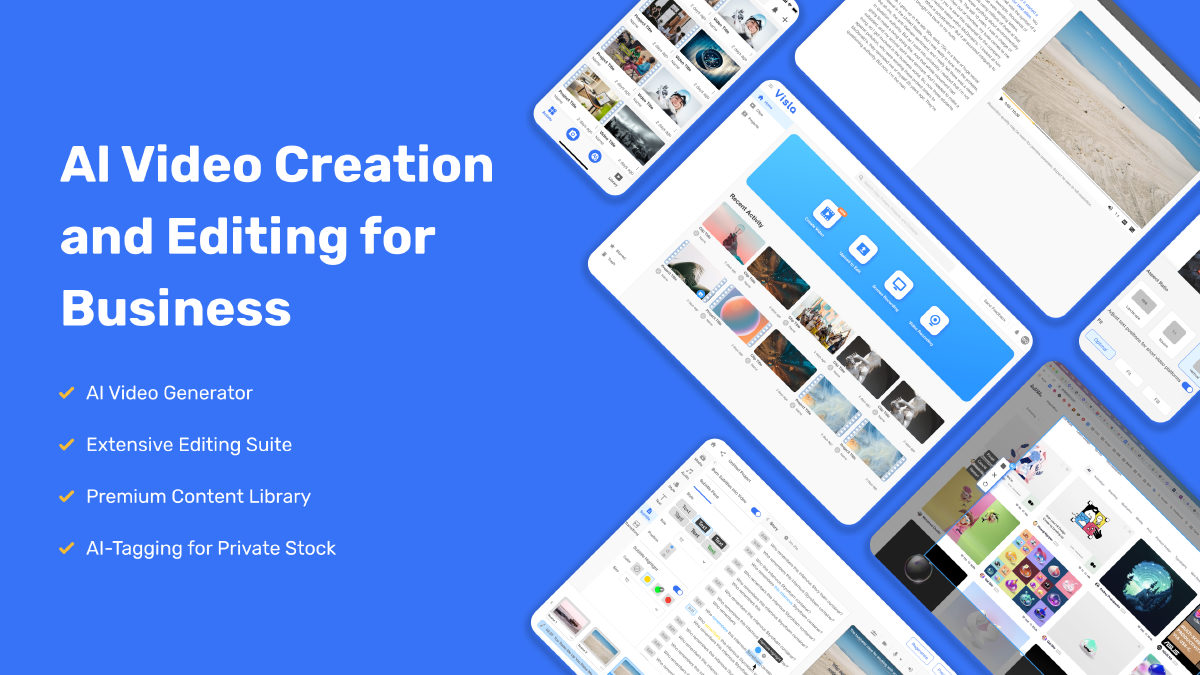
Most video tools want to dazzle you with cinematic five-second clips of neon landscapes. Visla takes a refreshingly pragmatic route: it is an all-in-one production hub aimed at getting actual business and educational video work done without touching timeline-heavy desktop editors.
The platform covers the entire production pipeline across three main pillars:
- Recording suite: Capture screen, webcam, or both simultaneously. You can turn your smartphone into a webcam, read from an integrated teleprompter with adjustable scroll speed, and strip out background clutter without a physical green screen.
- Smart intake and generation: You do not have to start with an empty canvas. Feed the AI Video Agent a bulleted idea, a raw script, a live webpage URL, an audio recording, or a multi-slide PDF or PPT presentation. The system slices the input into cohesive scenes, writes narration, matches voiceovers, and generates visual drafts utilizing video models like Veo and Sora alongside curated B-roll.
- Text-based and scene-based editing: Once footage is in, you edit your video just like a text document. Delete awkward filler words or long pauses directly from the generated transcript, and the underlying video cuts automatically. If you want tighter visual control, switch to the scene editor to swap stock clips from Getty Images or Storyblocks, drop in private brand assets, apply the Ken Burns zoom effect, or deploy digital AI avatars.
How it helps you
Visla is built for corporate teams, product managers, educators, and marketers who need to turn dry documentation, slide decks, or product demos into clean videos without hiring a full video crew. It shines when you need to:
- Convert PPT slides and PDFs into fully narrated walkthroughs in minutes.
- Build step-by-step video SOPs and software tutorials automatically with the screen step recorder.
- Cut talking-head videos fast by editing the auto-generated text transcript rather than slicing audio waveforms manually.
Pros and cons
Pros
- Comprehensive all-in-one workflow spanning multi-camera recording, AI generation, and post-production
- Fast, intuitive text-based editing with automatic removal of filler words and silent pauses
- Direct conversion of PDFs and slide presentations into structured, narrated explainer videos
- Dedicated screen step recorder that automatically maps software clicks into polished video SOPs
- Flexible media sourcing combining major stock catalogs with private asset collections and custom avatars
- Enterprise-ready security with SOC 2 Type II compliance, SSO, and REST API access
Cons
- Stock video selections by the AI agent occasionally feel generic and require manual scene replacement
- Generating scenes with advanced video models and high-end avatars consumes AI credits quickly
- API key generation and programmatic video creation are restricted to paid tiers
User reviews
No reviews collected yet
We are collecting user reviews of this tool from public sources. They will appear here soon.
Pricing
Free
Pro
Business
Enterprise
Prices are based on the provider's information and may change.
Looking for a free option? Try these alternatives to Visla:

Compare with popular alternatives
Compare key features, prices and capabilities with similar tools
| Feature | Current tool |  |  |  |
|---|---|---|---|---|
| Pricing model | Trial | Paid | Trial | Trial |
| Minimum price | from $18/month | from $18/month | from RUB 200 one-time | from $20/month |
| Free access | Trial access | No | Trial access | Trial access |
| Regional payment options | Direct payment | Direct payment | Direct payment | Direct payment |
| Editorial assessment | Good product | Good product | Good specialized service | Strong technology platform |
| User rating | ||||
| Current tool |
























Frequently asked questions
How does text-based editing work in Visla?
Visla automatically transcribes your recorded or uploaded footage into text. Instead of hunting through an audio waveform to trim dead air or mistakes, you simply highlight and delete words or sentences in the transcript. The video timeline cuts accordingly, and built-in cleanup tools automatically strip out filler words and silent pauses.
Can I convert presentations and documents directly into video?
Yes. You can upload PDF documents or PPT presentations directly into the platform. Visla’s AI reads the slides or text sections, organizes them into logical scenes, drafts a voiceover script, and pairs each section with synthetic narration or your own cloned voice.
What are the limitations of the free tier?
The Free plan gives you access to basic recording and editing features, allowing you to test the workflow. However, access to the developer API, advanced media libraries like full Getty Images catalogs, unlimited avatars, and higher generative credit pools requires upgrading to paid tiers like Pro or Business.
How does the Screen Step Recorder help with creating SOPs?
The step recorder captures your desktop workflow while automatically tracking clicks and navigation events. Instead of forcing you to narrate and edit every second manually, the tool segments your actions into organized, sequential visual steps and drafts a how-to guide ready for team sharing.
Similar tools

 Magiclight AI ▲ 2 ▼ 0
Magiclight AI operates as an all-in-one generative studio designed to build multi-scene narrative videos up to 50 minutes long.
 TensorPix ▲ 1 ▼ 0
Anyone who has ever tried upscaling grainy footage or old home videos knows the headache: you either need a monster desktop PC with a four-figure GPU, or you spend twelve hours listening to your laptop fans scream in agony.
 FilmSpark ▲ 1 ▼ 0
Forget the endless prompt roulette where you burn credits across separate tabs hoping an actor doesn't mutate between cuts.

 VEED ▲ 1 ▼ 0
VEED is a browser-first video studio that bundles classic timeline editing with an expansive suite of generative AI tools.
 OpusClip ▲ 2 ▼ 0
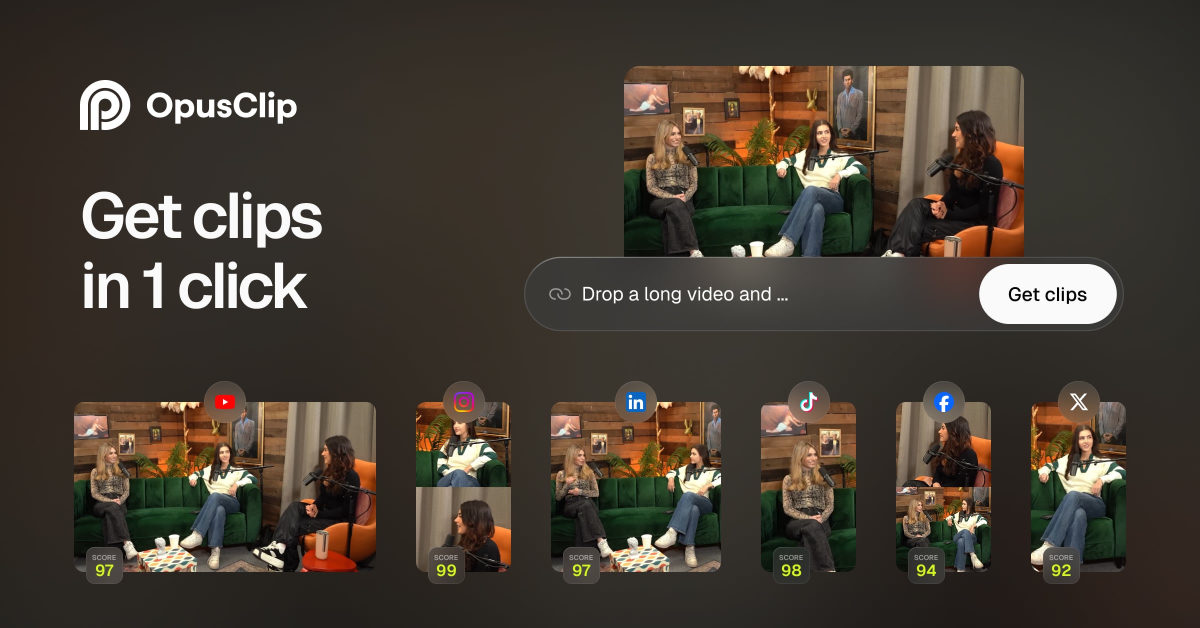
OpusClip is an AI-powered video repurposing platform designed to take long-form recordings and chop them into vertical clips for platforms like YouTube Shorts, TikTok, and Instagram Reels.
 Reels Boss ▲ 1 ▼ 0
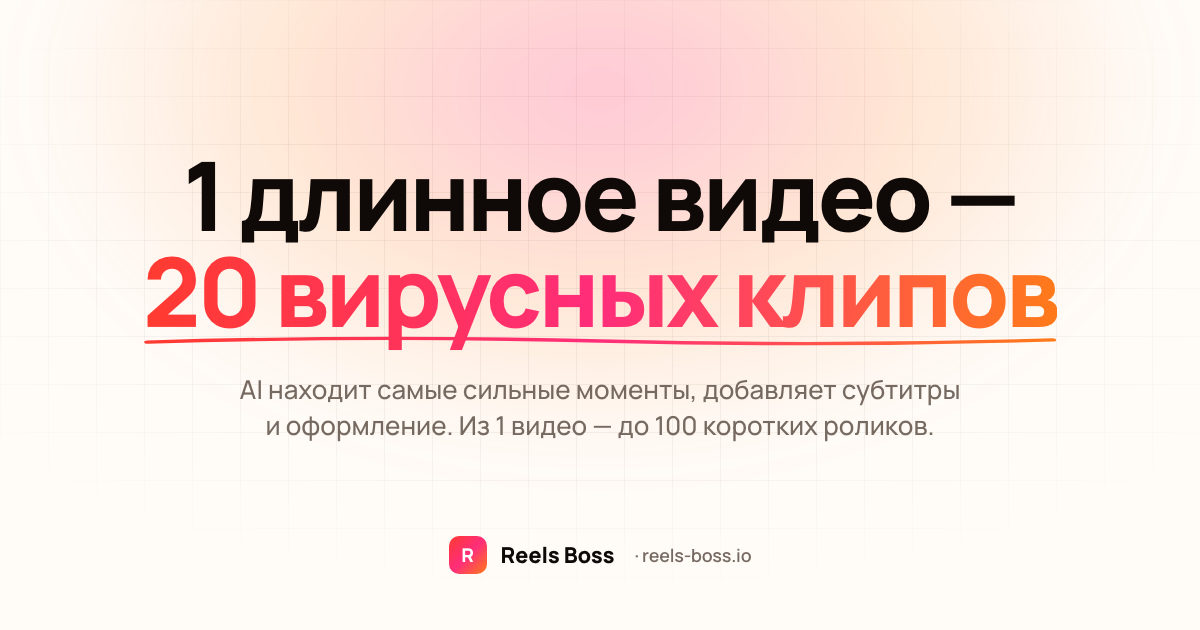
Reels Boss is a cloud-based AI media processing engine built to take raw, long-form footage and convert it into high-volume short-form content.