 Slidy AI VS
  Сократик
In short
- Only Slidy AI offers a free trial.
Categories Presentations Education, Presentations
Pricing and payment
Pricing model Trial Paid
Starting price Depends on the plan from RUB 469/month
Free access Trial access No
Pricing plans - Базовый — RUB 899/month
- Продвинутый — RUB 1,090/month
- Выгодный — RUB 1,490/month
- Плюс — RUB 390/month
- 3 дня бесплатно — RUB 1 one-time
Regional payment options Pay directly on the website Pay directly on the website
Ratings and reviews
Editorial assessment Average Good specialized service
Functionality Good Good
Price and value Average Good
Ease of use Good Good
Reliability and support Below average Average
Innovation Average Average
User rating +3 +2
User reviews 5 —
Average review score 5 out of 5 · rated reviews: 1 —
Data freshness
Service status Online, checked Online, checked
Last full review of the listing
Checked
Values come from catalog data: collected pricing, editorial assessments, reviews and the verification history. How we assess tools
 Slidy AI
 Pros
- Generates complete presentation decks, structured documents, images, and short video clips from simple text prompts or uploaded files
- Exports clean, layered PPTX files that preserve fonts and layouts when opened in PowerPoint or Google Slides
- Integrated browser editor allows easy manual editing of text, color palettes, fonts, and slide blocks
- Broad public catalog featuring over 120,000 ready-made community presentations across business, education, and tech
Cons
- Trial access comes with recurring auto-renewal that sparks billing complaints, coupled with a strict no-refund policy
- Academic and technical text can contain factual hallucinations and unverified citations, demanding thorough manual checks
- In-depth layout tweaking and block editing are restricted to desktop browsers, while mobile apps focus mostly on viewing and basic generation
 Сократик
 Good specialized service +2 Pros
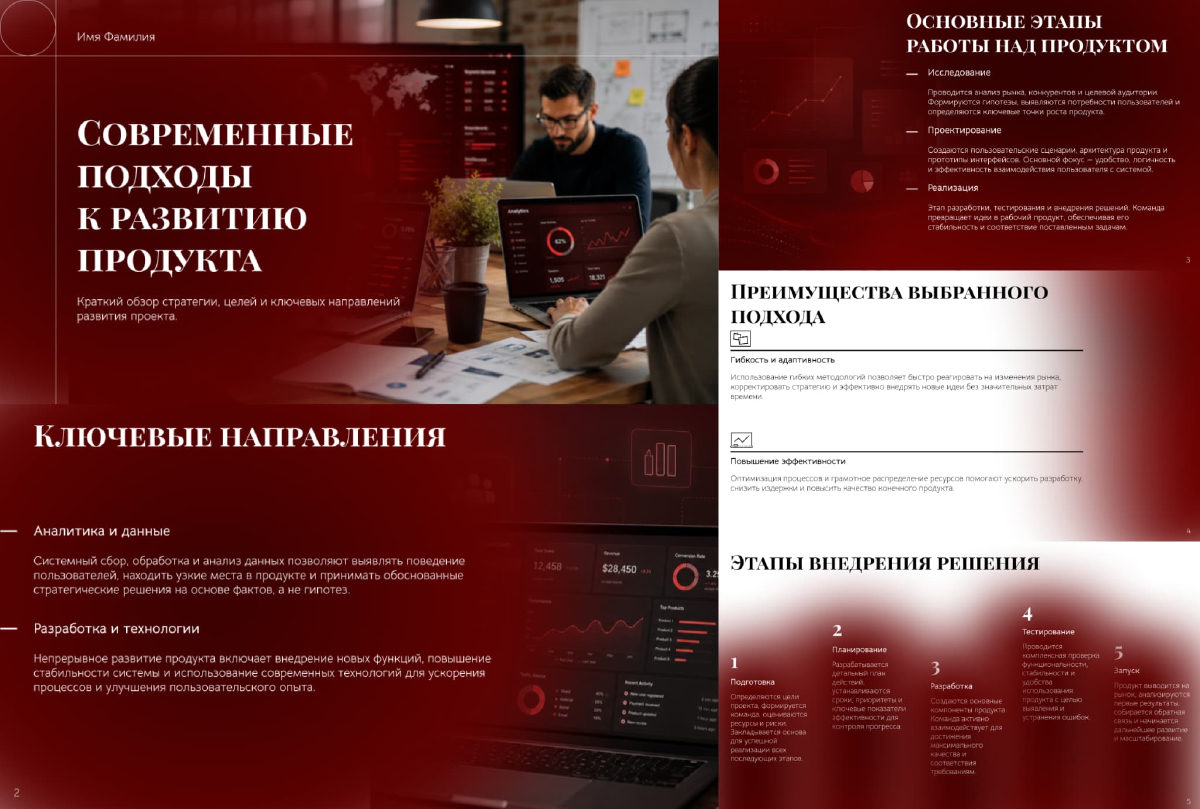
- Generates complete presentation decks with copy, images, and tables in about a minute
- Accepts diverse source formats including PDF, DOCX, and XLSX files up to 50 pages
- Exports to fully editable PPTX files so you can tweak designs in desktop software
- Generates a accompanying spoken presentation script alongside the slides
Cons
- Free preview mode places watermarks across exported slides
- Web editor is limited to basic layout and text tweaks without deep vector control
- Procedural charts and visuals on specialized technical topics require manual fact-checking
























