
 Free trial
Hintsage
Quick facts
- Pricing model
- Free trial
- Minimum price
- Depends on the plan
- Free access
- 1 trial days
- Payment methods
- Visa
- Mastercard
- Bank card
- Service status
- Online, checked
- User rating


Developer and reliability
Information about the developer and the service's terms. This is a factual reference, not a quality assessment or a guarantee of safety.
- Developer
- ИП Улаев Виталий Александрович
- Legal entity
- УЛАЕВ ВИТАЛИЙ АЛЕКСАНДРОВИЧ
- Legal entity's country
- Russia
- Registration details
- ОГРНИП 326554300039945
- Domain registered
- March 11, 2025
- The domain registration date is not the service's launch date.
Editorial assessment
Good specialized serviceLet's be blunt: Hintsage is purpose-built software for gaming remote job interviews, and it does not apologize for it. While most candidates try awkward dual-monitor setups or risk getting disqualified by HackerRank tab-switch listeners, Hintsage treats anti-detection like serious engineering.
Its focus preservation and virtual cursor are genuinely smart implementations that solve actual technical failure points in remote interviews. It is not just another ChatGPT wrapper; it is an intrusive system utility designed to outsmart proctoring scripts.
However, that deep operating-system integration is a double-edged sword. Because the binaries lack expensive enterprise code-signing certificates, your OS and antivirus will treat it like malware upon download. You also have to manually verify your audio routing and test browser behavior beforehand. It is a Good specialized service that delivers exactly what it promises, provided you take the time to configure and test it before your actual interview.
- Functionality Good
- Price and value Good
- Ease of use Average
- Reliability and support Average
- Innovation Good
About the tool
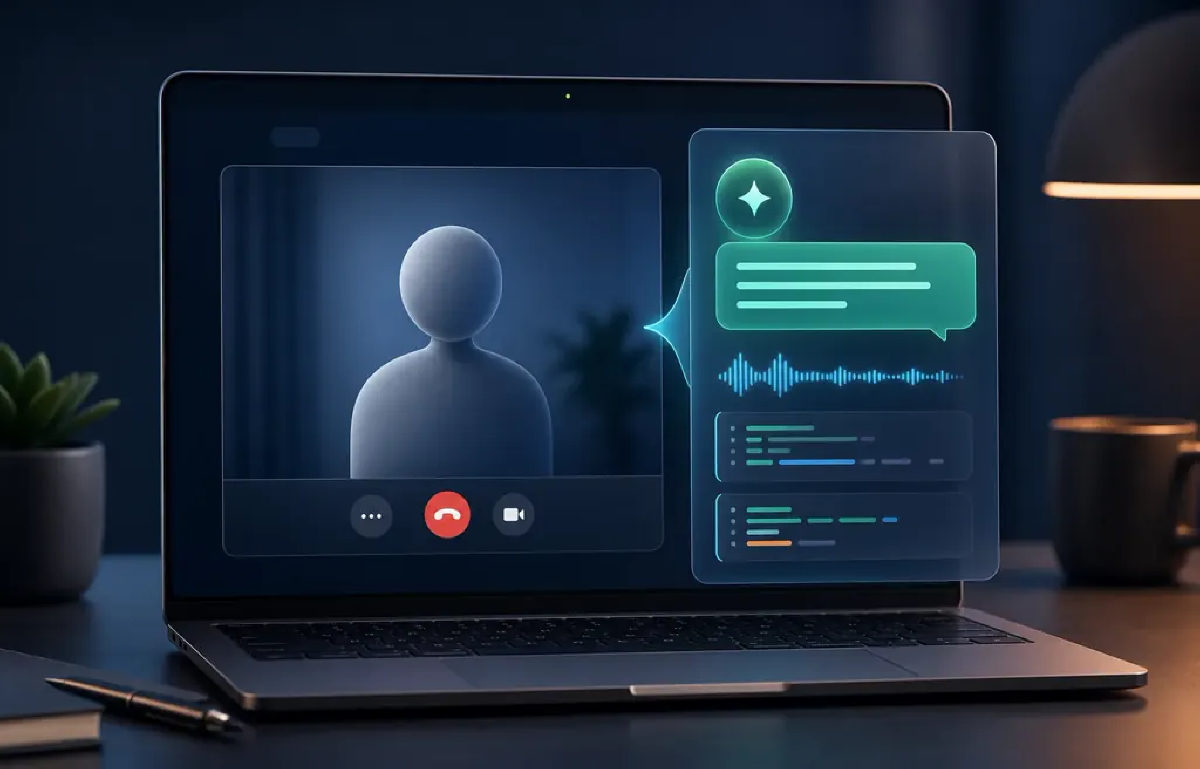
Hintsage is a desktop stealth assistant built to feed you answers during live technical screenings, remote interviews, and live-coding assessments. Instead of fumbling with a second screen or alt-tabbing to a web chat, the software sits as an invisible overlay on your desktop, intercepts conversation audio, and analyzes whatever problem appears on your display in real time.
The tool operates around four synchronized steps:
- Speech recognition and translation: It continuously captures incoming speech from interviewers and your own microphone, turning dialogue into text with support for mixed speech and instant language translation.
- Multimodal screen capture: You can snap code snippets, system architecture diagrams, or problem statements—even using a multi-shot feature for tasks too long to fit onto a single screen.
- Dual-engine AI reasoning: The app connects to flagship models from OpenAI, Claude, Gemini, and Grok. You can split workloads by assigning an ultra-fast model (starting output within 300 ms) for live dialogue and a deep reasoning model for complex code and screenshots, with full control over thinking effort and support for custom API keys.
- Evasion and stealth engineering: The overlay window bypasses capture on screen shares, prevents browser `window.onblur` tab-switch triggers even while typing, blocks hotkeys from leaking to test platforms like LeetCode or HackerRank, and includes a virtual cursor so your real mouse never twitches.
Beyond live calls, Hintsage includes a floating teleprompter near your webcam, a personal RAG knowledge base for internal notes, and free standalone web tools for mock interviews, system design practice, and CV reviews.
How it helps you
Hintsage helps software engineers, QA specialists, data analysts, and non-technical job seekers pass grueling technical screenings under pressure.
- Live coding & algorithms: Instantly extracts problem requirements from your IDE or browser, generates optimal code structures, and evaluates time/space complexity.
- Foreign language screenings: Automatically translates incoming questions and structures fluent responses on the fly.
- Stealth reassurance: Eliminates the physical giveaways of cheating via an invisible teleprompter, decoupled cursor actions, and focus retention.
Pros and cons
Pros
- Comprehensive anti-detection suite: invisible on screen shares, hides from Windows Task Manager, isolates hotkeys, and never steals browser focus
- Smart model splitting: fast voice responses from 300 ms paired with deep reasoning models for code screenshots
- Virtual cursor and hover-clicks allow silent interaction without moving the physical mouse or making clicking sounds
- Support for personal API keys and custom prompt instructions without length restrictions
- Free standalone preparation ecosystem with mock interview practice, system design simulations, and CV analysis
Cons
- Executable lacks extended security code-signing, triggering Windows SmartScreen warnings and frequent antivirus false positives
- Bluetooth audio devices are prone to capture conflicts, requiring wired headsets or standard speakers
- Full screen-share invisibility on macOS is officially guaranteed only in Chromium-based browsers
User reviews
No reviews collected yet
We are collecting user reviews of this tool from public sources. They will appear here soon.










Frequently asked questions
Is Hintsage truly invisible when sharing my screen?
On Windows 10 and 11, the overlay is excluded from window capture across all video conference apps and messengers. On macOS, stealth capture is reliably supported inside Chromium-based browsers (such as Chrome or Edge), but native desktop apps require manual testing beforehand.
How does Hintsage bypass browser anti-cheat and tab-switching trackers?
The application never pulls OS window focus away from your active browser or code editor, meaning web-based coding platforms never register a window blur event. Additionally, global hotkeys are trapped so browser scripts cannot detect Alt, Shift, or Ctrl modifier presses.
What AI models power Hintsage, and can I bring my own API keys?
Hintsage integrates models from OpenAI, Claude, Gemini, and Grok. You can pick distinct models for voice dialogues and image reasoning, configure reasoning depth, or plug in your personal API keys to lift prompt limits.
What technical issues should I prepare for before an interview?
The software often triggers false positives in Windows Defender due to screen-hooking and audio-capturing routines, requiring manual whitelist additions. Bluetooth headsets can also cause capture dropouts, so using wired headphones or speakers is recommended.
How can I pay for Hintsage?
Hintsage payment methods: Visa, Mastercard, and bank card.