
 Trial
Trial
VEED
Quick facts
- Pricing model
- Trial
- Minimum price
- from €22/month
- Free access
- Trial access
- Regional payment options
- Pay directly on the website
- Service status
- Online, checked
- User rating
Developer and reliability
Information about the developer and the service's terms. This is a factual reference, not a quality assessment or a guarantee of safety.
- Legal entity
- Veed Limited
- Legal entity's country
- United Kingdom
- Registration details
- company number 11264311
- Service launch
- August 2018
- Domain registered
- August 3, 2017
- The domain registration date is not the service's launch date.
Video reviews and tutorials
1Compare with alternatives
Choose a pair to compare features, pricing and assessments.
Editorial assessment
With reservationsVEED leaves a conflicted impression. On one hand, it is an enviable assembly line for short-form social content: in half an hour, you can drop in a messy podcast recording, slice it into vertical clips, slap on bouncing captions, clean up the audio hiss, and ship it. Quality-of-life tools like gaze correction (Eye Contact AI) and editing video simply by deleting words in the transcript genuinely save hours of tedious manual cutting.
On the other hand, the browser-first architecture hits a wall the second your timeline stretches past a few minutes. Heavy files make browser tabs devour RAM, playback stutters, and the threat of an out-of-memory crash right before export is all too real. Factor in notorious customer complaints around stubborn auto-renewals and rigid billing support, and the verdict is clear: VEED is undeniably capable, but demands caution with both your project scope and your subscription settings.
- Functionality Good
- Price and value Average
- Ease of use Good
- Reliability and support Below average
- Innovation Good
About the tool
VEED is a browser-first video studio that bundles classic timeline editing with an expansive suite of generative AI tools. Rather than juggling separate software for recording, automatic transcription, voice synthesis, and visual generation, creators can run the entire workflow in a single browser window.
The platform covers four main technical pillars:
- Generative video and avatars: Transforms text prompts and still photos into video using integrated third-party models from Kling, Sora, Google Veo, MiniMax, and Wan, alongside VEED's proprietary Fabric animation engine and customizable AI avatars.
- Audio and speech intelligence: Features one-click background noise reduction, automated voice cloning, text-to-speech across multiple accents, and automated dubbing with precise lip synchronization.
- Smart editing and subtitles: Transcribes spoken audio into animated karaoke-style captions, fixes speaker gaze with Eye Contact AI, and supports text-based video editing where deleting words in the transcript cuts the timeline.
- Recording and production: Includes built-in screen and webcam recorders, a live teleprompter, social ad templates, and developer REST APIs for programmatic lip sync and background removal.
How it helps you
VEED speeds up video production for teams that need high-volume social content without running a heavy desktop editing suite:
- Content creators and social media teams turn raw footage and podcasts into vertical clips for TikTok, Reels, and Shorts with dynamic subtitles in minutes.
- Growth marketers build UGC-style ads, product promos, and localized campaigns using brand kits and pre-built templates.
- Educators and corporate teams generate talking-head training guides, explainer modules, and translated presentations without cameras or recording studios.
Pros and cons
Pros
- Full-featured in-browser suite combining traditional timeline editing, screen recording, and AI tools
- Fast, accurate automatic subtitle generation with customizable animations and emoji highlights
- Practical AI workflow tools like gaze correction (Eye Contact AI) and single-click noise removal
- Access to leading video generation models including Google Veo, Sora, Kling, and Fabric in one hub
- Text-based video editing that trims footage automatically by deleting words from the transcript
Cons
- Browser tab can consume excessive RAM on longer projects, risking preview lag and export crashes
- Persistent customer reports regarding difficult subscription cancellations and refund disputes
- Free plan exports come with a watermark and resolution limits
- Localization and translation can produce inaccuracies with right-to-left scripts or rare dialects
User reviews
Reviews are collected from public sources and translated into the page's language.
Pricing
Creator
Pro
Studio
Бесплатный
Prices are based on the provider's information and may change.
Looking for a free option? Try these alternatives to VEED:

Compare with popular alternatives
Compare key features, prices and capabilities with similar tools
| Feature | Current tool |  |  |  |
|---|---|---|---|---|
| Pricing model | Trial | Paid | Trial | Trial |
| Minimum price | from €22/month | from $18/month | from RUB 200 one-time | from $20/month |
| Free access | Trial access | No | Trial access | Trial access |
| Regional payment options | Direct payment | Direct payment | Direct payment | Direct payment |
| Editorial assessment | With reservations | Good product | Good specialized service | Strong technology platform |
| User rating | ||||
| Current tool |
























Frequently asked questions
Can I use VEED for free, and what are the limitations?
Yes, VEED offers a free tier that includes 50 credits to try out core editing and generative features. However, exports on the free plan include a VEED watermark, have limits on export duration and resolution, and media uploaded on free accounts may be used to train internal models.
What generative video models are available inside VEED?
VEED acts as both a proprietary developer and an aggregator. It connects to leading third-party video models from providers such as Google Veo, Sora, Kling, MiniMax, Wan, and PixVerse, alongside its proprietary Fabric engine for animating static images with synchronized speech and natural head movements.
How does text-based video editing work?
When you upload spoken footage, VEED automatically generates a transcript. You can edit your video by reading through the text: selecting and deleting filler words, awkward pauses, or whole sentences automatically cuts those precise moments out of the video timeline, removing the need for manual blade slicing.
Is VEED reliable for long-form video editing?
VEED operates entirely in the browser via WebAssembly and cloud rendering. While excellent for clips under 5 to 10 minutes, extended multi-track projects or heavy 4K footage place severe demands on your browser tab's memory, which can lead to laggy previews and unexpected session crashes during export.
Similar tools

 Magiclight AI ▲ 2 ▼ 0
Magiclight AI operates as an all-in-one generative studio designed to build multi-scene narrative videos up to 50 minutes long.
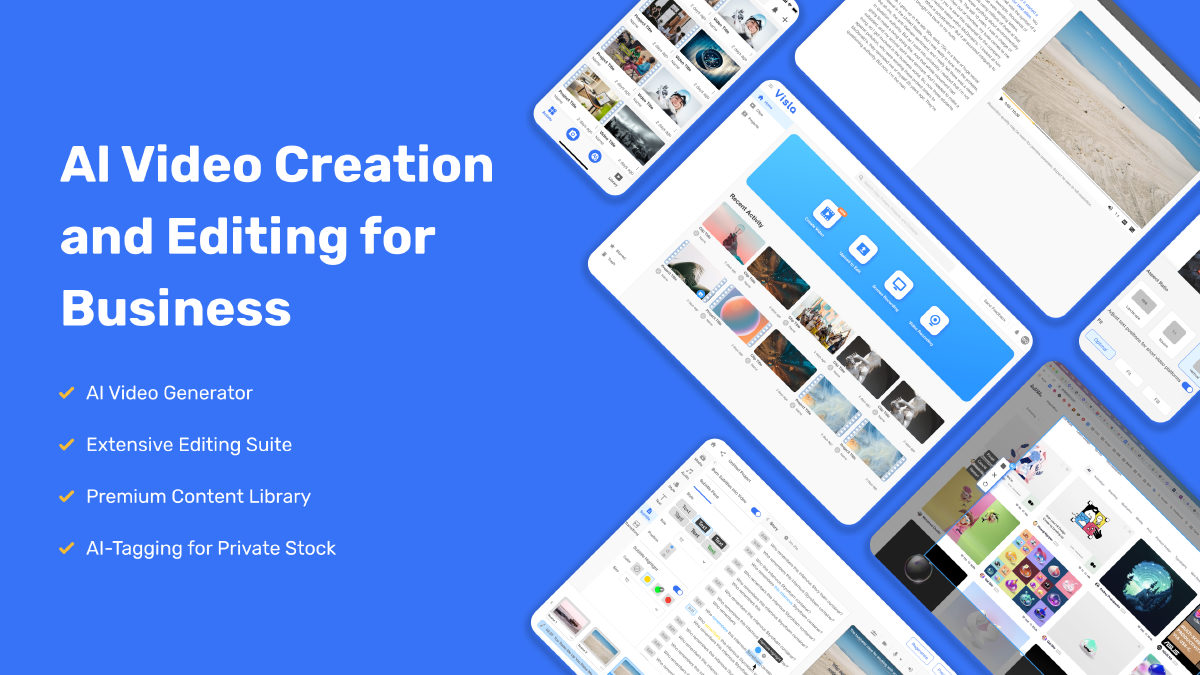
 Visla ▲ 1 ▼ 0
Most video tools want to dazzle you with cinematic five-second clips of neon landscapes.
 TensorPix ▲ 1 ▼ 0
Anyone who has ever tried upscaling grainy footage or old home videos knows the headache: you either need a monster desktop PC with a four-figure GPU, or you spend twelve hours listening to your laptop fans scream in agony.
 FilmSpark ▲ 1 ▼ 0
Forget the endless prompt roulette where you burn credits across separate tabs hoping an actor doesn't mutate between cuts.
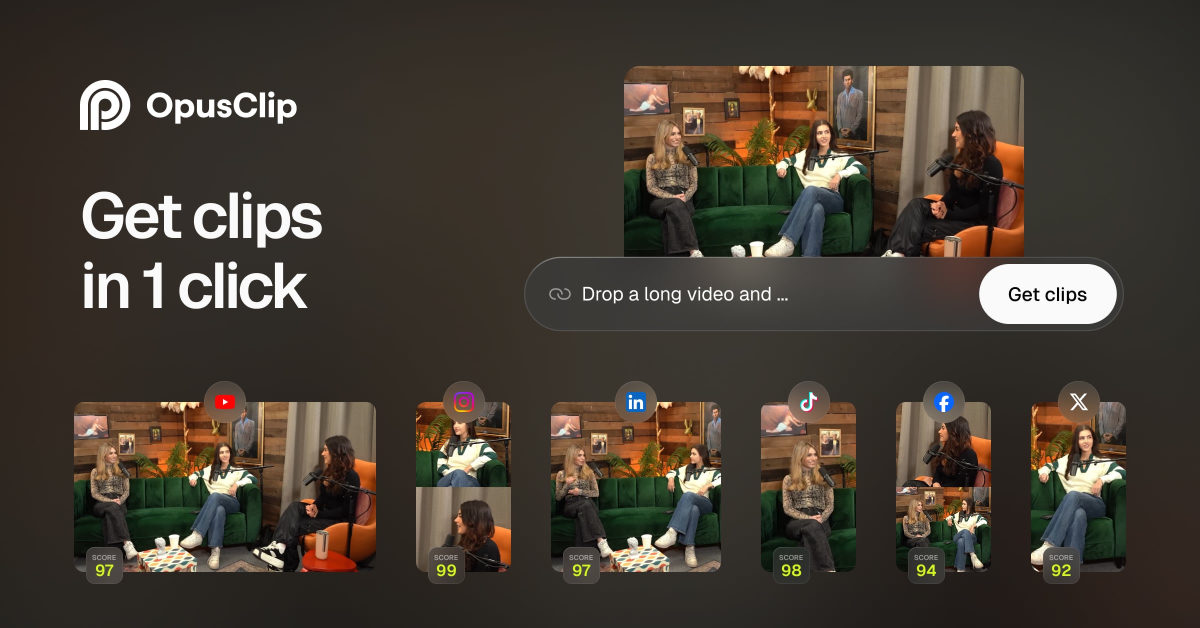
 OpusClip ▲ 2 ▼ 0
OpusClip is an AI-powered video repurposing platform designed to take long-form recordings and chop them into vertical clips for platforms like YouTube Shorts, TikTok, and Instagram Reels.
 Reels Boss ▲ 1 ▼ 0
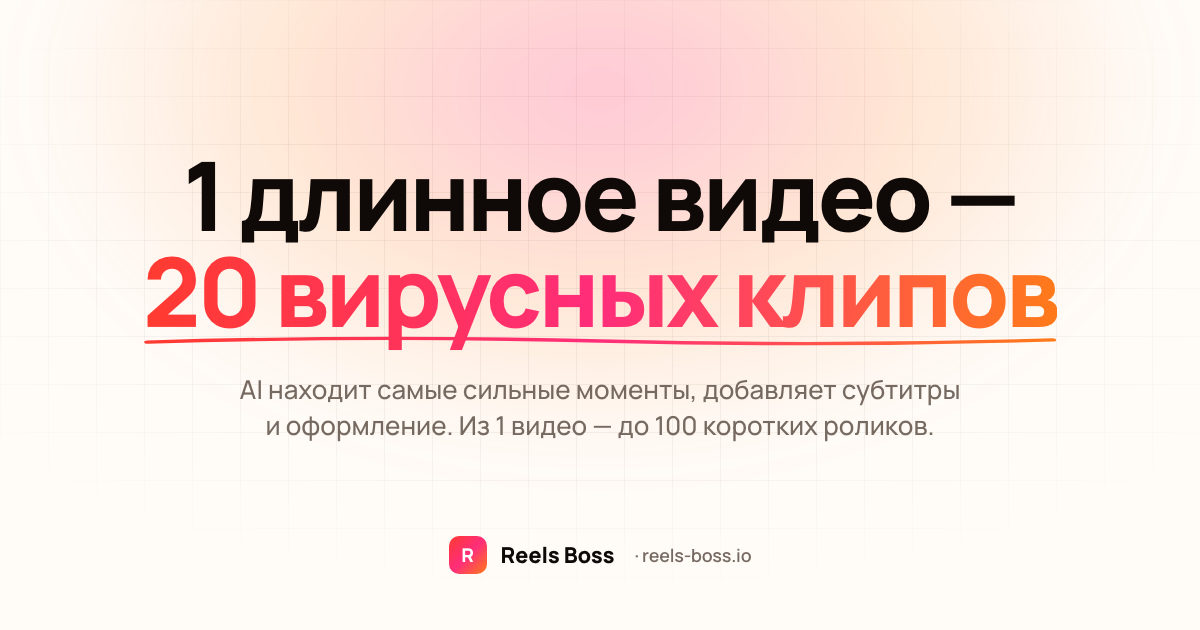
Reels Boss is a cloud-based AI media processing engine built to take raw, long-form footage and convert it into high-volume short-form content.