
 Paid
Paid
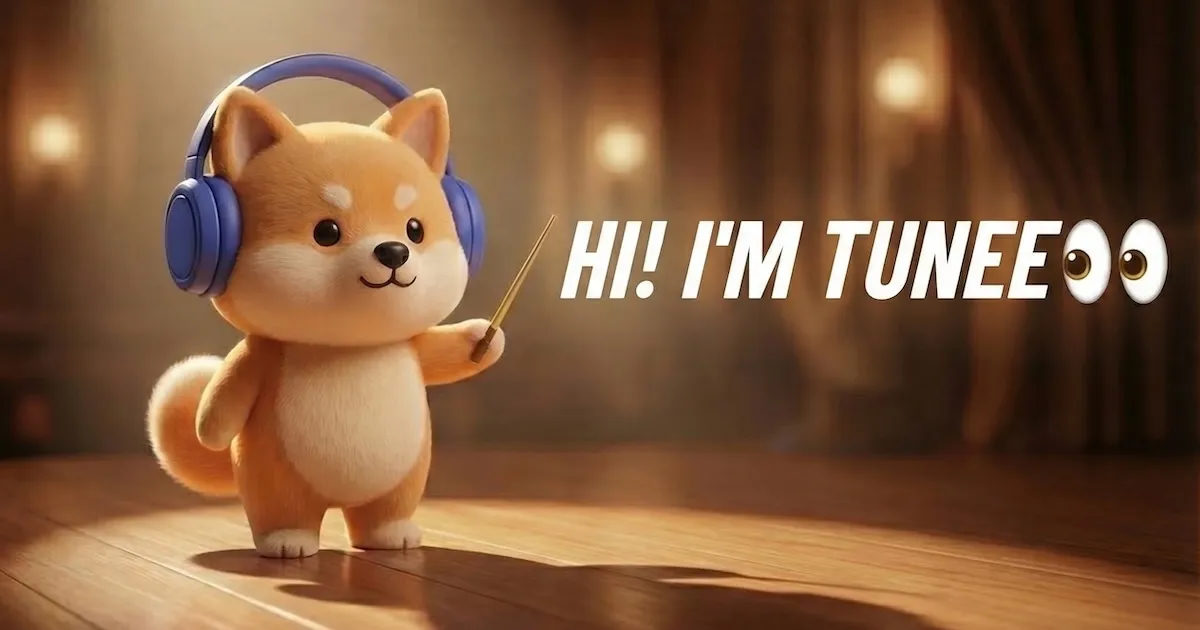
Tunee
Quick facts
- Pricing model
- Paid
- Minimum price
- from $18/month
- Free access
- No
- Regional payment options
- Pay directly on the website
- Service status
- Online, checked
- User rating
Developer and reliability
Information about the developer and the service's terms. This is a factual reference, not a quality assessment or a guarantee of safety.
- Developer
- QUSTAR TECHNOLOGY PTE. LTD.
- Legal entity
- Qustar Technology PTE. LTD.
- Legal entity's country
- Singapore
- Registration details
- UEN: 202413676M
- Domain registered
- June 13, 2025
- The domain registration date is not the service's launch date.
Compare with alternatives
Choose a pair to compare features, pricing and assessments.
Editorial assessment
Good productInstead of the typical circus where you generate a beat in one tool, extract stems in a separate DAW, and jump to a third website to animate a singing face, Tunee packages the whole pipeline into a unified conversational conveyor belt. The core concept is dead practical: you do not need to be an audio engineer or prompt wizard. You simply explain your idea in plain conversation and get back a finished song paired with a synchronized video.
We rated the service as a Good product. The multi-model engine under the hood—combining cinematic video systems like Kling and Seedance with audio architectures like TemPolor and MiniMax—handles the creative heavy lifting smoothly. Automated mastering and 6-stem splitting take care of essential producer grunt work. It misses out on top-tier status due to technical fragmentation: video must still be built in bite-sized chunks, the free tier carries restrictive licensing terms, and rendering high-resolution visuals can test your patience. Nonetheless, as a Swiss Army knife for modern content creators, it delivers a capable setup.
- Functionality Good
- Price and value Average
- Ease of use Good
- Reliability and support Average
- Innovation Good
About the tool
Tunee is an all-in-one creative AI studio that flips traditional audio and video production on its head. Instead of fiddling with impenetrable prompt syntaxes or wrestling with complex Digital Audio Workstations (DAWs), you interact with a conversational music agent. You type out your vibe, drop a rough voice memo, paste your lyrics, or upload a video snippet, and the agent orchestrates the entire workflow from scratch.
Under the hood, the platform acts as an engine aggregator, automatically routing tasks across specialized neural networks for music, imagery, and video synthesis:
- Conversational Music Agent: Build complete songs iteratively. Chat with the agent to alter the tempo, rewrite a chorus, swap instruments, or adjust the mood without restarting from scratch.
- MV Studio & Video Engines: Turn your tracks into cinematic visuals. Powered by video models like Seedance and Kling, the studio produces scenes with controlled camera angles and synchronized native audio.
- Stem Splitting: Break down any generated or uploaded track into 2, 4, or 6 clean audio stems, isolating drums, bass, vocals, and lead instruments for sampling and remixing.
- Automated Mastering: Optimize loudness, frequency balance, and dynamic range for streaming platforms with a dedicated mastering pipeline.
- AI Singer & Lip Sync: Animate 2D illustrations, portraits, or 3D renders with syllable-accurate lip-syncing for up to 60-second clips, or clone custom vocal timbres for consistent artist personas.
- Tunee Skills & API: Export agent commands and integrate music-generation pipelines directly into developer environments and workflows via ClawHub and GitHub.
How it helps you
Tunee solves the fragmented production puzzle for creators who need custom music and synchronized video without a studio budget.
- Social video creators: Produce viral background tracks and singing avatar videos for TikTok, Reels, and Shorts in minutes.
- Indie musicians and beatmakers: Flesh out song ideas, isolate stems for sampling, and test arrangements across multiple model architectures.
- Game developers and agencies: Generate adaptive soundtracks and branded video assets with clear commercial licensing terms on paid subscriptions.
Pros and cons
Pros
- Conversational agent workflow replaces complex prompt engineering
- Unified multi-model engine combining audio, image, and video generation
- Deep stem separation into up to 6 independent audio layers
- Built-in mastering tailored to streaming loudness standards
- Full commercial ownership and downloadable copyright certificates on paid plans
Cons
- Free tier retains copyright on Tunee's side and limits use to non-commercial projects with mandatory attribution
- Video generation is produced in short individual scenes rather than long-form continuous clips
- Heavy 4K video rendering can experience noticeable queue processing delays
Category partner

 Mureka ▲ 3 ▼ 0
Mureka is a multimodal AI music and audio production platform that turns text prompts, custom lyrics, and voice recordings into full-fledged songs, instrumental soundscapes, and synthesized speech.
User reviews
Reviews are collected from public sources and translated into the page's language.
Pricing
Prices are based on the provider's information and may change.
Looking for a free option? Try these alternatives to Tunee:

Compare with popular alternatives
Compare key features, prices and capabilities with similar tools
| Feature | Current tool |  | |  |
|---|---|---|---|---|
| Pricing model | Paid | Paid | Trial | Trial |
| Minimum price | from $18/month | from RUB 490/month | from $30/month | from RUB 200 one-time |
| Free access | No | No | Yes | Trial access |
| Regional payment options | Direct payment | Direct payment | Direct payment | Direct payment |
| Editorial assessment | Good product | Good specialized service | Good specialized service | Good specialized service |
| User rating | ||||
| Current tool |
























Frequently asked questions
Can I monetize music and videos created on Tunee commercially?
Yes, but only if generated under an active paid subscription (Basic, Plus, Pro, or Ultra). Paid users receive perpetual commercial rights and can download an official Copyright Certificate. Free-tier creations remain the copyright of Tunee, restricted to non-commercial personal use with mandatory attribution ('Created by Tunee AI').
How does stem separation work inside Tunee?
Tunee allows you to split any generated song or uploaded audio track into 2, 4, or 6 isolated stems. This separates individual layers—such as vocals, drums, bass, and melodic instruments—making it easy to remix, sample, or tweak specific elements in external editing software.
What duration limits apply to video and lip sync generation?
Native video scenes generated with models like Seedance run up to 30 seconds per pass. The AI Lip Sync feature, which animates static portraits or illustrations to match an audio vocal track, supports clips up to 60 seconds.
Will a Tunee Copyright Certificate prevent automated copyright strikes on YouTube or Spotify?
Not automatically. Platforms rely on automated content-matching systems like Content ID and Audible Magic, which flag acoustic similarities regardless of platform paperwork. While a Tunee certificate proves legal ownership, you may still need to submit it during a platform dispute if automated filters flag your track.
Similar tools
 MiniMax ▲ 2 ▼ 0
MiniMax is a full-stack multimodal artificial intelligence ecosystem built on proprietary foundation models.
 SongHit ▲ 4 ▼ 0
SongHit is an all-in-one AI music aggregator that packages several powerhouse audio engines into a single, clean browser interface.

 Suno ▲ 2 ▼ 0
Suno is a generative music platform and browser-based audio workstation designed to turn plain ideas into complete, studio-grade songs.
 Google Flow Music ▲ 2 ▼ 0
Google Flow Music is a cloud-based studio that turns text prompts, audio uploads, and iterative chat into full songs, isolated audio stems, and synced video clips.
 Musicaura ▲ 2 ▼ 0
Musicaura is an all-in-one browser-based audio production suite built to generate music, draft lyrics, and process audio stems without touching a digital audio workstation.