 SpriteBrew VS
  Tesana
In short
- Only SpriteBrew offers a free trial.
Categories AI image tools, Game development Game development
Pricing and payment
Pricing model Trial Paid
Starting price Depends on the plan from $25/month
Free access Trial access No
Pricing plans - Free — Trial access
- Starter — $4.99 / 500 tokens
- Creator — $14.99 / 1,650 tokens
- Studio — $29.99 / 3,600 tokens
- Pro Pack — $79.99 / 9,750 tokens
- Pro plan — $25/month
- Max plan — $50/month
- Ultra plan — $200/month
Regional payment options Pay directly on the website Pay directly on the website
Ratings and reviews
Editorial assessment Good specialized service Good specialized service
Functionality Good Good
Price and value Good Average
Ease of use Good Good
Reliability and support Average Average
Innovation Good Good
User rating +2 +2
Data freshness
Service status Online, checked Online, checked
Last full review of the listing
Checked
Values come from catalog data: collected pricing, editorial assessments, reviews and the verification history. How we assess tools
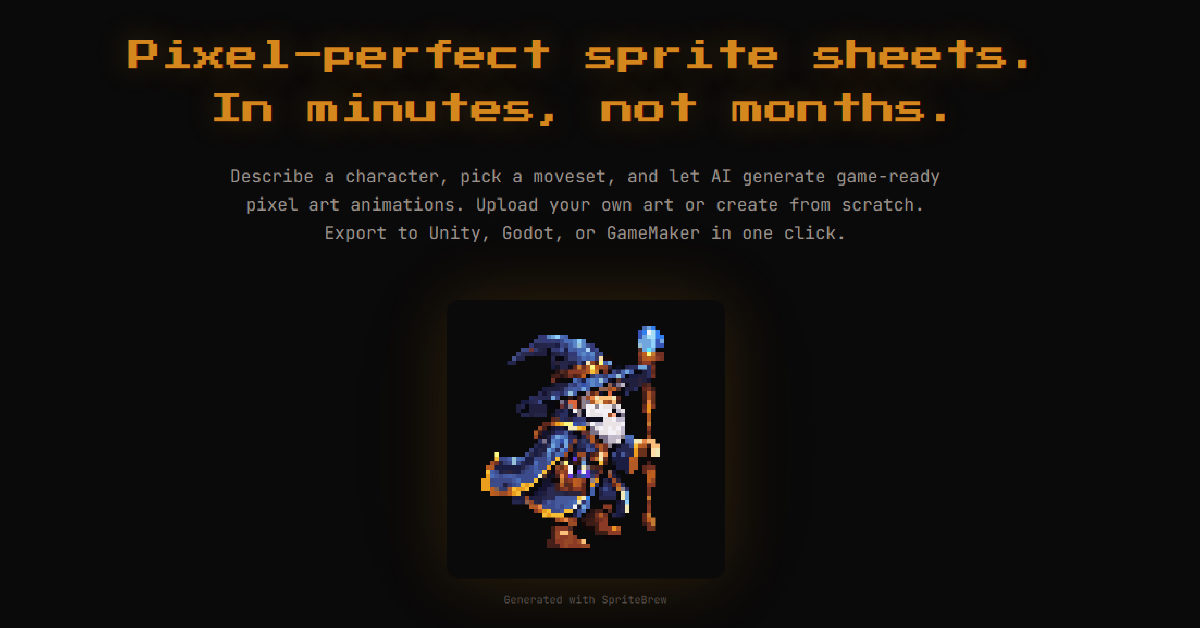 SpriteBrew
 Good specialized service +2 Pros
- Direct export presets for Godot (.tres), Unity (TexturePacker), GameMaker, and RPG Maker
- Smart contour detection that automatically crops sprites without relying on a fixed grid
- Built-in 16x pixel editor for fast cleanup and an interactive WASD test playground
- Manual utility tools (slicer, background remover, editor) are free and work without registration
Cons
- Diffusion animations can experience pixel jitter or inconsistent small details across frames, requiring manual touch-ups
- Generative AI features require an active internet connection to communicate with the backend pipeline
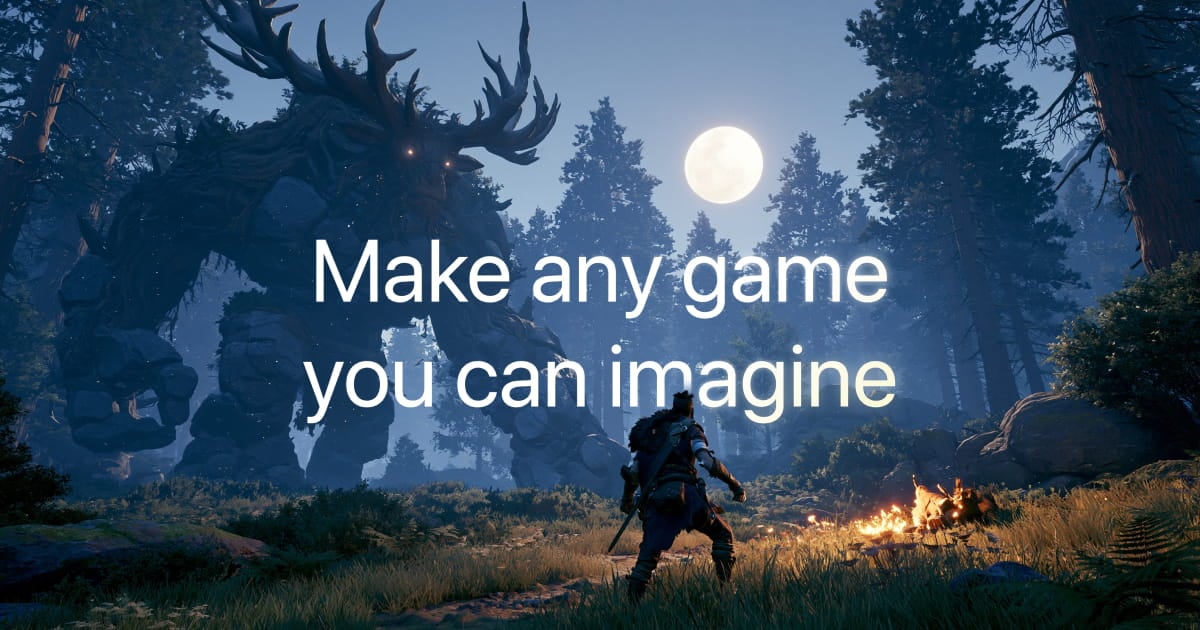 Tesana
 Good specialized service +2 Pros
- Generates functional, compiled 2D and 3D games rather than non-interactive video simulations
- Built-in web code editor allows manual script modification directly alongside AI generation
- Instant cloud hosting with native multiplayer lobby support without backend configuration
- Source code download and standalone desktop exports for macOS and Windows on paid tiers
Cons
- Overly convoluted or complex prompts can cause build crashes, burning credits to diagnose and fix
- Architecturally limited to lightweight browser-scale indie games and small multiplayer sessions
- Custom asset uploads and disabling public project remixes are restricted to higher-tier plans
























