
 Paid
Paid
eSkilled AI Course Creator
Quick facts
- Pricing model
- Paid
- Minimum price
- from $59/month
- Free access
- No
- Regional payment options
- Pay directly on the website
- Service status
- Online, checked
- User rating
- —
Developer and reliability
Information about the developer and the service's terms. This is a factual reference, not a quality assessment or a guarantee of safety.
- Legal entity's country
- Australia
- Registration details
- ACN: 635 775 656
Compare with alternatives
Choose a pair to compare features, pricing and assessments.
Editorial assessment
Good specialized serviceWe rated the platform as a Good specialized service because it addresses the real, practical bottlenecks of instructional design instead of simply outputting generic text.
Key takeaways from our evaluation:
- Focus on applied industry standards: Instead of leaving you with an unformatted script, the system produces structured courses with interactive widgets and standard SCORM modules ready for enterprise LMS integration.
- Practical document conversion: The choice between Strict and Creative conversion modes genuinely simplifies digitizing complex technical SOPs, compliance rules, and slide decks.
- Targeted commercial positioning: Starting at $59 per month with support operating on Australian time, the software is firmly built for corporate training departments, accredited vocational providers, and institutions rather than casual content creators.
- Functionality Good
- Price and value Average
- Ease of use Good
- Reliability and support Average
- Innovation Average
About the tool
Building a full online curriculum from scratch usually means juggling instructional designers, slide decks, voice talent, and quiz builders for weeks. eSkilled AI Course Creator approaches this problem as an integrated authoring studio rather than just another text generator. Built by an Australian EdTech company, it turns rough source materials or text prompts into fully packaged, interactive e-learning modules based on proven adult learning frameworks like *Tell-Show-Do*.
The core engine structures the curriculum before generating the actual content, sequencing concepts logically from foundational knowledge to practical application. Key capabilities include:
- Dual-mode document parsing: Turn static PDFs, Word documents, and slide presentations into digital modules. Strict Mode retains precise layouts, tables, and formatting for formal SOPs and compliance manuals, while Creative Mode restructures the text into lessons with scenario-based exercises.
- Interactive learning components: Automatically populates courses with flashcards, flip cards, labeled image hotspots, drag-and-drop tasks, and branching case studies.
- Built-in multimedia: Generates contextual visuals, selects topical video embeds, and synthesizes multi-voice narration via text-to-speech for ESL learners and accessibility.
- Assessment engineering: Builds auto-generated quizzes across multiple formats—multiple choice, matching, fill-in-the-blank, and true/false—with configurable gates requiring passing scores before progression.
- Flexible LMS publishing: Exports courses in standard SCORM 1.2 and SCORM 2004 formats for direct import into systems like Canvas, Moodle, Blackboard, or TalentLMS, alongside LTI protocol support and iframe embedding.
Course adjustments happen right in the cloud visual editor, where the built-in assistant eBot (operating on OpenAI models isolated for intellectual property privacy) lets you rewrite sections, generate extra examples, or rebalance lesson difficulty.
How it helps you
Helps instructional designers, corporate L&D teams, and HR managers transform dense training manuals, slide decks, and SOPs into ready-to-deliver, interactive SCORM courses without manual design assembly.
Pros and cons
Pros
- Exports standards-compliant SCORM 1.2 and SCORM 2004 packages ready for mainstream LMS deployment
- Dual conversion modes (Strict and Creative) handle both exact compliance layouts and modern interactive overhauls
- Pedagogical scaffolding structures learning outcomes and complexity before drafting lesson content
- Rich interactive toolset including flip cards, image hotspots, case studies, and gated quizzes
- Localization engine supports over 80–90 languages with contextual adjustments for regional terminology and units
- Enterprise data protection ensures uploaded training manuals and company IP are not used to train public models
Cons
- Entry-level pricing starts at $59 per month, which represents a noticeable investment for solo tutors
- Customer support and live consultations run on Australian business hours (AEST), occasionally slowing down real-time assistance for other time zones
- Visual customization relies primarily on pre-set theme templates with limited granular layout controls
User reviews
No reviews collected yet
We are collecting user reviews of this tool from public sources. They will appear here soon.
Pricing
Starter
Maximize
Pro
Enterprise
Prices are based on the provider's information and may change.
Compare with popular alternatives
Compare key features, prices and capabilities with similar tools
| Feature | Current tool |  |  |  |
|---|---|---|---|---|
| Pricing model | Paid | Paid | Paid | Trial |
| Minimum price | from $59/month | from RUB 399/month | from RUB 469/month | from $19.99/month |
| Free access | No | No | No | Trial access |
| Regional payment options | Direct payment | Direct payment | Direct payment | Direct payment |
| Editorial assessment | Good specialized service | Good specialized service | Good specialized service | Good specialized service |
| User rating | — | |||
| Current tool |
























Frequently asked questions
Can I export courses to external Learning Management Systems?
Yes. The platform generates SCORM 1.2 and SCORM 2004 packages compatible with standard LMS platforms such as Canvas, Moodle, Blackboard, and TalentLMS. You can also deploy courses via LTI protocols, share direct links, or embed them using iframe code.
How does the document-to-course conversion work?
You can upload PDFs, PowerPoint presentations, or Word documents. Choosing Strict Mode retains the exact layout, tables, and hierarchy of the original document, which is ideal for compliance manuals. Creative Mode analyzes the source text to generate fresh lesson structures, case studies, and interactive quizzes.
Can I edit the course content after the AI generates it?
Yes, everything generated is fully customizable. You can rewrite copy, swap out AI-generated images, alter quiz questions, adjust voice narration, and reorder lesson topics directly within the visual cloud editor and with the eBot assistant.
Is proprietary corporate data used to train public AI models?
No. eSkilled employs enterprise-grade privacy controls using OpenAI models configured so that customer data, uploaded proprietary manuals, and generated curricula remain confidential and are not fed into public AI training datasets.
Similar tools
 Кэмп (ex. Кампус) ▲ 2 ▼ 0
Anyone who has spent college nights wrestling with formatting margins and compiling bibliographies knows that academic routine can drain more energy than the actual studying.
 Сократик ▲ 2 ▼ 0
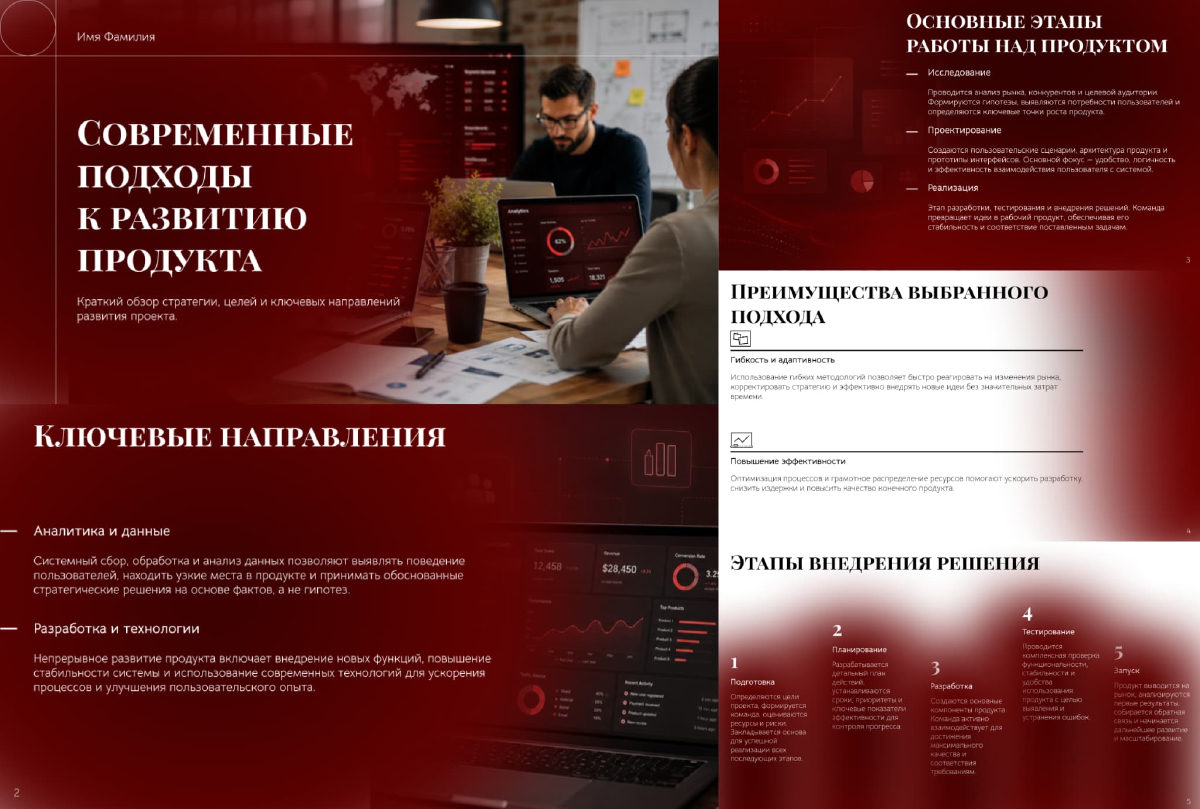
Сократик is a cloud-based AI service designed to eliminate the tedious grind of manual slide making.
 Speak English with Loora AI ▲ 1 ▼ 0
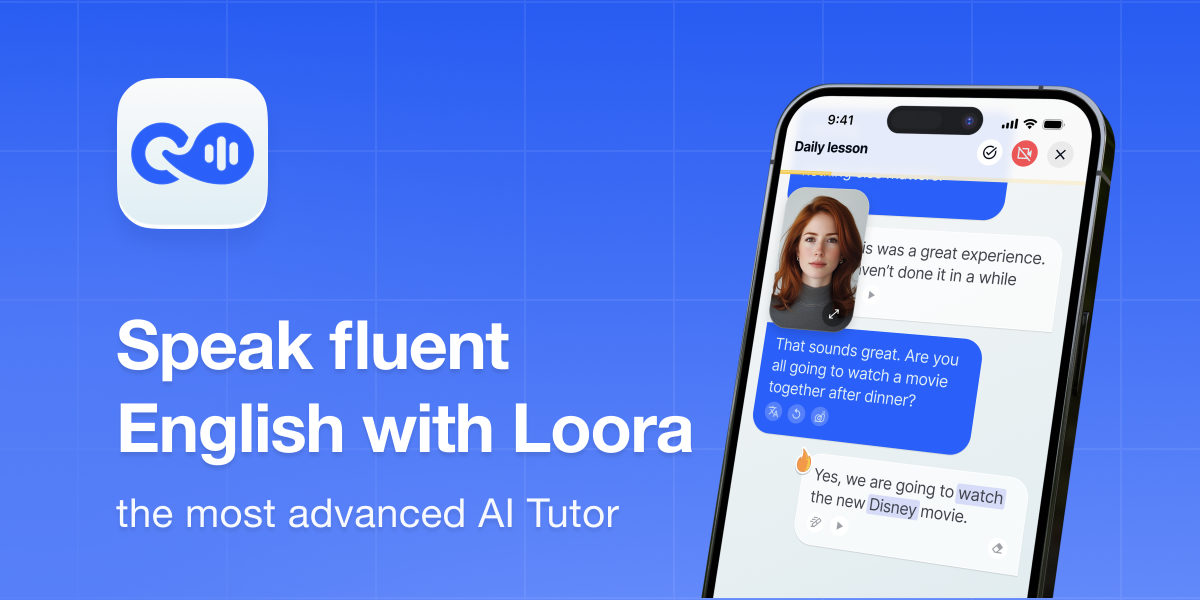
Loora is a voice-first mobile AI English tutor built to bypass the awkwardness of traditional language learning and get users speaking out loud immediately.