 eSkilled AI Course Creator VS
  Сократик
Categories Education, HR and recruitment Education, Presentations
Pricing and payment
Pricing model Paid Paid
Starting price from $59/month from RUB 469/month
Free access No No
Pricing plans - Starter — $59/month
- Maximize — $99/month
- Pro — $199/month
- Enterprise — Price not specified
Regional payment options Pay directly on the website Pay directly on the website
Ratings and reviews
Editorial assessment Good specialized service Good specialized service
Functionality Good Good
Price and value Average Good
Ease of use Good Good
Reliability and support Average Average
Innovation Average Average
User rating 0 +2
Data freshness
Service status Online, checked Online, checked
Last full review of the listing
Checked
Values come from catalog data: collected pricing, editorial assessments, reviews and the verification history. How we assess tools
 eSkilled AI Course Creator
 Good specialized service 0 Pros
- Exports standards-compliant SCORM 1.2 and SCORM 2004 packages ready for mainstream LMS deployment
- Dual conversion modes (Strict and Creative) handle both exact compliance layouts and modern interactive overhauls
- Pedagogical scaffolding structures learning outcomes and complexity before drafting lesson content
- Rich interactive toolset including flip cards, image hotspots, case studies, and gated quizzes
Cons
- Entry-level pricing starts at $59 per month, which represents a noticeable investment for solo tutors
- Customer support and live consultations run on Australian business hours (AEST), occasionally slowing down real-time assistance for other time zones
- Visual customization relies primarily on pre-set theme templates with limited granular layout controls
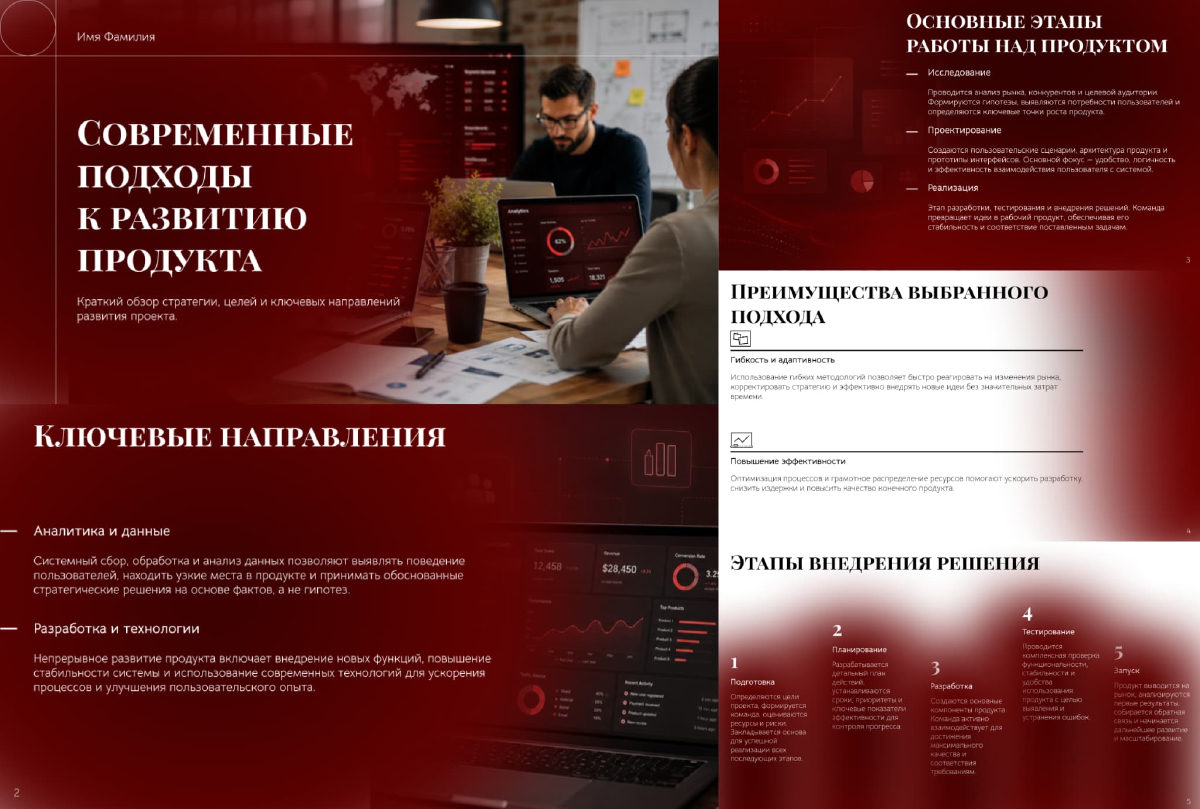 Сократик
 Good specialized service +2 Pros
- Generates complete presentation decks with copy, images, and tables in about a minute
- Accepts diverse source formats including PDF, DOCX, and XLSX files up to 50 pages
- Exports to fully editable PPTX files so you can tweak designs in desktop software
- Generates a accompanying spoken presentation script alongside the slides
Cons
- Free preview mode places watermarks across exported slides
- Web editor is limited to basic layout and text tweaks without deep vector control
- Procedural charts and visuals on specialized technical topics require manual fact-checking
























