
 Freemium
Happycapy
Quick facts
- Pricing model
- Freemium
- Minimum price
- Free
- Free access
- Yes
- Platforms
- Web
- iOS
- Windows
- macOS
- API
- MCP server
- Command line
- Payment methods
- Visa
- Mastercard
- American Express
- JCB
- Discover
- Diners Club
- UnionPay
- Apple Pay
- Google Pay
- Interface languages
- English
- Service status
- Online, checked


Developer and reliability
Information about the developer and the service's terms. This is a factual reference, not a quality assessment or a guarantee of safety.
- Developer
- Happycapy
- Legal entity
- TRICKLE PTE. LTD.
- Legal entity's country
- Singapore
- Registration details
- UEN 202542386D
- Service launch
- February 11, 2026
- Domain registered
- January 19, 2026
- The domain registration date is not the service's launch date.
Compare with alternatives
Choose a pair to compare features, pricing and payment methods.
About the tool
Happycapy takes autonomous AI agents out of command-line terminals and drops them into a visual cloud desktop inside your browser. Instead of writing CLI commands, configuring local virtual environments, or supplying your own API keys, you interact with agents through an intuitive graphical workspace backed by isolated cloud sandboxes.
You simply describe what you want to achieve, and agents autonomously write code, execute scripts, browse the web, and generate assets to hand you finished deliverables.
- Autonomous development: One-shot generation of responsive websites, WebGL and Three.js 3D environments, interactive web games, and dashboards.
- Deep research and data processing: Web scraping, synthesis across documents and data sheets, and automated report building.
- 24/7 background automations: Containerized tasks that run continuously in the cloud even after you close your laptop or shut down your machine.
- Unified multi-model access: Switch seamlessly between model families from Anthropic Claude, OpenAI, DeepSeek, Grok, and other providers under a single subscription.
- Workflow integrations: Connects directly with tools like Figma, Notion, and Discord, paired with a Capymail inbox for email-triggered workflows.
Happycapy Reviews
Reviews are collected from public sources and translated into the page's language.
Happycapy Pricing & Plans
Free
Pro
Plus
Max
Team
Prices are based on the provider's information and may change.
Looking for a free option? Try these alternatives to Happycapy:
Happycapy Feature Comparison
Compare key features, prices and capabilities with similar tools
| Feature |  Current tool |  |  |  |
|---|---|---|---|---|
| Pricing model | Freemium | Freemium | Freemium | Freemium |
| Minimum price | from $20/month | from $20/month | from $20/month | from $19.99/month |
| Free access | Yes | Yes | Yes | Yes |
| User rating | ||||
| Current tool |
Frequently Asked Questions about Happycapy
Do I need my own API keys or local software to use Happycapy?
No. Happycapy runs entirely within your web browser using cloud sandbox infrastructure. You do not need to install terminal tools, manage dependencies, or bring external API keys from AI providers; model access is included with the platform.
How does the free plan work?
The free plan grants 250 credits per month, access to Claude models, basic sandbox environments, and custom skill creation. Advanced frontier models, increased sandbox specs (CPU, RAM, storage), and automated recurring workflows require upgrading to a paid tier.
Can Happycapy run tasks when my device is powered down?
Yes. Agents operate in isolated virtual containers on Happycapy's cloud infrastructure, meaning long-running builds, scheduled automations, and background research continue running 24/7 regardless of whether your local machine is on or offline.
Which payment methods are accepted for subscriptions?
Supported payment methods include Visa, Mastercard, American Express, JCB, Discover, Diners Club, UnionPay, Apple Pay, and Google Pay.
How can I pay for Happycapy?
Happycapy payment methods: Visa, Mastercard, American Express, JCB, Discover, Diners Club, UnionPay, Apple Pay, and Google Pay.
What languages is the Happycapy interface available in?
The Happycapy interface is available in: English.
What platforms is Happycapy available on?
Happycapy is available on: Web, iOS, Windows, macOS, API, MCP server, and Command line.
Similar tools
 Replit ▲ 2 ▼ 0
Builds and deploys full-stack web applications, backends, and databases directly from natural language prompts within a unified cloud workspace. An autonomous agent generates multi-file code, installs dependencies, and runs automated browser tests to detect and fix errors.
 Ollama ▲ 2 ▼ 0
Runs and orchestrates open-weight AI models locally or in the cloud without requiring manual CUDA setups or library wrangling. Built for developers, it enables private on-device execution alongside drop-in compatibility with standard API protocols.
 Google Antigravity ▲ 2 ▼ 0
Delegates software engineering tasks to autonomous AI agents that can plan complex steps, modify files, and execute terminal commands. Its browser-in-the-loop automation allows agents to autonomously run local development servers, test web interfaces, and inspect console errors.

 Novita AI ▲ 2 ▼ 0
Provides serverless model APIs, on-demand GPU infrastructure, and isolated code execution sandboxes for software engineers and ML teams. It enables developers to access hundreds of AI models and run autonomous agent workflows without configuring virtual machines.

 MultiAI ▲ 2 ▼ 0
Serves as an API gateway and workspace that lets users access AI models from providers such as OpenAI, Anthropic, Kimi, and Qwen through a single account. It features protocol-compatible endpoints for developers, cross-platform and terminal clients, and a dedicated image editing studio.
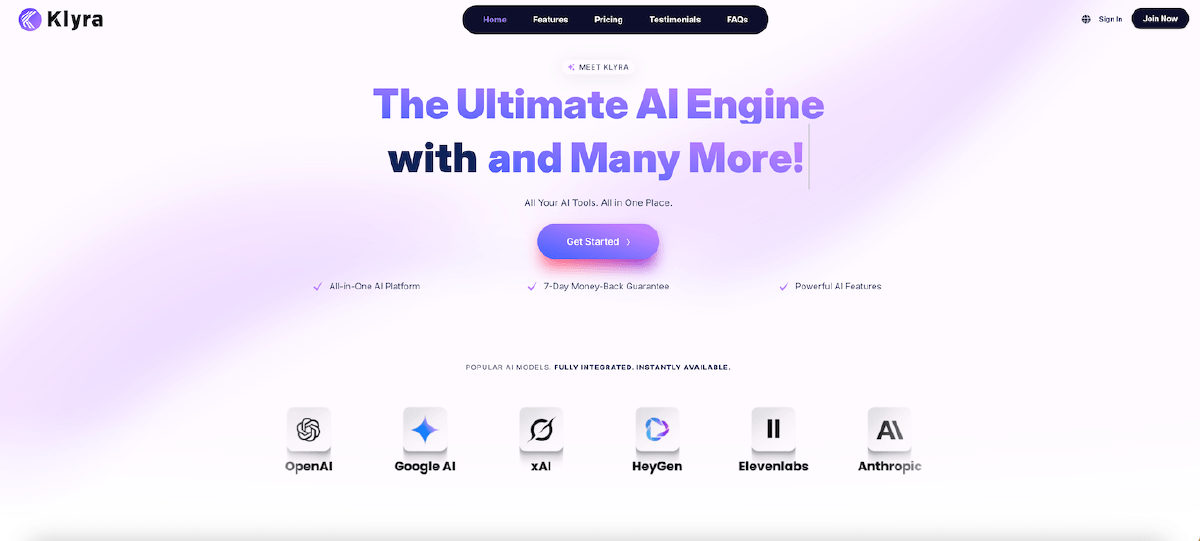
 Klyra AI ▲ 1 ▼ 0
Combines third-party AI engines into a unified workspace to generate text, video, audio, images, and presentations. It features smart model routing to match workflows with suitable engines and supports direct publishing to WordPress and social media.







