
 Trial
Trial
Meshy
Quick facts
- Pricing model
- Trial
- Minimum price
- Free
- Free access
- Yes
- Regional payment options
- Pay directly on the website
- Service status
- Online, checked
- User rating
Developer and reliability
Information about the developer and the service's terms. This is a factual reference, not a quality assessment or a guarantee of safety.
- Developer
- Meshy LLC
- Legal entity
- Meshy LLC
- Legal entity's country
- United States
- Registration details
- 202250011466
- Domain registered
- February 27, 2023
- The domain registration date is not the service's launch date.
Video reviews and tutorials
3Compare with alternatives
Choose a pair to compare features, pricing and assessments.
Editorial assessment
Good specialized serviceWhen you watch a flat concept turn into a textured, auto-rigged 3D model in forty seconds, it feels like the traditional 3D modeling gig is over. Look under the hood, though, and reality quickly catches up.
Meshy excels as a rapid prototyping powerhouse:
- Game dev and 3D printing: Throwing together draft props for a graybox build or prepping a tabletop miniature for slicing takes just a few clicks, bypassing hours of initial CAD or blockout work.
- Thoughtful pipeline integrations: Engine plugins, direct export to major slicers, and native MCP support prove this was built around real developer and maker workflows.
However, the geometry is not ready for high-end AAA hero production. Hard-surface edges tend to soften, and character topology still needs manual cleanup before serious facial or skeletal animation. It is a solid workhorse for rapid drafts, not a drop-in replacement for an artist's final pass.
- Functionality Good
- Price and value Good
- Ease of use Good
- Reliability and support Average
- Innovation Good
About the tool
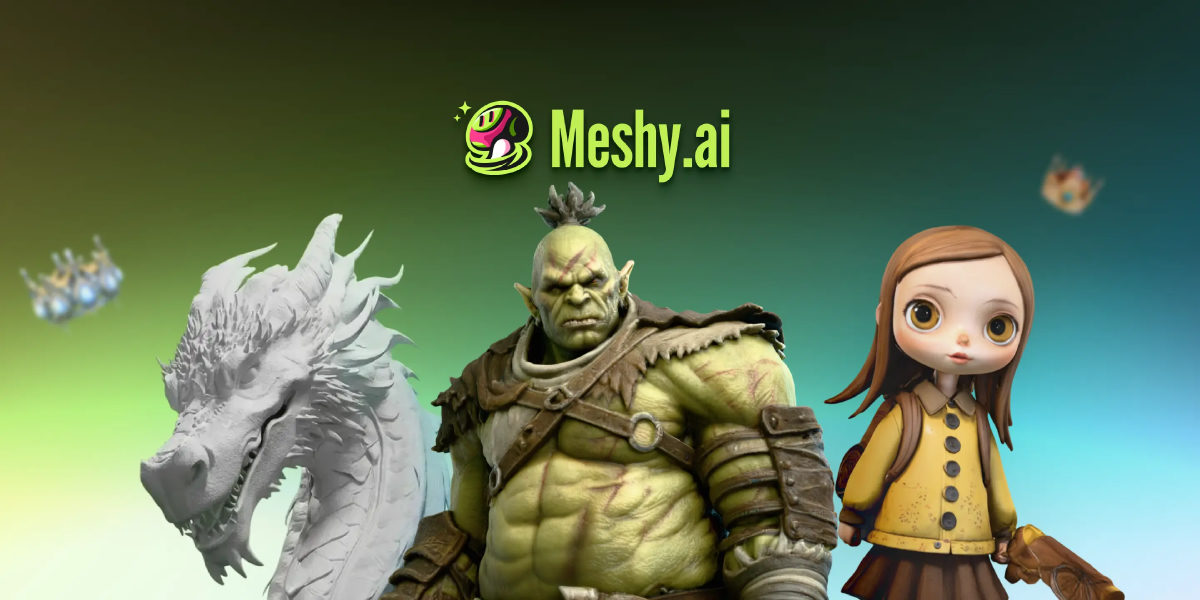
Meshy is a cloud-based generative AI platform built to turn text prompts, sketches, and photos into textured 3D assets in under a minute. Instead of spending hours sculpting basic blockouts and manually laying out UV seams, creators can feed in concept art or a descriptive sentence to generate a ready-to-refine mesh.
Key capabilities include:
- Image & Text to 3D: Reconstructs complete polygonal models from a single image, multi-angle views, or plain-text prompts with automated UV unwrapping.
- PBR texturing engine: Automatically bakes physically based rendering maps—including albedo, normal, metallic, and roughness—at resolutions up to 8K.
- Auto-rigging and animation: Detects humanoid and quadruped anatomy in seconds, applying bone structures and motion presets like walks, attacks, and idle cycles directly in the browser.
- 3D printing toolkit: Runs automated manifold and watertight integrity checks, repairs non-manifold geometry, splits oversized models for build plates, and maps textures for multi-color filament setups.
- Developer & studio integrations: Connects directly to game engines and DCC suites like Unity and Blender, supports 3D slicers like Bambu Studio and OrcaSlicer, and integrates into AI coding environments via Model Context Protocol (MCP) and REST APIs.
How it helps you
Meshy cuts the initial asset creation phase from days to minutes for indie game creators, 3D printing enthusiasts, and concept designers.
- Game developers: Generate graybox props, background assets, and rigged placeholder characters for immediate playtesting in Unity or Unreal Engine without bogging down art departments.
- Makers and tabletop hobbyists: Convert sketches into sliced, watertight miniatures or multi-part figurines ready for FDM or resin printing.
- Concept artists: Turn flat 2D illustrations into rotatable 3D bases for faster paint-overs and scene layout prototyping.
Pros and cons
Pros
- Fast mesh generation from single images, multi-view references, or text prompts in under a minute
- Comprehensive PBR map generation (albedo, normal, roughness, metallic) up to 8K
- Built-in auto-rigging for humanoids and quadrupeds with hundreds of motion presets
- Slicer-ready 3D printing prep with watertight geometry validation and auto-splitting
- Broad workflow connectivity including Blender and Unity plugins, REST API, and native MCP support
Cons
- Hard-surface objects with precise mechanical edges often come out rounded or softened
- Meshes generated via the standard API are deleted after three days unless on an Enterprise tier
- Complex topological loops often require manual retopology before deformation-heavy production animation
User reviews
Reviews are collected from public sources and translated into the page's language.
Pricing
Free
Pro
Premium
Ultra
Studio (первый месяц со скидкой 50%, пакет 1X, 1 место)
Enterprise
Prices are based on the provider's information and may change.
Looking for a free option? Try these alternatives to Meshy:
Compare with popular alternatives
Compare key features, prices and capabilities with similar tools
| Feature | Current tool |  |  |  |
|---|---|---|---|---|
| Pricing model | Trial | Trial | Paid | Trial |
| Minimum price | from $20/month | from $4.99 one-time | from $25/month | from $20/month |
| Free access | Yes | Trial access | No | Yes |
| Regional payment options | Direct payment | Direct payment | Direct payment | Direct payment |
| Editorial assessment | Good specialized service | Good specialized service | Good specialized service | Good specialized service |
| User rating | ||||
| Current tool |
























Frequently asked questions
Can I use assets generated with Meshy commercially?
Yes. Commercial usage is permitted. Paid subscribers hold exclusive commercial rights over their generated models. Free tier users can also use their outputs commercially, but generations fall under a Creative Commons Attribution (CC BY 4.0) license requiring credit to Meshy.
How does the credit system work on Meshy?
Credits serve as the platform's internal currency for generation tasks. Free plans provide 100 monthly credits that reset every month. Paid subscriptions include monthly credit allowances—starting at 1,000 credits on the Pro tier—along with higher task concurrency and API access. Additional purchased credits do not expire.
What export formats does Meshy support?
Meshy supports exporting models in FBX, OBJ, GLB, STL, 3MF, USDZ, and BLEND formats. Users can also directly export files to popular slicers like Bambu Studio, OrcaSlicer, and Creality Print, or import them into Blender and Unity via official plugins.
Can Meshy generate models suitable for 3D printing?
Yes. Meshy includes dedicated printability checks that verify models are manifold and watertight with zero holes or non-manifold edges. It also provides an auto-repair module, multi-color filament separation, and an auto-split tool to divide complex figures across build plates.
Similar tools
 Tripo 3D ▲ 1 ▼ 0
Tripo 3D is a cloud-based generative 3D modeling platform built to transform text prompts and 2D concept images into fully textured, production-ready 3D assets in seconds.
 SpriteBrew ▲ 2 ▼ 0
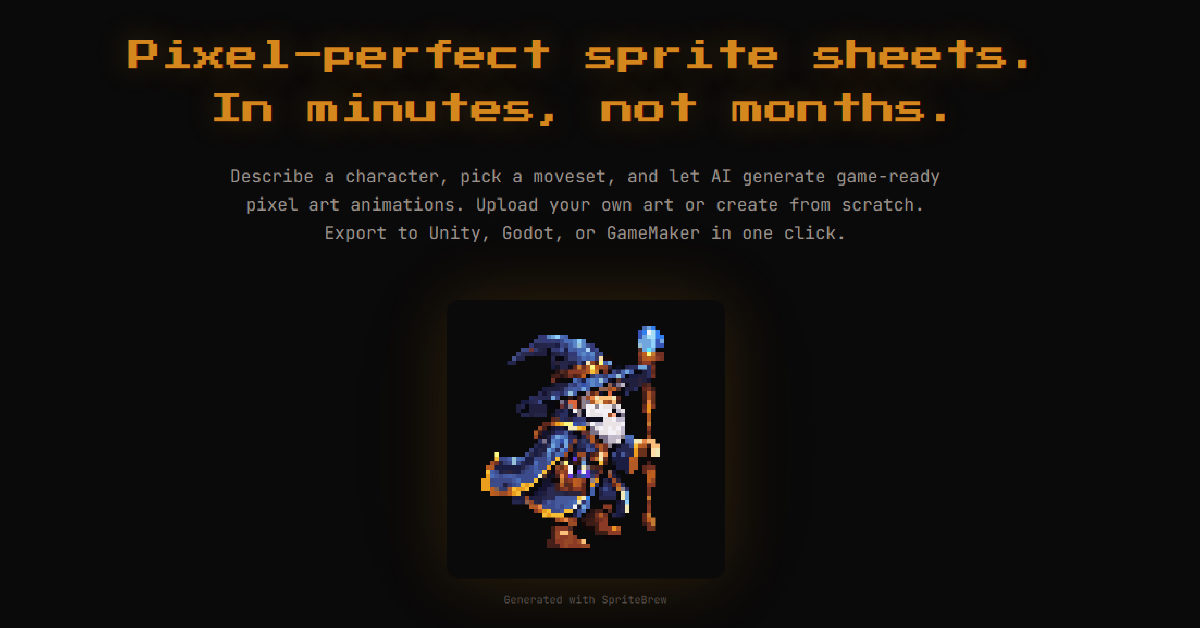
SpriteBrew is a specialized web-based toolkit created by indie developer George Albanese to solve one of the biggest bottlenecks in 2D game development: tedious frame-by-frame sprite animation.
 Tesana ▲ 2 ▼ 0
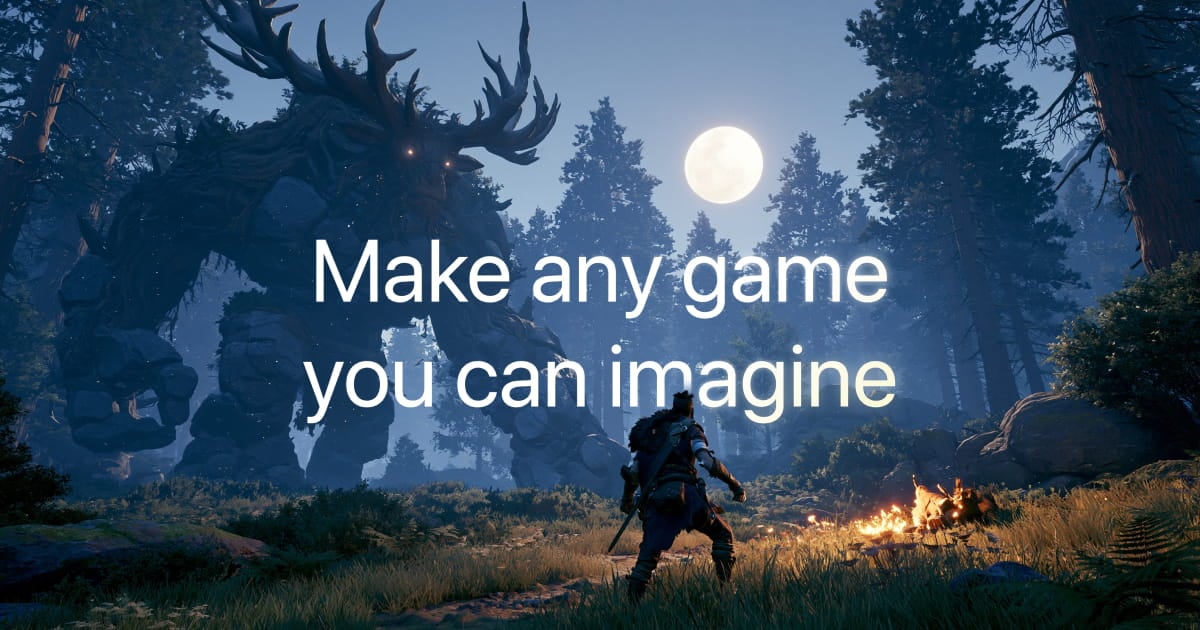
Tesana is a cloud-based AI game development engine that turns natural language prompts and visual references into fully playable 2D and 3D games directly in the browser or on mobile.

 Summer Engine ▲ 1 ▼ 0
Summer Engine is a native desktop game development environment for Windows and macOS that merges a traditional game engine with conversational AI agents.