
 Trial
Trial
PodcastorAI
Quick facts
- Pricing model
- Trial
- Minimum price
- Free
- Free access
- Yes
- Regional payment options
- Pay directly on the website
- Service status
- Online, checked
- User rating
Developer and reliability
Information about the developer and the service's terms. This is a factual reference, not a quality assessment or a guarantee of safety.
- Developer
- PodcastorAI
- Legal entity
- PodcastorAI
- Legal entity's country
- Singapore
- Service launch
- July 23, 2026
- Domain registered
- April 3, 2026
- The domain registration date is not the service's launch date.
Compare with alternatives
Choose a pair to compare features, pricing and assessments.
Editorial assessment
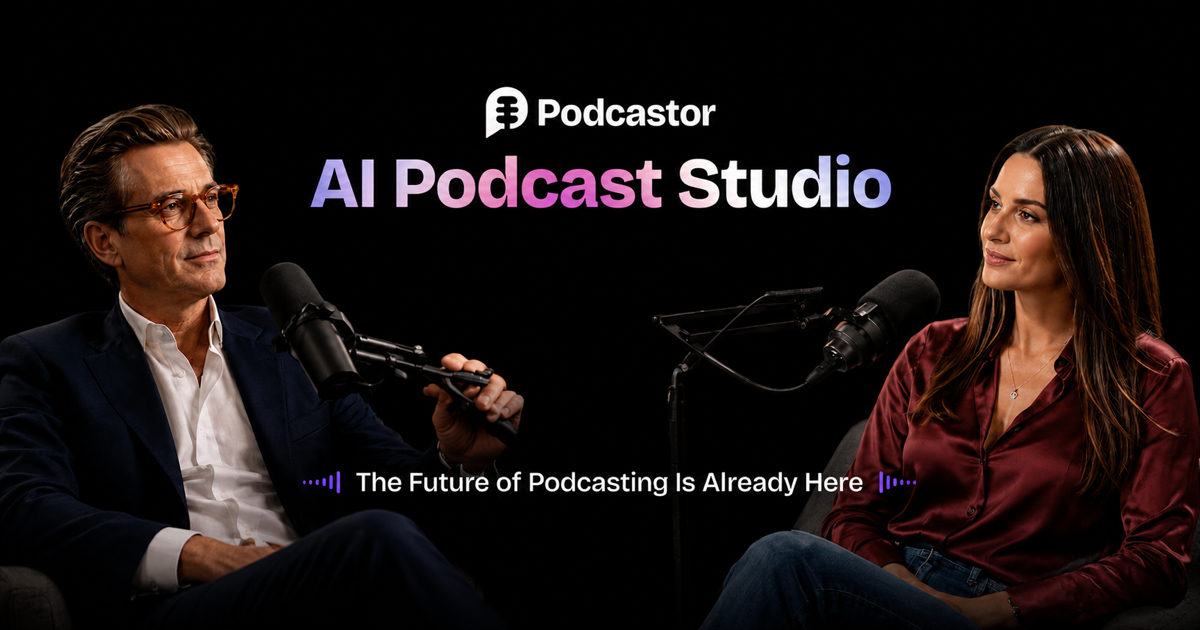
Good specialized servicePodcastorAI strips away the usual studio headaches—mics, lighting rigs, and hours of tedious timeline cuts—and swaps them for a clean browser workflow. Drop in a 50-page document, and you get a vibrant dialogue between two podcast hosts dissecting the key takeaways without robotic monotone mumbling.
Why the service earned this rating:
- Smart multi-model pipeline: Splitting tasks across dedicated engines for scripting, voice synthesis, and video generation yields tight dialogue and natural voice delivery;
- Ready-made production formats: Out-of-the-box support for talk shows, heated debates, and custom avatars generated from a single headshot solves content repurposing into video;
- Clear boundaries: Video rendering caps clip duration (15 to 30 minutes on paid tiers), monthly credits expire without rollover, and the platform isn't built for surgical, multi-track audio cleanup.
- Functionality Good
- Price and value Good
- Ease of use Good
- Reliability and support Average
- Innovation Good
About the tool
Forget the gear rabbit hole. PodcastorAI is a cloud-based production studio designed to convert dry text, documents, and recordings into polished audio and video podcasts without cameras, studio microphones, or video editing software. You feed it research reports, presentation decks, notes, URLs, or audio files, and the platform extracts the core ideas, drafts a dynamic script, synthesizes speech across multiple speakers, and renders a synchronized video complete with talking avatars and subtitles.
Instead of dumping everything onto a single catch-all model, the platform routes each production stage through specialized generative engines:
- Script generation: Analyzes uploaded PDFs, documents up to 50 MB, or web links using language models from OpenAI, DeepSeek, and Google Gemini to produce engaging solo breakdowns, debates, or two-host conversational banter;
- Voice synthesis: Generates multi-speaker dialogue or cloned voices using speech technology from MiniMax and ElevenLabs across dozens of supported languages;
- Avatar and visual styling: Builds talking avatars from a single uploaded headshot, ready-made character libraries, cartoon styles, or talking pets via image and video engines like Nano Banana, Seedance, Kling, and HappyHorse;
- Video layouts and publishing: Assembles ready-to-publish episodes in solo, two-shot, split-screen, or waveform formats with automated lip-sync and captions formatted for YouTube, Spotify, and social feeds.
How it helps you
PodcastorAI streamlines content repurposing for solopreneurs, educators, faceless channel operators, and marketing teams:
- Fast text-to-podcast turnaround: Turn dense PDFs, articles, or lecture notes into conversational audio and video episodes within minutes instead of days;
- Zero studio friction: Launch multi-host shows or avatar-led discussions using personal photos or stylized characters without recording gear or on-screen appearances;
- Multi-channel distribution: Produce full-length podcast episodes, social clips, and language-learning audio ready for immediate export to YouTube, TikTok, and Spotify.
Pros and cons
Pros
- Converts documents, PDFs up to 50 MB, URLs, and audio into structured multi-speaker podcast scripts
- Generates synchronized talking avatars from a single photo with automatic lip-sync
- Flexible presentation formats including solo, two-shot, talk show, and split-screen layouts
- Multi-engine architecture leveraging specialized models from OpenAI, ElevenLabs, Kling, and others
- Built-in transcript editor and support for voice cloning across 50+ languages
Cons
- Single-pass video generation is capped at 15 to 30 minutes even on paid plans
- Unused monthly subscription credits do not roll over to the next billing cycle
- Not built for granular, multi-track audio mixing or manual noise filtering
User reviews
Reviews are collected from public sources and translated into the page's language.
Pricing
Free
Audio Creator
Video Starter
Creator Pro
Prices are based on the provider's information and may change.
Looking for a free option? Try these alternatives to PodcastorAI:

Compare with popular alternatives
Compare key features, prices and capabilities with similar tools
| Feature | Current tool |  |  |  |
|---|---|---|---|---|
| Pricing model | Trial | Paid | Trial | Trial |
| Minimum price | from $9.90/month | from $18/month | from RUB 99 one-time | from RUB 200 one-time |
| Free access | Yes | No | Trial access | Trial access |
| Regional payment options | Direct payment | Direct payment | Direct payment | Direct payment |
| Editorial assessment | Good specialized service | Good product | Good specialized service | Good specialized service |
| User rating | — | |||
| Current tool |
























Frequently asked questions
Can I create a video podcast without showing my real face or recording myself?
Yes. You can generate avatar-driven shows using pre-made digital hosts, stylized cartoons, or a personalized avatar created from a single uploaded photo. The platform handles lip-sync, voiceovers, and layouts automatically.
What file formats and content sources can I import?
You can upload PDF, DOCX, and TXT files up to 50 MB, as well as presentation decks, direct website URLs, YouTube links, and pre-recorded audio files for transcript extraction.
How do credits and video length limits work?
Each plan includes a monthly credit allotment that does not roll over. Video rendering limits depend on your tier, ranging from 2 minutes on the free trial to 15 minutes on Starter and up to 30 minutes on Pro.
Can I edit the generated script before rendering audio and video?
Yes. PodcastorAI includes a built-in transcript editor where you can adjust host dialogue, tweak talking points, reassign speakers, and refine the narrative flow before generating the final audio or video.
Similar tools
 JoggAI ▲ 2 ▼ 0
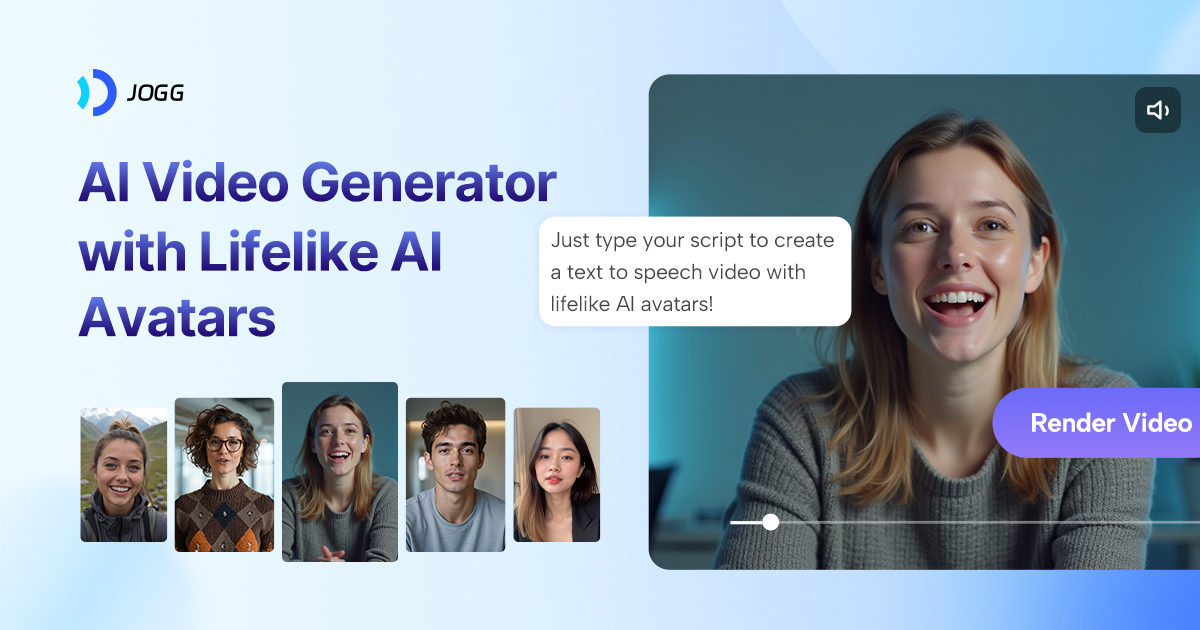
If you manage an e-commerce catalog, run product drops on Amazon, or churn out faceless social content daily, you already understand the problem: filming is a logistical headache, actors cost real money, and tweaking cuts on a timeline drains hours.
 Facee ▲ 2 ▼ 0
Facee cuts out the entire studio circus—photographers, lighting rigs, makeup artists, and weeks of waiting.
 Tunee ▲ 3 ▼ 0
Tunee is an all-in-one creative AI studio that flips traditional audio and video production on its head.
 lora.pro ▲ 2 ▼ 0
Forget spending hours setting up local diffusion environments, tweaking weights, or crafting fifty-word prompt formulas just to get a decent profile picture.
 MiniMax ▲ 2 ▼ 0
MiniMax is a full-stack multimodal artificial intelligence ecosystem built on proprietary foundation models.

 Magiclight AI ▲ 2 ▼ 0
Magiclight AI operates as an all-in-one generative studio designed to build multi-scene narrative videos up to 50 minutes long.