
 Trial
Trial
Magiclight AI
Quick facts
- Pricing model
- Trial
- Minimum price
- Free
- Free access
- Yes
- Regional payment options
- Pay directly on the website
- Service status
- Online, checked
- User rating
Developer and reliability
Information about the developer and the service's terms. This is a factual reference, not a quality assessment or a guarantee of safety.
- Developer
- MagicLight (HK) Limited
- Legal entity
- MAGICLIGHT(HK)LIMITED
- Legal entity's country
- Hong Kong SAR China
- Registration details
- BRN 77106556
- Domain registered
- November 7, 2023
- The domain registration date is not the service's launch date.
Video reviews and tutorials
4Compare with alternatives
Choose a pair to compare features, pricing and assessments.
Editorial assessment
With reservationsThe conceptual pitch behind Magiclight AI is genuinely compelling: instead of bouncing between half a dozen fragmented tools, you get an integrated assembly line capable of generating structured video projects up to 50 minutes long.
However, everyday production exposes noticeable friction. The character-locking algorithms still stumble on wide or fast-moving camera angles, resulting in visible facial warping. Attempting to render long sequences in one continuous run frequently causes task timeouts, while non-refundable credits vanish immediately on failed renders. The editorial team rates the platform With reservations: it serves well for rapid concepting, short social scenes, and bedtime story reels, but it has not matured into an uninterrupted long-form production studio.
- Functionality Good
- Price and value Average
- Ease of use Average
- Reliability and support Below average
- Innovation Average
About the tool
Magiclight AI operates as an all-in-one generative studio designed to build multi-scene narrative videos up to 50 minutes long. Rather than forcing creators to switch between separate services for scripts, storyboards, voice synthesis, lip syncing, and final assembly, the platform bundles each stage into a single continuous pipeline.
The system runs as a multi-model aggregator, tapping into generative video and language engines from families like Kling, Veo, Sora, Wan, Seedance, MiniMax, Hailuo, ChatGPT, Claude, Gemini, and DeepSeek. Users can feed in raw prompts, full story scripts, or still images, choose an artistic direction, and let the software construct the project shot by shot.
Key platform modules include:
- Story & Script to Video: automated conversion of text narratives into structured, multi-scene video timelines.
- Character Consistency Engine: profile-locking tools designed to keep facial traits, hair, proportions, and outfits uniform across scene transitions.
- Audio and Animation Suite: integrated voice cloning, automated lip sync, virtual avatar generation, and automatic subtitle creation.
- Preset Visual Styles: tailored animation aesthetics including 3D Cartoon, Pixar-style, Disney-inspired, Realistic, Comic, and Picture Book.
- Built-in Timeline Editor: basic video trimming, scene swapping, and transition polishing directly in the browser or mobile apps for iOS and Android.
How it helps you
Magiclight AI is tailored for solo creators, educators, and narrative channels aiming to produce multi-scene animated videos without dedicated animation teams or complex editing suites:
- Faceless & Narrative Channels: rapid assembly of themed fairy tales, history explainers, and educational series with recurring characters.
- Story Pre-visualization: turning screenplays and concept treatments into structured animatics and video pitches in a matter of minutes.
- Marketing & Social Content: producing animated promotional clips, avatar-led product intros, and musical jingles with included commercial usage rights on paid tiers.
Pros and cons
Pros
- Full-cycle workflow uniting scriptwriting, multi-scene video generation, voice cloning, lip sync, and subtitles in one workspace.
- Integrated catalog of foundational video engines from families like Kling, Veo, Sora, and Seedance.
- Proprietary character-locking features designed to maintain visual continuity across shots.
- Broad selection of specialized visual styles, spanning 3D animation, comic art, and realistic renders.
- Commercial licensing and 1080p exports without watermarks included on all paid plans.
Cons
- Server credits are deducted the moment rendering starts and are strictly non-refundable, even when scenes glitch.
- Character consistency often breaks down during dynamic camera angles or fast movement, causing visual morphing.
- Projects exceeding 20 minutes frequently suffer from processing timeouts and timeline rendering freezes.
- Documented user feedback points to mobile app instability during heavy generation tasks and slow customer support.
User reviews
No reviews collected yet
We are collecting user reviews of this tool from public sources. They will appear here soon.
Pricing
Free
Standard
Plus
Pro
Ultra
Ultimate
Prices are based on the provider's information and may change.
Looking for a free option? Try these alternatives to Magiclight AI:

Compare with popular alternatives
Compare key features, prices and capabilities with similar tools
| Feature | Current tool |  |  |  |
|---|---|---|---|---|
| Pricing model | Trial | Paid | Trial | Trial |
| Minimum price | from $90/year | from $18/month | from RUB 200 one-time | from $20/month |
| Free access | Yes | No | Trial access | Trial access |
| Regional payment options | Direct payment | Direct payment | Direct payment | Direct payment |
| Editorial assessment | With reservations | Good product | Good specialized service | Strong technology platform |
| User rating | ||||
| Current tool |
























Frequently asked questions
Can I really generate a 50-minute video in a single render?
While the project timeline supports up to 50 minutes of structured narrative, running a render of that length in one continuous operation carries a high risk of queue freezes and server timeouts. In practice, creators achieve better stability by rendering scenes individually or in short batches before stitching them together.
Are credits refunded if a generated video has glitches or visual artifacts?
No. Magiclight AI operates under a strict non-refundable credit policy. Because compute power is reserved and consumed on server clusters the moment processing begins, retrying a botched scene or fixing character deformities requires spending additional credits.
Does Magiclight AI offer a free trial?
Yes. A free starter trial is available without entering credit card details. It provides a restricted pool of credits sufficient to test the dashboard and produce one or two short trial video clips.
Can I use videos generated on Magiclight AI commercially?
Yes, but only on paid subscription tiers (Standard, Plus, Pro, Ultra, and Ultimate). These plans provide clean 1080p HD exports without watermarks and include general commercial licensing for monetized platforms.
Similar tools
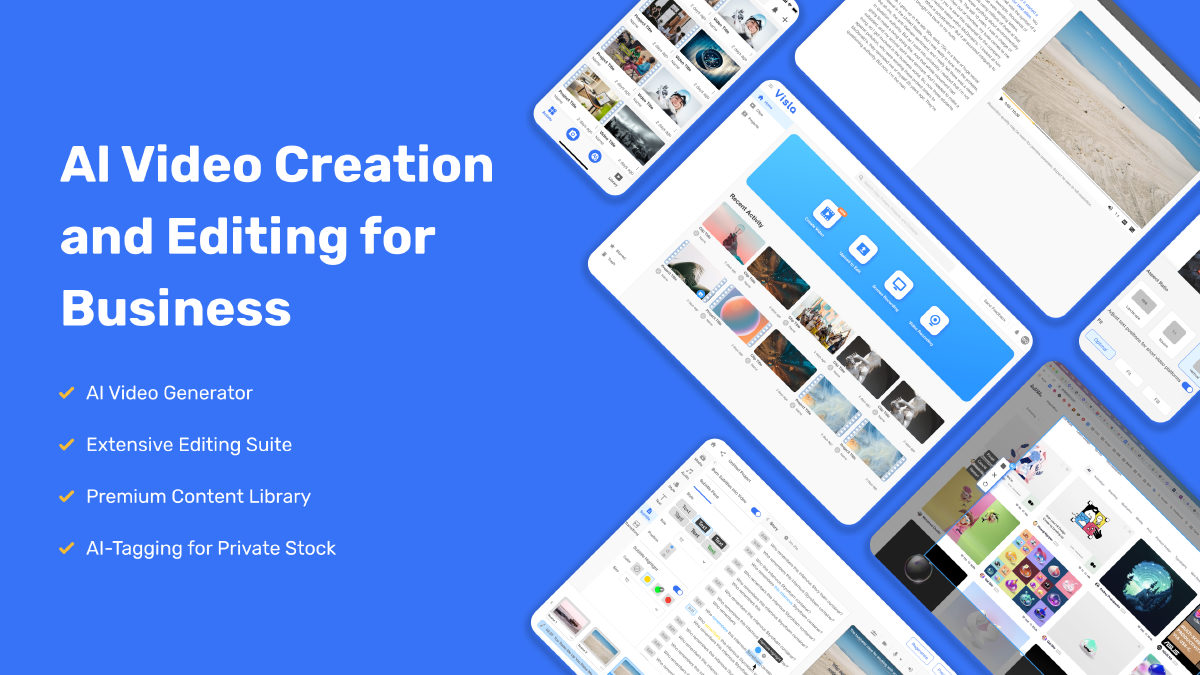
 Visla ▲ 1 ▼ 0
Most video tools want to dazzle you with cinematic five-second clips of neon landscapes.
 TensorPix ▲ 1 ▼ 0
Anyone who has ever tried upscaling grainy footage or old home videos knows the headache: you either need a monster desktop PC with a four-figure GPU, or you spend twelve hours listening to your laptop fans scream in agony.
 FilmSpark ▲ 1 ▼ 0
Forget the endless prompt roulette where you burn credits across separate tabs hoping an actor doesn't mutate between cuts.

 VEED ▲ 1 ▼ 0
VEED is a browser-first video studio that bundles classic timeline editing with an expansive suite of generative AI tools.
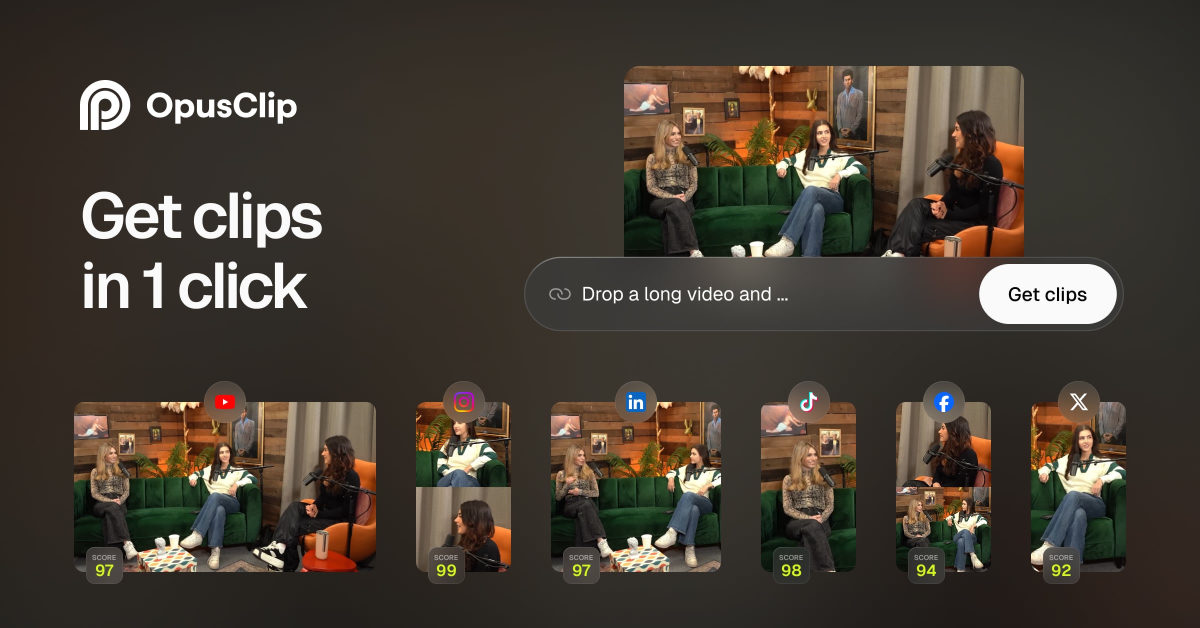
 OpusClip ▲ 2 ▼ 0
OpusClip is an AI-powered video repurposing platform designed to take long-form recordings and chop them into vertical clips for platforms like YouTube Shorts, TikTok, and Instagram Reels.
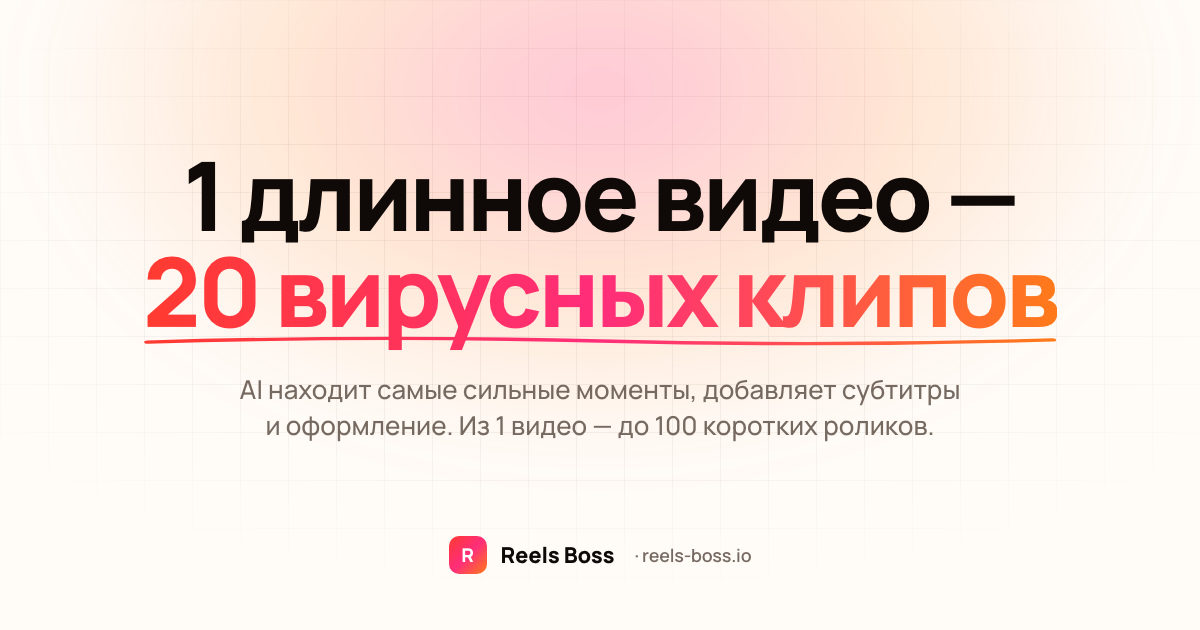
 Reels Boss ▲ 1 ▼ 0
Reels Boss is a cloud-based AI media processing engine built to take raw, long-form footage and convert it into high-volume short-form content.