
 Free trial
Speaktor
Quick facts
- Pricing model
- Free trial
- Minimum price
- from $9.99/month
- Free access
- Trial access
- Platforms
- Web
- iOS
- Android
- Browser extension
- Payment methods
- Visa
- Mastercard
- PayPal
- Google Pay
- Interface languages
- English
- Русский
- Español
- Português
- Service status
- Online, checked


Developer and reliability
Information about the developer and the service's terms. This is a factual reference, not a quality assessment or a guarantee of safety.
- Developer
- Tor.App
- Legal entity
- TEXTINTEL FZE
- Legal entity's country
- United Arab Emirates
- Domain registered
- March 23, 2022
- The domain registration date is not the service's launch date.
Compare with alternatives
Choose a pair to compare features, pricing and payment methods.
About the tool
To understand how an automated text-to-speech engine works, think of it as an assembly line running on strict operational logic. You feed the system structured data—plain text, an uploaded document, or a spreadsheet row. The parser reads the text, maps punctuation to rhythmic pauses, submits the phonemes to neural acoustic models, and compiles the result into a clean audio stream. Speaktor implements this exact pipeline, transforming written scripts into synthesized speech across more than 50 languages without manual studio recording.
The service approaches voice synthesis as a functional utility rather than an experimental audio sandbox. While specialized platforms like Fish Audio focus heavily on granular prosody tags and real-time interactive agents, Speaktor is optimized for practical file ingestion and multi-speaker workflows. You paste raw text into the workspace or import source files directly, including TXT, PDF, DOCX, and PPTX presentations. It also supports tabular batch generation via Excel spreadsheets, where distinct speakers can be assigned to individual rows or columns to automate dialogue and e-learning scripts.
Key functional modules include:
- Voice synthesis and pacing control: Access to an extensive library of over 200 male, female, and neutral voices, with manual adjustments for playback speed (0.5x to 2.0x) and acoustic pitch.
- Multi-speaker production: Assigning multiple distinct voices across alternating script blocks to assemble interviews, audio plays, and conversational podcasts.
- Video dubbing and cloning: Re-voicing video content in up to 29 languages while preserving vocal timbre through automated voice cloning.
- Export flexibility: Direct generation of uncompressed WAV files or compressed MP3 tracks without audio watermarks, accompanied by synchronized SRT subtitle exports.
- Team workspaces: Centralized project folders, shared billing, role-based access, and enterprise API availability.
Be mindful of the platform's credit mathematics: generating audio with basic Lite voices consumes your monthly minute allowance at a 1:1 ratio, but switching to Pro voices burns credits at approximately 5x the standard rate, and video dubbing with voice cloning consumes credits at roughly 10x. Everything is hosted in the cloud, requiring an active internet connection, and the infrastructure complies with SOC 2 and GDPR data protection standards.
Speaktor Reviews
No reviews collected yet
We are collecting user reviews of this tool from public sources. They will appear here soon.
Speaktor Pricing & Plans
Lite
Pro
Team
100 hours
250 hours
500 hours
1000 hours
Trial
Prices are based on the provider's information and may change.
Looking for a free option? Try these alternatives to Speaktor:
Speaktor Feature Comparison
Compare key features, prices and capabilities with similar tools
| Feature |  Current tool |  |  |
|---|---|---|---|
| Pricing model | Free trial | Free trial | Freemium |
| Minimum price | from $9.99/month | from $9.90/month | from $29/month |
| Free access | Trial access | Trial access | Yes |
| User rating | — | ||
| Current tool |
Category partner

 Mureka ▲ 3 ▼ 0
Composes and edits full music tracks from text prompts, custom lyrics, or uploaded videos. It includes an in-browser audio workstation that supports localized section editing, up to 12-stem extraction, and MIDI export.
Frequently Asked Questions about Speaktor
How does credit consumption work for Pro voices and video dubbing?
Conversion minutes are deducted based on the operational tier of the selected voice model. Standard Lite voices consume credits at the base 1x rate. Using realistic Pro voices increases consumption to approximately 5x credits per minute, while video dubbing with automated voice cloning deducts approximately 10x credits per minute from your balance.
What file formats can be imported and exported?
Speaktor accepts text inputs through direct pasting as well as file imports in TXT, PDF, DOCX, PPTX, and Excel (XLS/XLSX) formats. Final generated speech can be exported directly to your device as MP3 or high-quality WAV audio files without watermarks, alongside time-coded subtitle files in SRT format.
What are the terms of the free trial and available pricing tiers?
Speaktor provides a 30-minute free trial to test voice generation before committing to a paid plan. Ongoing access requires a subscription: Lite ($9.99/month for 90 minutes), Pro ($24.99/month for 600 minutes), Team ($30/month per seat for 3,000 minutes per seat), or high-volume packages ranging from 100 hours ($60/month) to 1,000 hours ($600/month). Payments are accepted via Visa, Mastercard, PayPal, and Google Pay.
Which platforms and interface languages does Speaktor support?
The platform operates via a web application in any desktop browser, dedicated mobile apps for iOS and Android, and a Google Chrome browser extension designed for reading web pages and online documents aloud. The user interface supports English, Russian, Spanish, and Portuguese.
How can I pay for Speaktor?
Speaktor payment methods: Visa, Mastercard, PayPal, and Google Pay.
What languages is the Speaktor interface available in?
The Speaktor interface is available in: English, Русский, Español, and Português.
What platforms is Speaktor available on?
Speaktor is available on: Web, iOS, Android, and Browser extension.
Similar tools
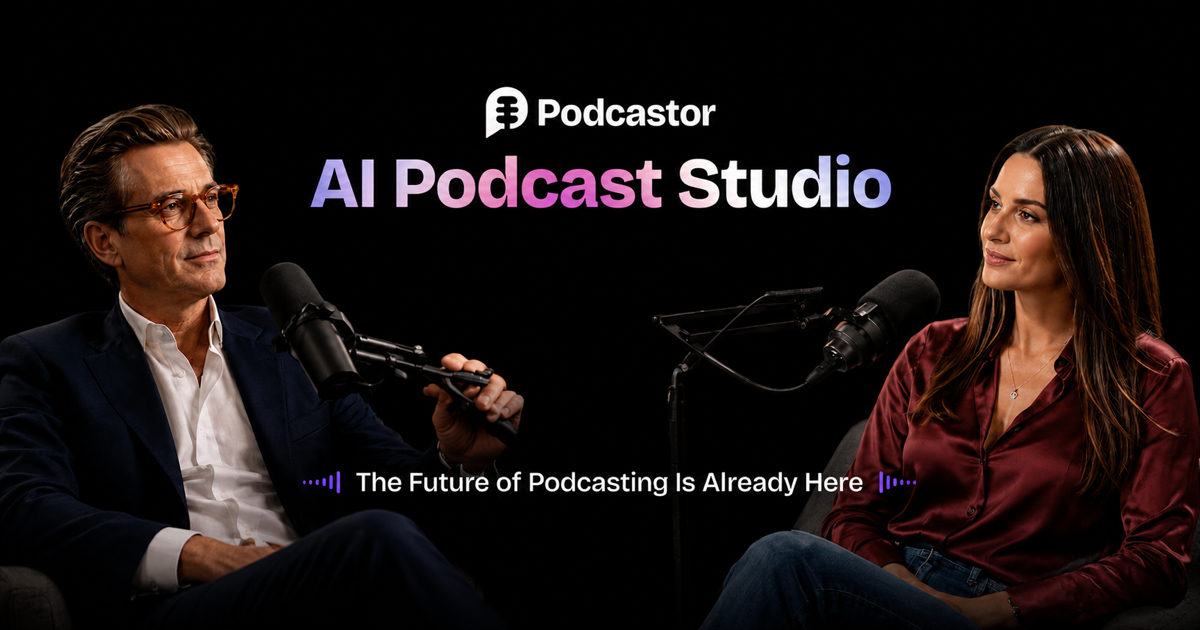 PodcastorAI ▲ 0 ▼ 0
Converts raw materials like documents, web links, and audio recordings into fully produced conversational audio and video podcasts. It handles the entire pipeline in one platform, automatically generating scripts, multi-speaker voice synthesis, and animated video hosts.
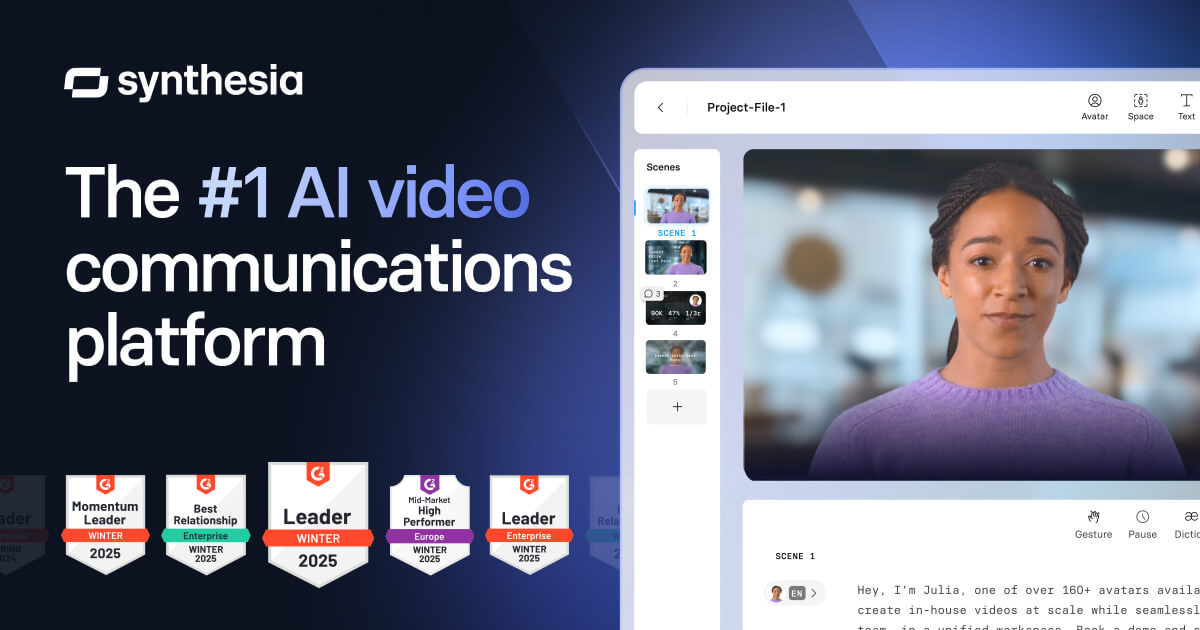 Synthesia ▲ 1 ▼ 0
Transforms text scripts, documents, and presentations into structured videos anchored by photorealistic synthetic presenters. Built for corporate training and onboarding teams, it also offers automated dubbing into over 140 languages and interactive avatar roleplay sessions.







