
Free AI Image Tools
Category data
- Tools in this category
- 2
- With a free plan
- 2
Editor's picks
Based on editorial assessments, pricing and visitor votes
- Best overall Pixelcut Good product
Pixelcut is a textbook demonstration of how to package sophisticated neural models into a pragmatic business utility.
- Best with a free plan LLaDA-Image Average
The platform's main appeal is that it saves you from configuring local code environments or spinning up expensive cloud GPUs.
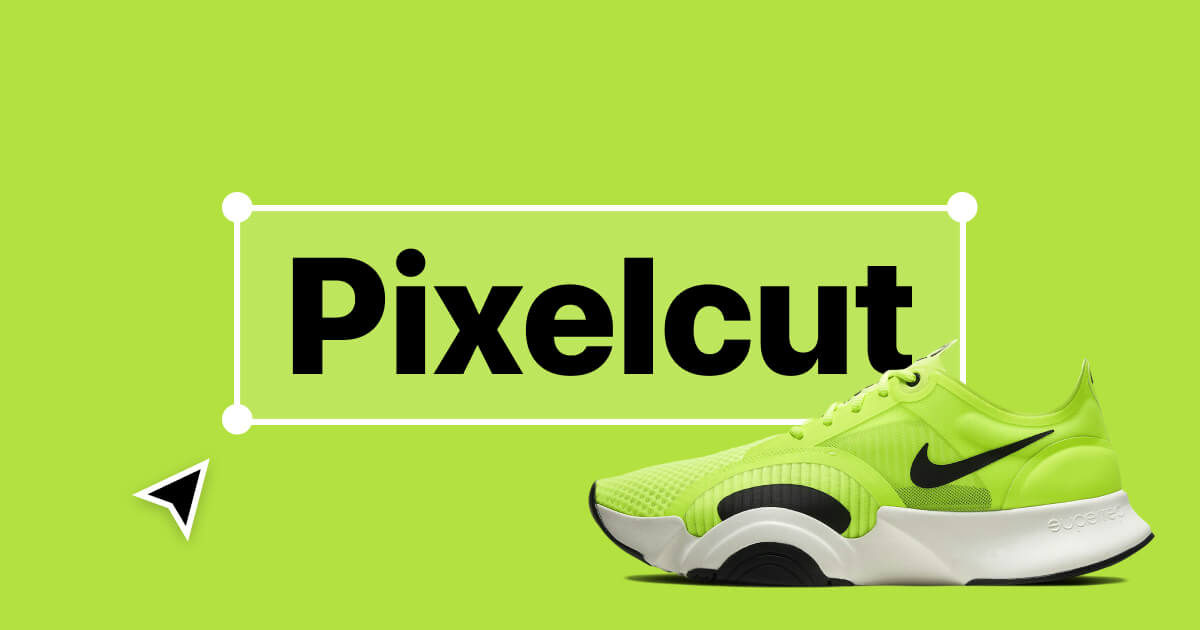
 Pixelcut ▲ 2 ▼ 0
Pixelcut is an AI-powered creative platform engineered specifically for e-commerce brands, marketplace merchants, and digital marketers looking to produce studio-grade visuals without booking traditional photo shoots.
Compare tools
| Tool | Model | Price from | Free plan | Assessment | Votes |
|---|---|---|---|---|---|
| Pixelcut | Trial | from $8/month | Yes | Good specialized service | ▲ 2 ▼ 0 |
 LLaDA-Image LLaDA-Image | Trial | from $10/month | Yes | Average | ▲ 1 ▼ 0 |
Frequently asked questions
Do all free AI image tools require an account to generate or edit visuals?
No. Tools like Vidmud AI Photo Editor and Image to Sketch Converter work in the browser without sign-up. AI Horde also allows anonymous generation using shared access keys. However, services such as Microsoft Designer require a valid personal or family Microsoft 365 login.
How do crowdsourced AI image generators handle request processing?
Crowdsourced networks like AI Horde rely on volunteer CPU and GPU nodes worldwide. Requests enter a shared queue managed by priority metrics (such as Kudos), where users who donate computational power receive higher processing priority.
Does an open-source AI image tool guarantee free cloud hosting?
No. An open-source license, such as Clarity AI's AGPL-3.0 code, permits independent deployment and inspection, but self-hosting requires you to provide and manage your own hardware and infrastructure.
Related collections
Other categories
About this category
Free AI image tools serve creators, small business owners, marketers, and developers who need to produce or refine visuals without upfront licensing fees. The spectrum of tasks in this tier covers prompt-based image creation, style conversions, browser-based photo retouching, and resolution upscaling up to 8K or 16x.
Because operational models vary widely across zero-cost options, examine how each platform delivers its functionality before integrating it into your workflow:
- Access and account prerequisites: Certain web tools, such as Image to Sketch Converter and Vidmud AI Photo Editor, allow instant processing directly in the browser without user registration. Others impose strict account rules; for instance, Microsoft Designer requires an individual or family Microsoft 365 account and does not work with corporate accounts.
- Queue systems and distributed compute: Community-driven platforms like AI Horde pool decentralized volunteer GPUs and CPUs. They rely on priority mechanics like Kudos, meaning processing speed can vary depending on whether you share your own computing hardware.
- Freemium tiers versus standalone utilities: A free tier may coexist with paid upgrades. For example, Pixelcut offers a free tier alongside paid Pro and Business subscriptions. Other tools, such as Clarity AI, provide open-source code under AGPL-3.0 for self-hosting alongside their ready-to-use interfaces.
- Platform guidelines and output constraints: Verify format and moderation guardrails. Some generators, like GenTube, enforce strict SFW moderation blocking deepfakes and adult visuals while granting commercial ownership, whereas upscalers and converters typically specialize in particular file formats such as JPG, PNG, WebP, or HEIC.























