
 Trial
Trial
Pixelcut
Quick facts
- Pricing model
- Trial
- Minimum price
- Free
- Free access
- Yes
- Regional payment options
- Pay directly on the website
- Service status
- Online, checked
- User rating
Developer and reliability
Information about the developer and the service's terms. This is a factual reference, not a quality assessment or a guarantee of safety.
- Developer
- Pixelcut Inc
- Legal entity
- Pixelcut Inc
- Legal entity's country
- United States
- Registration details
- CIK 0001960328
- Domain registered
- January 15, 2022
- The domain registration date is not the service's launch date.
Compare with alternatives
Choose a pair to compare features, pricing and assessments.
Editorial assessment
Good specialized servicePixelcut is a textbook demonstration of how to package sophisticated neural models into a pragmatic business utility. Instead of reinventing the wheel, the developers assembled proven models—tapping FLUX for image synthesis, Sora for video clips, and Topaz for high-definition upscaling—and tied them together with an automated creative agent tailored strictly to commercial retail needs. The result operates like an efficient digital photo studio: feed in an imperfect warehouse snapshot of a product, and within minutes you receive a catalog-ready banner with realistic shadows and custom lighting.
What keeps the platform at the level of a good specialized service rather than an outstanding all-rounder are familiar operational friction points. Users frequently report headaches with automatic billing after mobile app store trials, generation credits can be lost when heavy video tasks fail, and edge-masking occasionally stumbles on complex glass or mesh textures. Nonetheless, for high-volume marketplace sellers who need rapid product staging, it stands as one of the most practical and efficient production suites available.
- Functionality Good
- Price and value Good
- Ease of use Good
- Reliability and support Average
- Innovation Average
About the tool
Pixelcut is an AI-powered creative platform engineered specifically for e-commerce brands, marketplace merchants, and digital marketers looking to produce studio-grade visuals without booking traditional photo shoots. Instead of acting as an open-ended image generator, the service structures its tools around commercial listing workflows, coordinated by an intelligent creative agent that handles complex multi-step edits from natural-language instructions.
The system integrates leading generative and enhancement models—including FLUX for image synthesis, Sora for video clips, and Topaz for high-resolution upscaling—inside a single web and mobile interface. Core capabilities include:
- Product Showcase and Staging: Automatically isolates physical items from background clutter and renders them into contextual lifestyle settings with accurate perspective, realistic lighting, and contact shadows.
- Background Removal for Photo and Video: Frame-by-frame subject segmentation that handles intricate borders like hair and fabric folds, exporting transparent WebM clips or solid-backdrop MP4s without greenscreens.
- Virtual Models and Try-On: Generates consistent AI personas and digital actors for user-generated content (UGC) ads, allowing apparel sellers to showcase garments on virtual figures from a single image.
- Generative Retouching and Composition: Generative fill, smart eraser tools, outpainting to expand canvas boundaries, and hex-code color targeting to ensure strict compliance with brand palettes.
- Batch Processing: Bulk tools capable of enhancing, sharpening, and scaling large visual inventories of up to 10,000 images in one operation.
How it helps you
Pixelcut speeds up e-commerce visual production by replacing costly product photography with an automated digital workflow:
- Online merchants and marketplace sellers can convert quick smartphone snapshots into polished catalog banners, lifestyle product shots, and clean white-background cutouts.
- Social media and ad teams can spin up video commercials, talking AI actors, and product teasers without specialized editing software.
- Catalog managers and agencies can batch-upscale thousands of legacy images up to 16x resolution and integrate image processing into custom applications via developer APIs.
Pros and cons
Pros
- Turnkey e-commerce toolset combining automated background removal, lifestyle staging, upscaling, and video ads
- Integrates specialized AI models such as FLUX, Sora, and Topaz through a guided creative agent
- High-capacity batch engine capable of processing up to 10,000 images simultaneously in Pro
- Precise video background removal with transparent WebM and solid-color MP4 exports without green screens
- Broad accessibility across modern web browsers, native iOS and Android apps, developer APIs, and Claude integration
Cons
- Credit-based billing on advanced generative and video features can consume credits even when generations fail
- Free web exports for video are restricted to 720p HD resolution
- Transitioning from mobile app store free trials to paid tiers frequently prompts user billing complaints
- Complex transparent or semi-translucent product edges occasionally produce cutout artifacts
User reviews
No reviews collected yet
We are collecting user reviews of this tool from public sources. They will appear here soon.
Pricing
Prices are based on the provider's information and may change.
Looking for a free option? Try these alternatives to Pixelcut:

Compare with popular alternatives
Compare key features, prices and capabilities with similar tools
| Feature | Current tool |  |  |  |
|---|---|---|---|---|
| Pricing model | Trial | One-time purchase | Trial | Trial |
| Minimum price | from $8/month | from RUB 199 one-time | from RUB 99 one-time | from RUB 200 one-time |
| Free access | Yes | No | Trial access | Trial access |
| Regional payment options | Direct payment | Direct payment | Direct payment | Direct payment |
| Editorial assessment | Good specialized service | Good specialized service | Good specialized service | Good specialized service |
| User rating | ||||
| Current tool |
























Frequently asked questions
How does Pixelcut generate commercial product photos?
Pixelcut takes an image of any physical item, strips away the original background, and positions the product into custom commercial environments using natural-language prompts. The AI automatically calculates realistic contact shadows and directional lighting to match the scene, with options to specify precise hex brand colors or dress virtual models in apparel items.
Can Pixelcut remove backgrounds from videos without a green screen?
Yes. The Video Background Remover analyzes footage frame by frame to track and isolate the main subject automatically. You can export the resulting video as a transparent WebM file to layer over any custom backdrop, or as an MP4 with a solid background color. Free web downloads output in 720p HD, while Pro subscriptions unlock 4K exports.
What are the file size and resolution limits on uploads?
The platform accepts JPG, PNG, and HEIC files up to 100 MB each, with maximum dimensions up to 8000 × 8000 pixels. For export and enhancement, the built-in upscaler can increase image resolution up to 16x, reaching formats up to 16K without quality degradation.
Are images created with Pixelcut licensed for commercial use?
Yes. All visuals, ads, and product compositions created with Pixelcut tools are cleared for commercial use. You retain ownership of your processed images and can deploy them on online stores, marketplaces, paid ad campaigns, or print materials.
Similar tools

 WeShop AI ▲ 1 ▼ 0
WeShop AI is a cloud platform built specifically to replace costly fashion photo shoots with generative workflows for e-commerce.

 SellerPic ▲ 1 ▼ 0
If you have ever tried running an online store, you know the painful bottleneck of product imagery: sourcing samples, hiring models, renting studios, and waiting weeks for retouched assets.
 Fotee ▲ 5 ▼ 0
If setting up a physical photo session feels like a logistical nightmare, Fotee offers a practical shortcut.
 Facee ▲ 2 ▼ 0
Facee cuts out the entire studio circus—photographers, lighting rigs, makeup artists, and weeks of waiting.
 lora.pro ▲ 2 ▼ 0
Forget spending hours setting up local diffusion environments, tweaking weights, or crafting fifty-word prompt formulas just to get a decent profile picture.
 SpriteBrew ▲ 2 ▼ 0
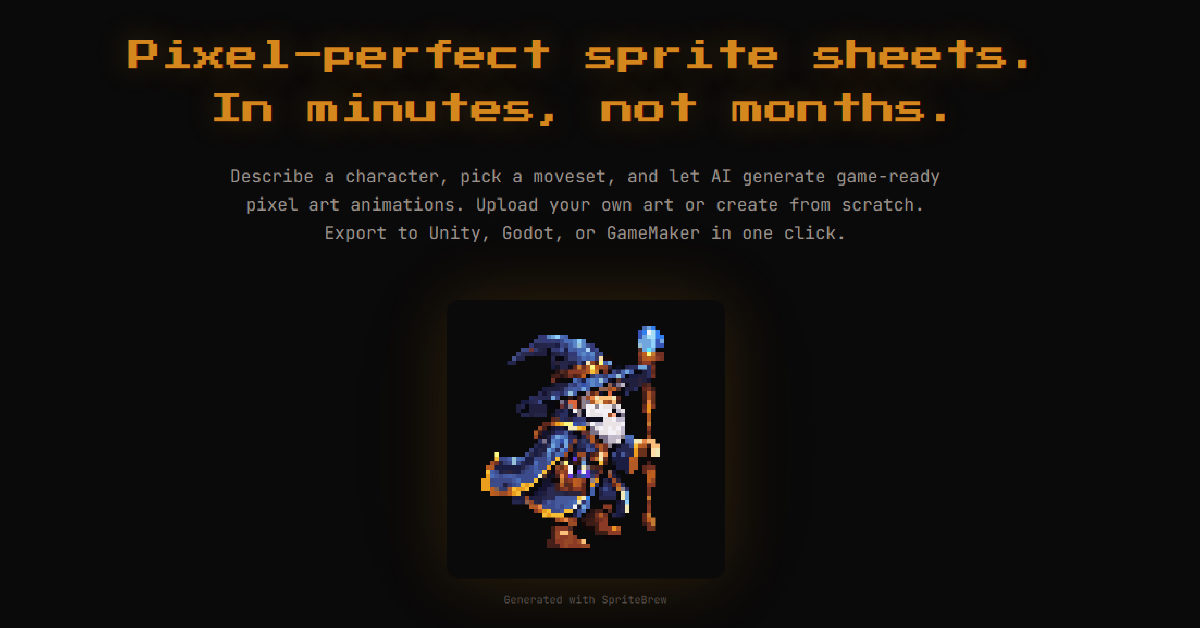
SpriteBrew is a specialized web-based toolkit created by indie developer George Albanese to solve one of the biggest bottlenecks in 2D game development: tedious frame-by-frame sprite animation.