
 Freemium
AI Studios
Quick facts
- Pricing model
- Freemium
- Minimum price
- Free
- Free access
- Yes
- Platforms
- Web
- API
- Payment methods
- Visa
- Mastercard
- American Express
- UnionPay
- Apple Pay
- Google Pay
- Link
- Cash App
- Interface languages
- English
- Русский
- Español
- Português
- Deutsch
- Français
- 简体中文
- 日本語
- Italiano
- 한국어
- Service status
- Online, checked


Developer and reliability
Information about the developer and the service's terms. This is a factual reference, not a quality assessment or a guarantee of safety.
- Developer
- DeepBrain AI
- Legal entity
- DeepBrain AI Inc.
- Legal entity's country
- United States
- Domain registered
- November 29, 2017
- The domain registration date is not the service's launch date.
Compare with alternatives
Choose a pair to compare features, pricing and payment methods.
About the tool
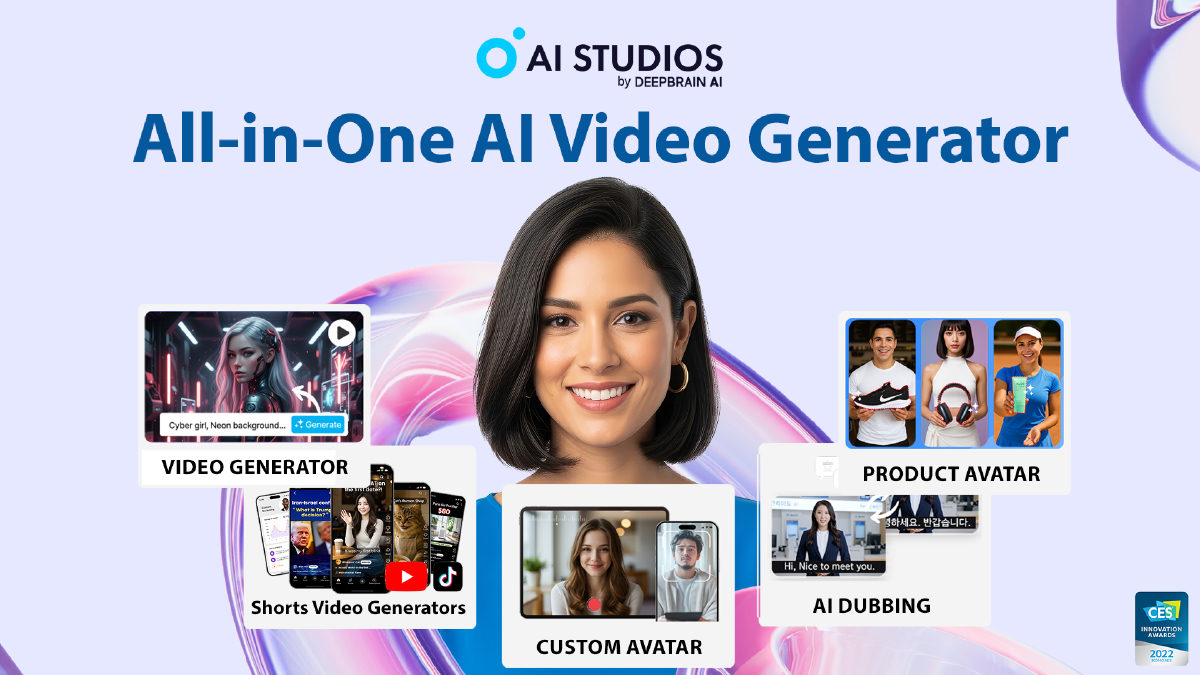
Video production traditionally requires a studio, cameras, actors, audio recording equipment, and hours in an editing suite. AI Studios, developed by DeepBrain AI, approaches this process as an algorithmic pipeline: you provide the script, presentation, or prompt, and software renders the talking head, background visuals, narration, and subtitles in minutes.
The platform combines digital human synthesis with generative media models. Instead of switching between separate standalone tools, you work in a unified web canvas that pairs AI avatars with text-to-video engines from model families like Sora, Veo, Seedance, and Kling, alongside image tools from Nano Banana. Like Visla, it focuses heavily on structured business communication and learning management workflows, while incorporating multi-engine generative video similar to Pollo AI.
Key capabilities of the platform include:
- Digital Humans and Custom Clones: Over 2,000 ready-to-use virtual presenters, photo-based avatars from a single still image, product avatars that simulate holding items, and custom digital clones created from short reference video recordings.
- Automated Media Conversion: Automated converters turn PowerPoint slides, PDFs, plain documents, website URLs, and raw text topics into sequenced video scenes with synchronous voiceover.
- Multilingual Dubbing and Voice Cloning: Video translation across 150+ languages with automatic lip-sync, speaker detection for multi-person interviews, and manual script proofreading prior to final rendering.
- Course Builder and L&D Tooling: Interactive video creation featuring branching decision scenarios, interactive quizzes, and compliance with SCORM (1.2, 2004) and xAPI standards for direct export into learning management systems (LMS).
- Conversational Real-Time Avatars: Interactive AI Humans powered by integrations with ChatGPT, Claude, Gemini, or custom corporate knowledge bases, deployable on websites, mobile apps, or physical self-service kiosks.
The platform operates on a freemium model with a split credit structure. Standard avatar video editing uses baseline subscription limits, while third-party generative video and image models draw from a separate balance of generative credits. The free tier is strictly an evaluation sandbox: it provides 16 one-time credits, up to 3 videos of 1 minute each, 720p resolution, and 3 dubbing trials. Paid plans unlock 1080p and 4K rendering, higher video durations, and expanded dubbing allocations.
AI Studios Reviews
No reviews collected yet
We are collecting user reviews of this tool from public sources. They will appear here soon.
AI Studios Pricing & Plans
Free
Personal
Team
Enterprise
Prices are based on the provider's information and may change.
Looking for a free option? Try these alternatives to AI Studios:
AI Studios Feature Comparison
Compare key features, prices and capabilities with similar tools
| Feature |  Current tool |  |  |  |
|---|---|---|---|---|
| Pricing model | Freemium | Freemium | Freemium | Freemium |
| Minimum price | from $24/month | from $29/month | from $22/month | from $11.40/month |
| Free access | Yes | Yes | Yes | Yes |
| User rating | ||||
| Current tool |
Frequently Asked Questions about AI Studios
What are the limitations of the free plan?
The free plan allows you to create up to 3 videos with a maximum duration of 1 minute per video, exported at 720p resolution. It includes access to 1 custom avatar, 3 trial uses of AI dubbing, and 16 one-time generative credits for testing generative video and image models.
How do Generative Credits work?
Generative credits are consumed specifically by compute-heavy third-party models for generative video and image synthesis, as well as custom avatar creation. Routine editing and standard avatar narration do not consume credits. Personal plans include 60 credits per month, Team plans allocate 150 credits per seat per month, and add-on packs can be purchased as needed.
Can I export videos for corporate LMS platforms?
Yes. AI Studios includes an interactive Course Builder that supports branching scenarios and quizzes. Completed training modules can be exported as SCORM 1.2, SCORM 2004, or xAPI packages for direct deployment into third-party learning management systems.
What is the refund policy for subscriptions?
DeepBrain AI enforces a strict no-refund policy once a service has been used, even partially. Generating, editing, downloading a video, or using avatars voids refund eligibility. Refunds can only be requested within 14 calendar days of purchase if the account has zero recorded usage.
How can I pay for AI Studios?
AI Studios payment methods: Visa, Mastercard, American Express, UnionPay, Apple Pay, Google Pay, Link, and Cash App.
What languages is the AI Studios interface available in?
The AI Studios interface is available in: English, Русский, Español, Português, Deutsch, Français, 简体中文, 日本語, Italiano, and 한국어.
What platforms is AI Studios available on?
AI Studios is available on: Web and API.
Similar tools
 Synthesia ▲ 1 ▼ 0
Transforms text scripts, documents, and presentations into structured videos anchored by photorealistic synthetic presenters. Built for corporate training and onboarding teams, it also offers automated dubbing into over 140 languages and interactive avatar roleplay sessions.
 Visla ▲ 1 ▼ 0
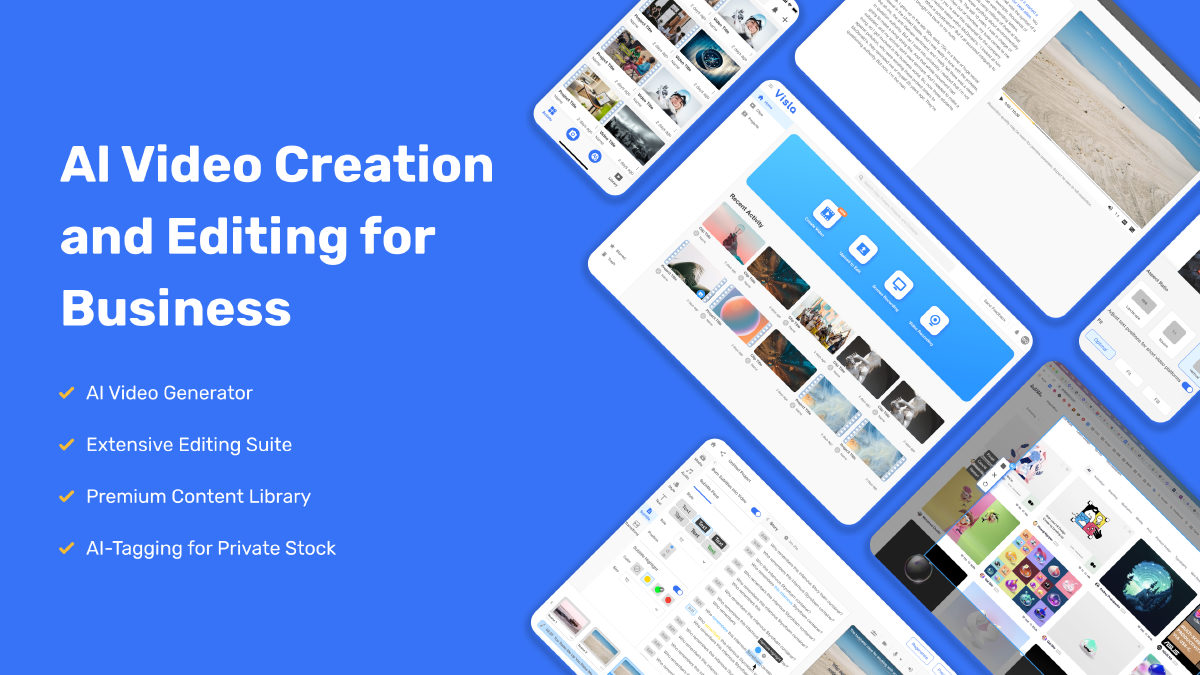
Transforms scripts, documents, presentations, and screen recordings into assembled video drafts complete with stock visuals, synthetic voiceovers, and avatars. It also features text-based transcript editing to automatically cut dead air and remove filler words.
 X-Pilot ▲ 2 ▼ 0
Transforms source documents such as PDFs, presentation decks, and Markdown files into structured video lessons and courses. It pairs AI scriptwriting with code-based rendering to display technical visual elements like equations, data charts, and code blocks without distortion.
 PodcastorAI ▲ 0 ▼ 0
Converts raw materials like documents, web links, and audio recordings into fully produced conversational audio and video podcasts. It handles the entire pipeline in one platform, automatically generating scripts, multi-speaker voice synthesis, and animated video hosts.







