
AI Tools for Text Recognition
Directory data
- Tools in this collection
- 1
- With a free plan
- 1
Compare tools
| Tool | Model | Free plan | Votes |
|---|---|---|---|
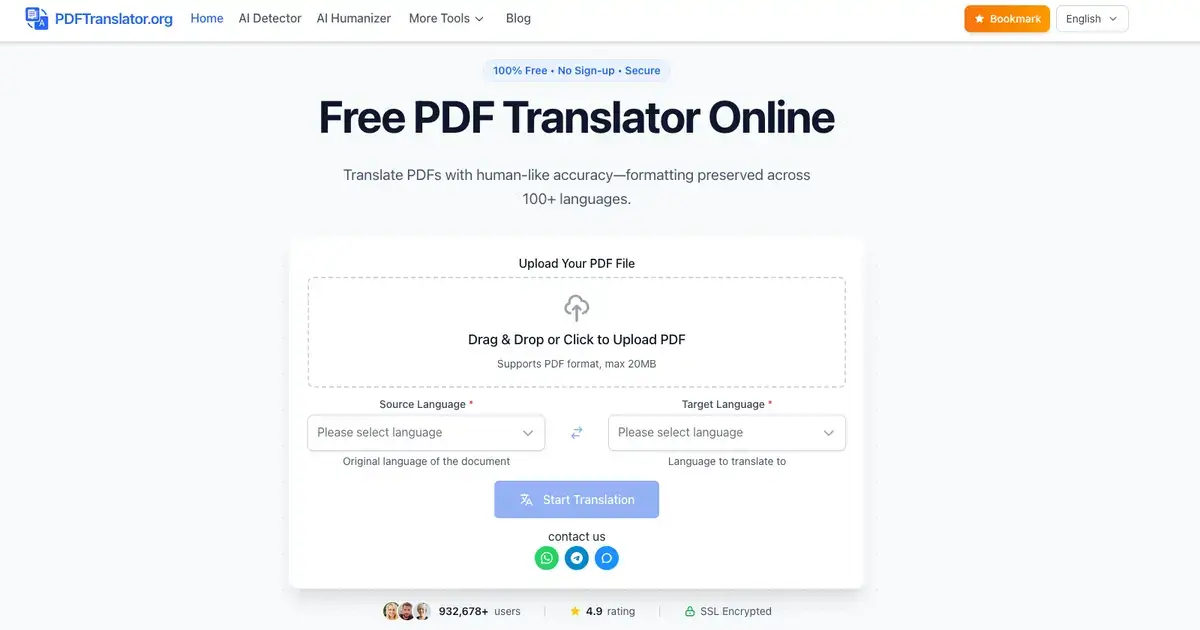
 Pdftranslator AI Pdftranslator AI | Free | Yes | ▲ 1 ▼ 0 |
Frequently asked questions
What types of documents can AI text recognition tools process?
Modern AI OCR systems handle a wide variety of inputs, including printed documents, receipts, dense tables, and cursive handwriting. They maintain accuracy across low-resolution scans, distorted angles, and noisy backgrounds where legacy tools typically fail. Advanced models also support multilingual recognition, accurately parsing overlapping scripts and specialized technical symbols.
Are AI tools for text recognition free to use?
Most platforms provide free tiers or recurring monthly allowances suitable for personal use and occasional document extraction. High-volume batch processing, on-premises deployment, and advanced API capabilities generally require a commercial subscription. Users can test free plans to measure extraction accuracy on representative samples before committing to enterprise tiers.
How do I choose the right AI text recognition tool?
Determine whether your primary workload consists of clean digital scans, handwritten notes, or structured forms like invoices and ID cards. Evaluate the system's ability to export to your preferred format, whether as plain text, searchable PDF, or structured JSON. It is equally essential to verify compliance with relevant data privacy regulations if you process sensitive documents.
Do AI text recognition tools preserve document formatting?
Leading AI recognition models detect structural elements such as tables, headers, columns, and paragraph breaks alongside the raw text. Many tools can reconstruct the original layout directly into formatted office documents or spreadsheets. This layout preservation drastically reduces the need for manual post-processing and corrections.
Other collections
About this collection
Optical character recognition once relied on rigid template matching, failing whenever fonts, rotations, or contrast varied. Modern neural networks process visual documents much like human perception, extracting text from complex visual contexts by evaluating spatial relationships and character semantics simultaneously.
These systems eliminate tedious manual data entry across invoices, archival documents, handwritten notes, and multi-column papers. By turning unsearchable pixels into structured, editable data streams, teams can automate document routing, compliance verification, and information retrieval with minimal manual oversight.







