
 Freemium
Pixno
Quick facts
- Pricing model
- Freemium
- Minimum price
- Free
- Free access
- Yes
- Platforms & integrations
- Web
- Android
- Windows
- macOS
- Service Integrations
- Payment methods
- Visa
- Mastercard
- American Express
- JCB
- Apple Pay
- Google Pay
- Link
- Cash App
- Alipay
- Amazon Pay
- Interface languages
- English
- Español
- Deutsch
- Français
- 简体中文
- 日本語
- Italiano
- 繁體中文
- 한국어
- Service status
- Online, checked



Developer and reliability
Information about the developer and the service's terms. This is a factual reference, not a quality assessment or a guarantee of safety.
- Developer
- Kanaries Data Inc.
- Legal entity
- Kanaries Data Inc.
- Domain registered
- October 5, 2023
- The domain registration date is not the service's launch date.
Compare with alternatives
Choose a pair to compare features, pricing and payment methods.
About the tool
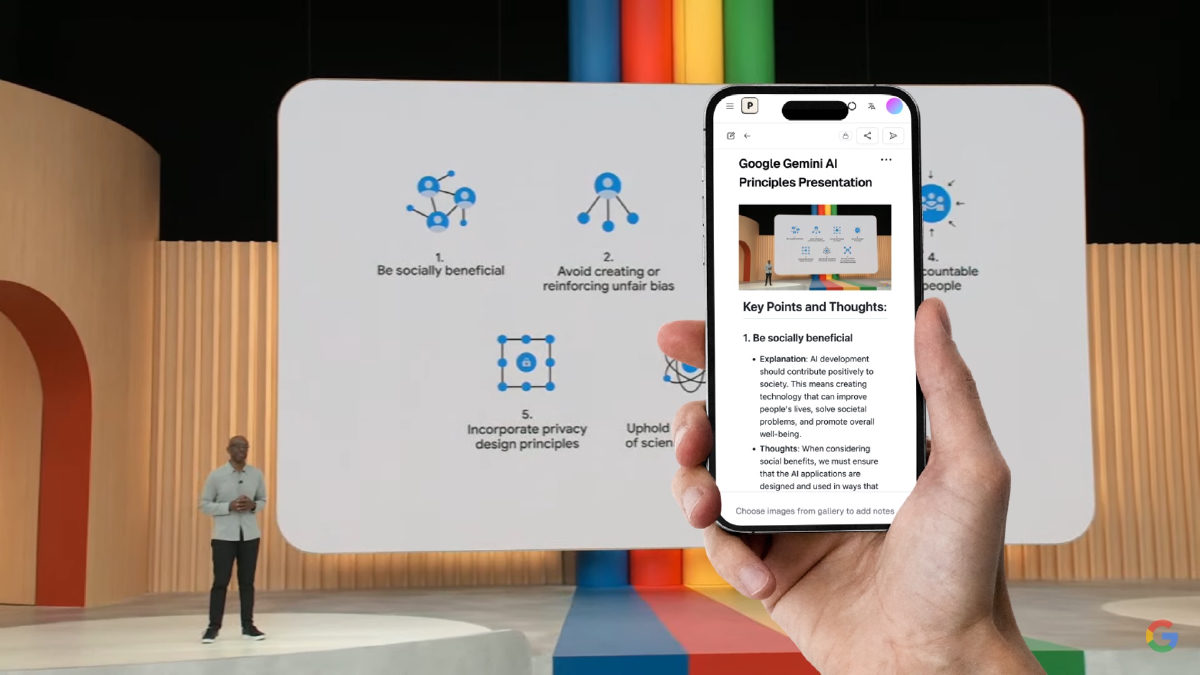
Turning messy lecture slides, scribbled whiteboards, and rambling voice recordings into coherent study notes usually means hours of mindless retyping. Pixno (originally Photes.io, built by Kanaries Data Inc.) takes that grind off your hands. Instead of acting like a barebones OCR scanner, it pairs OpenAI vision models with DeepSeek reasoning models to actually understand slides, diagrams, Venn charts, and textbooks, turning them straight into structured Markdown.
While meeting tools like otter.ai obsess over calendar invites and Zoom bots, Pixno focuses on real-world studying and desk clutter. Point your camera at a slide or drop in a bulky document, and the AI drafts structured summaries, converts handwritten formulas to LaTeX, turns picture tables into Excel spreadsheets, and lets you chat with the material through an interactive study assistant.
Key capabilities include:
- Document and slide parsing: digests PDFs, Word docs, Keynote, and PowerPoint decks into organized outlines and study guides.
- Desktop Voice Input: a native system-wide dictation app for macOS and Windows that cuts filler words, fixes mid-sentence second thoughts, and tailors formatting to your target application (casual in chat, polite in email, syntax-accurate in code editors).
- Visual data extraction: pulls tabular data straight into spreadsheets and transcribes handwritten equations or diagrams without manual retyping.
- Direct knowledge base export: pushes generated notes directly into Notion, Obsidian, Evernote, Google Docs, Google Slides, Microsoft Word, and Apple Notes.
- Real-time web verification: pulls external references and web summaries to back up concepts generated in your notes.
The honest catches: The free Hobby tier comes with tight guardrails: you get 300 credits for 30 days, but they're throttled by strict rolling caps of 50 credits per 5 hours and 150 per week. On top of that, document ingestion on free accounts cuts off after the first 10 slides, 8 PDF pages, or 5 Word pages. On mobile, Android users have to sideload an APK instead of downloading from an app store, and an iOS client is not yet available.
Pixno Reviews
No reviews collected yet
We are collecting user reviews of this tool from public sources. They will appear here soon.
Pixno Pricing & Plans
Free Plan
Pixno Basic
Pixno Pro
Pixno Ultra
Hobby
Starter Pack
Project Pack
Extended Pack
Prices are based on the provider's information and may change.
Looking for a free option? Try these alternatives to Pixno:
Pixno Feature Comparison
Compare key features, prices and capabilities with similar tools
| Feature |  Current tool |  |  |  |
|---|---|---|---|---|
| Pricing model | Freemium | Freemium | Freemium | Freemium |
| Minimum price | from $5/month | from $9.99/month | from $9.90/month | from €1.70/month |
| Free access | Yes | Yes | Yes | Yes |
| User rating | — | |||
| Current tool |
Frequently Asked Questions about Pixno
How does Pixno Voice Input differ from standard OS dictation?
Built-in OS voice typing just dumps speech onto your screen verbatim, stutters, false starts, and filler words included. Pixno's desktop app for macOS and Windows cleans up your speech on the fly: it cuts out 'ums' and 'uhs,' catches mid-sentence self-corrections, restores technical jargon, matches your target app's tone (casual in chat, polite in email, syntax-accurate in code editors), and deletes the audio recording the moment it's transcribed.
What limits apply to the free plan?
You get 300 credits every 30 days, but with strict rolling caps: no more than 50 credits every 5 hours and 150 credits every 7 days. Free users can only run one processing task at a time, and document imports stop early—capping out after the first 10 slides of a presentation, 8 pages of a PDF, or 5 pages of a Word document.
Which platforms and apps does Pixno support?
Pixno works in your browser, provides dedicated desktop Voice Input utilities for macOS and Windows, and offers an Android APK you can sideload manually. From there, notes sync and export straight to Notion, Obsidian, Evernote, Google Docs, Google Slides, Microsoft Word, and Apple Notes.
What happens to uploaded audio and personal data?
Audio processed through the desktop Voice Input tool is converted to text and deleted immediately. You retain ownership of all uploaded and generated content, though you do grant Pixno an operational license to process it. The catch is that the terms do not explicitly confirm whether text content is excluded from model training.
How can I pay for Pixno?
Pixno payment methods: Visa, Mastercard, American Express, JCB, Apple Pay, Google Pay, Link, Cash App, Alipay, and Amazon Pay.
What languages is the Pixno interface available in?
The Pixno interface is available in: English, Español, Deutsch, Français, 简体中文, 日本語, Italiano, 繁體中文, and 한국어.
What platforms is Pixno available on?
Pixno is available on: Web, Android, Windows, macOS, and Service Integrations.
Similar tools
 StudyX ▲ 2 ▼ 0
Helps students manage coursework by providing step-by-step homework solutions, transcribing lectures into structured notes, and generating practice quizzes from study materials. It also offers academic writing tools and certification exam simulators across more than 50 subjects.
 MyMemo ▲ 1 ▼ 0
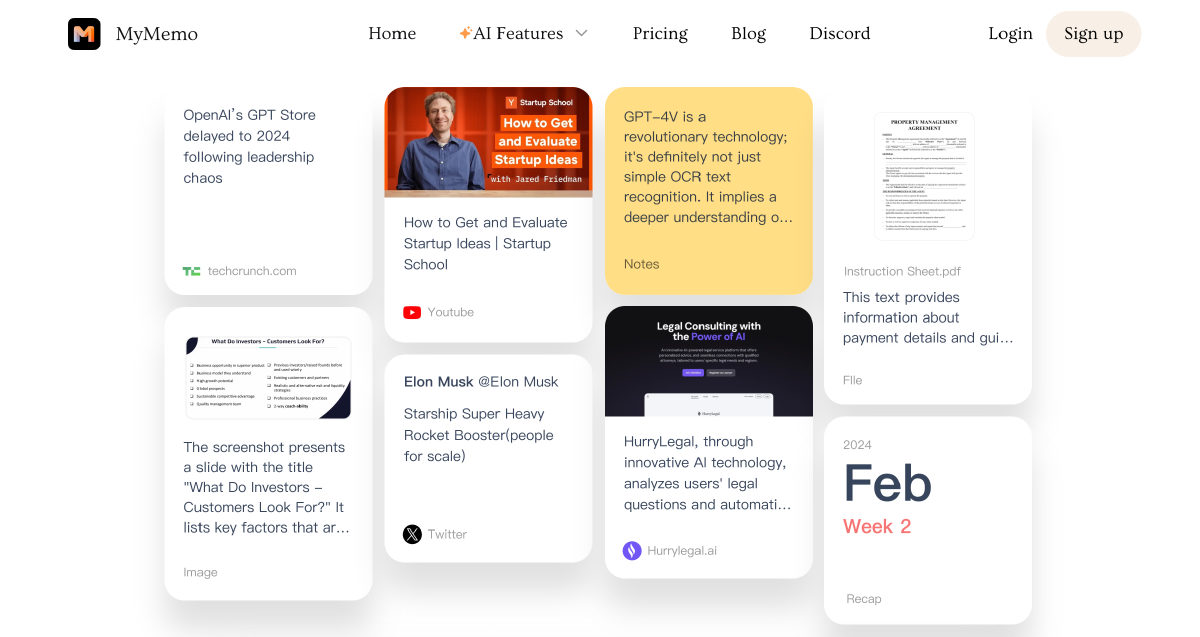
Turns saved links, documents, images, and videos into an interconnected personal knowledge base. Built-in AI lets you query your private archive with direct source citations or spin up bite-sized audio digests on the go.
 TeraBox ▲ 2 ▼ 0
Combines cloud storage with productivity tools to help users conduct research, create media, and generate documents in a single workspace. Users can build cited presentations and research reports, convert files, and turn multimedia inputs into mind maps, quizzes, and outlines.

 Math AI ▲ 1 ▼ 0
Step-by-step solver and Socratic tutor for algebra, calculus, and geometry. Generates line-by-line derivations to double-check homework or asks guiding questions so you actually work through the math logic yourself.







