CategoriesTranscription and subtitles, Video editingAI video generators, Video editing
Pricing and payment
Pricing modelFreemiumFreemium
Starting priceFreeFree
Free accessYesYes
Pricing plans
Free Credits —Free
Creator —$19/month
Studio —$59/month
Enterprise —Contact for pricing
1 000 Credits —$10 / 1,000 credits
3 300 Credits —$30 / 3,300 credits
12 000 Credits —$100 / 12,000 credits
Pro —$22/month
Business —$59/month
Enterprise —Contact for pricing
Free —Trial access
Payment methodsVisa, Mastercard, American Express, JCB, Discover, Diners Club, UnionPay, Apple Pay, Google Pay, Link, and Cash AppVisa, Mastercard, American Express, JCB, Discover, Diners Club, UnionPay, Apple Pay, and Google Pay
Pricing last changed
Ratings and reviews
User rating+1+1
Data freshness
Service statusOnline, checkedOnline, checked
Checked
Compare features and plans for your needs. Before paying, check current prices and limits on the service’s website. How we assess tools
What they share and how they differ
Both have
Video editing
Only CinLink
Video dubbingContent localizationSubtitle overlayPrompt-based video editing
Only Visla
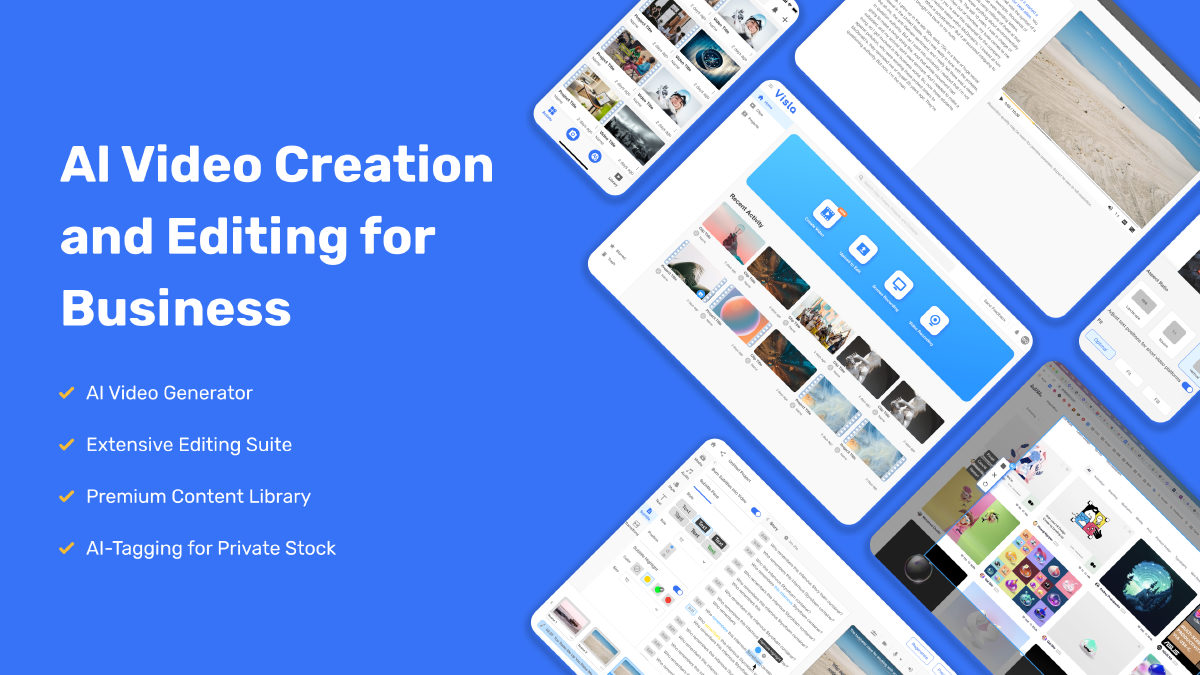
AI avatarsCorporate trainingVideo generationVideo voiceoverStoryboardingScreen recording


 CinLink
  Visla
Visla