
 Freemium
CinLink
Quick facts
- Pricing model
- Freemium
- Minimum price
- Free
- Free access
- Yes
- Platforms & integrations
- Web
- Windows
- macOS
- API
- Payment methods
- Visa
- Mastercard
- American Express
- JCB
- Discover
- Diners Club
- UnionPay
- Apple Pay
- Google Pay
- Link
- Cash App
- Interface languages
- English
- 简体中文
- 日本語
- Service status
- Online, checked


Developer and reliability
Information about the developer and the service's terms. This is a factual reference, not a quality assessment or a guarantee of safety.
- Legal entity
- Link Inc.
- Domain registered
- April 21, 2026
- The domain registration date is not the service's launch date.
Compare with alternatives
Choose a pair to compare features, pricing and payment methods.
About the tool
Video post-production usually turns into an exhausting circus of jumping between non-linear editing suites, separate transcription tools, translation tabs, and speech synthesisers. CinLink strips out that fragmented timeline friction by wrapping video editing, localization, and repurposing into a prompt-driven, conversational interface.
Instead of slicing clips manually on a traditional timeline like in VEED, you describe what you want in plain text or voice commands. The desktop client handles indexing and footage discovery right where your files live, while calling out to generative engines like Seedance for asset creation and visual tasks.
Key capabilities of the platform:
- Automated subtitles and transcription: Converts spoken dialogue into timestamped captions, lets you tweak timing and wording, and outputs clean SRT files or burns single-language and bilingual hardsubs directly into the video.
- Multilingual translation and dubbing: Translates existing caption tracks or full speech, adapts YouTube videos via direct link, and generates voiceovers matched to the speaker's rhythm.
- Content repurposing and smart clipping: Analyzes long-form podcasts, lectures, or webinars, flags key moments, and cuts them into vertical short clips formatted for social feeds.
- Semantic local archive search: Finds specific scenes across your local drive using natural-language queries like finding where a product's price was mentioned, without requiring manual tags.
- Timeline-level AI revisions: Lets you pin a timestamp or section of your footage, type the exact adjustment you need—such as adjusting brightness—and review changes before final rendering.
- Media enhancement and B-roll generation: Upscales resolution up to 2×, reframes aspect ratios, adds watermarks, and generates supplementary images or B-roll scenes from text prompts.
CinLink works best for solo creators, podcasters, online educators, and marketing agencies handling repetitive cuts and multi-language rollouts across desktop and web environments.
CinLink Reviews
No reviews collected yet
We are collecting user reviews of this tool from public sources. They will appear here soon.
CinLink Pricing & Plans
Free Credits
Creator
Studio
Enterprise
1 000 Credits
3 300 Credits
12 000 Credits
Prices are based on the provider's information and may change.
Looking for a free option? Try these alternatives to CinLink:
CinLink Feature Comparison
Compare key features, prices and capabilities with similar tools
| Feature |  Current tool |  |  |  |
|---|---|---|---|---|
| Pricing model | Freemium | Free trial | Freemium | Freemium |
| Minimum price | from $19/month | from €22/month | from €15/month | from $22/month |
| Free access | Yes | Trial access | Yes | Yes |
| User rating | ||||
| Current tool |
Frequently Asked Questions about CinLink
What platforms does CinLink run on?
CinLink is designed around a local-first desktop workspace available for Windows and macOS, alongside modern web browser access and an API for custom pipeline integrations.
What does the free plan include?
The free tier gives you a one-time allowance of 100 credits without requiring a credit card, allowing you to test transcription, subtitle creation, basic translations, and short video exports.
How do AI Video Revisions work?
You pause playback at an exact timestamp or highlight a continuous section on the timeline, write your editing instruction in natural language, and submit it. CinLink applies the requested change to that specific section so you can inspect the result before committing the export.
Can I export standalone subtitles or burn them into the video?
Both options are supported. You can download clean, timestamped SRT files to use in external editors and archive workflows, or burn stylized single-language and bilingual captions straight into the exported video file.
How can I pay for CinLink?
CinLink payment methods: Visa, Mastercard, American Express, JCB, Discover, Diners Club, UnionPay, Apple Pay, Google Pay, Link, and Cash App.
What languages is the CinLink interface available in?
The CinLink interface is available in: English, 简体中文, and 日本語.
What platforms is CinLink available on?
CinLink is available on: Web, Windows, macOS, and API.
Similar tools
 VEED ▲ 1 ▼ 0
Offers a browser-based video studio that combines timeline editing with generative AI tools for creators. It enables users to record footage, generate videos from text prompts, edit clips directly through transcripts, and dub audio with lip synchronization.
 OpusClip ▲ 2 ▼ 0
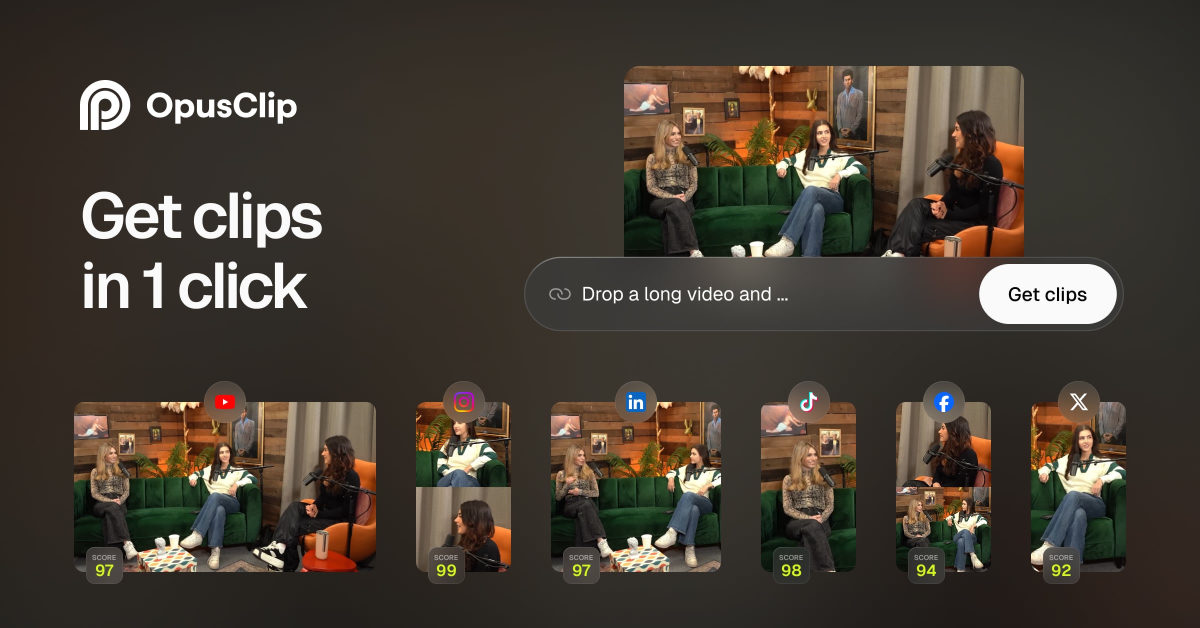
Repurposes long-form videos into short-form clips by extracting key moments, reframing footage for vertical formats, and generating dynamic captions. Projects can be scheduled directly to social platforms or exported to professional editing software like Adobe Premiere Pro and DaVinci Resolve.
 Visla ▲ 1 ▼ 0
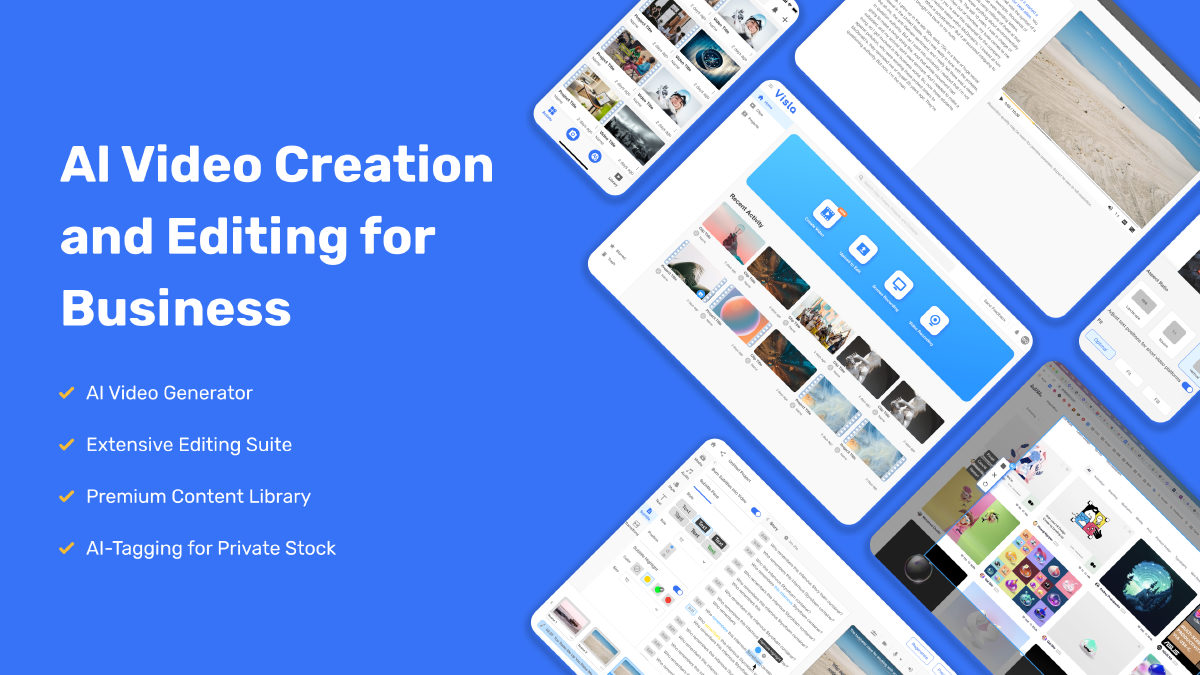
Transforms scripts, documents, presentations, and screen recordings into assembled video drafts complete with stock visuals, synthetic voiceovers, and avatars. It also features text-based transcript editing to automatically cut dead air and remove filler words.
 Transcribe Video AI ▲ 1 ▼ 0
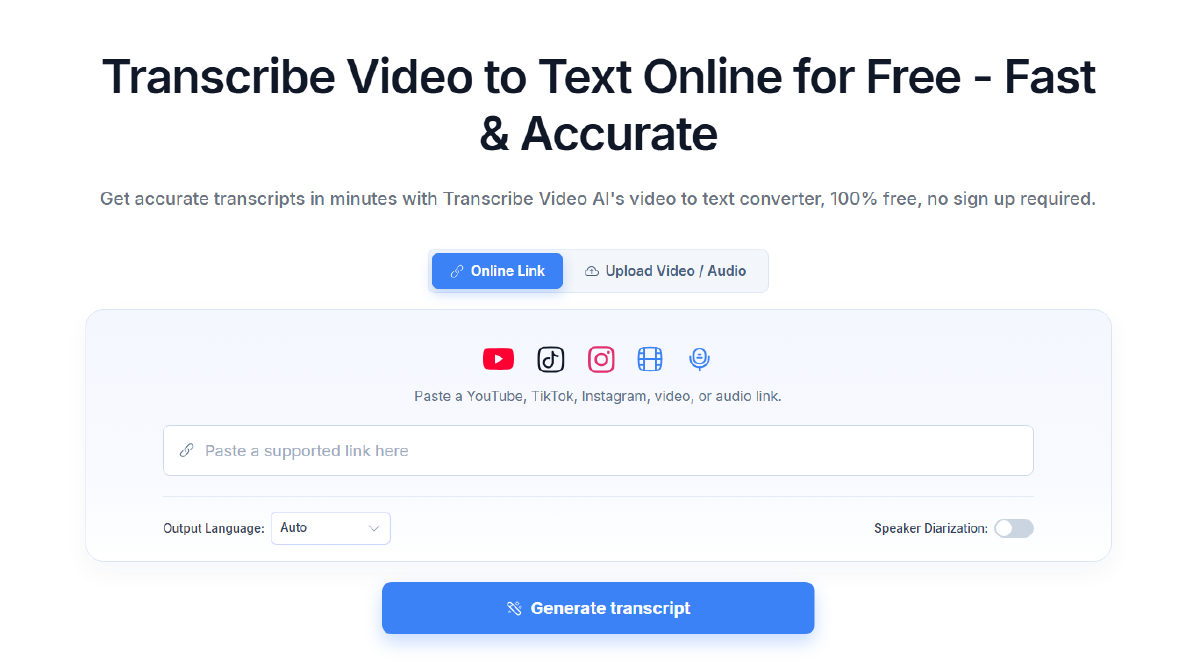
Converts uploaded media files and links from platforms like YouTube, TikTok, and Instagram into transcripts, subtitles, and summaries. It features speaker diarization, multilingual recognition across more than 100 languages, and on-screen text extraction.

 Magiclight AI ▲ 2 ▼ 0
Converts text prompts, scripts, and still images into multi-scene narrative videos up to 50 minutes long. The platform combines character consistency tools, voice synthesis, automated lip-syncing, and timeline editing into a single workflow.
 FilmSpark ▲ 1 ▼ 0
Organizes AI video creation into an end-to-end filmmaking pipeline, helping creators script, storyboard, generate, and edit projects in one place. It maintains character and visual consistency across cuts while supporting shot-by-shot model selection and built-in timeline editing.





