
 Trial
Trial
FilmSpark
Quick facts
- Pricing model
- Trial
- Minimum price
- Depends on the plan
- Free access
- Trial access
- Regional payment options
- Pay directly on the website
- Service status
- Online, checked
- User rating
Developer and reliability
Information about the developer and the service's terms. This is a factual reference, not a quality assessment or a guarantee of safety.
- Developer
- Mystic Moose
- Legal entity
- Mojoverse, Inc.
- Legal entity's country
- United States
- Domain registered
- January 15, 2026
- The domain registration date is not the service's launch date.
Compare with alternatives
Choose a pair to compare features, pricing and assessments.
Editorial assessment
Good specialized serviceFilmSpark earns its Good specialized service badge because it tackles the nastiest headache in generative video: chaotic, disconnected shots. Instead of playing prompt roulette across ten browser tabs hoping for matching frames, you get an orderly director's deck: script outlines, persistent character profiles, shot-by-shot model routing, and a shared timeline.
There are no empty promises of making a Hollywood movie with one magic button:
- A production pipeline that makes sense: structured storyboarding, rough-cut sequencing, and voiceover synchronization under one roof.
- Vendor-agnostic engine: assign Kling to one dynamic shot, then switch to Veo or Wan for the next without breaking the project.
Sure, the in-browser editor is strictly for rough cuts, and you're still bound by the raw physics quirks of underlying video models. But for ad testing, micro-dramas, and film pre-visualization, this is one of the cleanest setups around.
- Functionality Good
- Price and value Good
- Ease of use Good
- Reliability and support Good
- Innovation Good
About the tool
Forget the endless prompt roulette where you burn credits across separate tabs hoping an actor doesn't mutate between cuts. FilmSpark approaches generative video as a structured virtual production studio, built by a team with background at Lucasfilm and ILM.
The service organizes AI filmmaking around story continuity rather than one-off clips. You start with an AI Co-Pilot that translates briefs or pitches into structured script beats, generate visual storyboards, and then produce shots directly on an integrated canvas:
- Persistent character profiles: Anchor an actor's face, styling, and traits with image references so the protagonist looks consistent from scene to scene.
- Multi-model orchestration: Assign different underlying video and image engines—including Kling, Veo, Wan, LTX, Flux, GPT, Nano Banana, and Seedream—shot-by-shot depending on whether a scene calls for photorealism, stylized animation, or rapid concept drafting.
- In-browser rough editing: Arrange clips on a timeline, trim handles, attach Shot Notes for collaborators, and sync synthetic speech or imported voice tracks.
- Custom asset ingestion: Drop in custom artwork from Midjourney, corporate logos, props, and voice samples to maintain brand guidelines.
On the business side, the platform layers in governance tools: administrators can limit model access per project, inspect credit burn rates, and rely on SOC 2 Type I and ISO/IEC 27001 standards alongside commercial legal indemnification.
How it helps you
FilmSpark allows marketing teams, agencies, and independent creators to scale narrative video output while maintaining character and stylistic continuity:
- Commercial concept testing: Generate multiple distinct video ad variations in an afternoon to test performance hooks without staging physical reshoots.
- Pre-visualization and micro-dramas: Pitch films, build animatics, and produce episodic shorts with coherent characters and unified art direction.
Pros and cons
Pros
- Full-cycle pipeline connecting scriptwriting, storyboard generation, video rendering, and timeline rough cuts
- Persistent character profiles and global style presets that maintain visual continuity across shots
- Shot-by-shot model selection across Kling, Veo, Wan, LTX, Flux, and GPT inside one unified project
- Support for importing external images, brand logos, audio clips, and Midjourney creations
- Studio governance suite featuring per-project model controls, credit tracking, and SOC 2 compliance
Cons
- Built-in timeline editor is limited to rough cuts, requiring professional external software for finishing and complex audio mastering
- Maximum generation length per shot remains restricted by the underlying video model engines
- Free plan is restricted to a one-time trial credit grant and applies watermarks to all exported media
User reviews
No reviews collected yet
We are collecting user reviews of this tool from public sources. They will appear here soon.
Pricing
Free
Standard (Monthly)
Standard
Pro (Monthly)
Pro
Ultimate (Monthly)
Ultimate
Enterprise
Prices are based on the provider's information and may change.
Looking for a free option? Try these alternatives to FilmSpark:

Compare with popular alternatives
Compare key features, prices and capabilities with similar tools
| Feature | Current tool |  |  |  |
|---|---|---|---|---|
| Pricing model | Trial | Paid | Trial | Trial |
| Minimum price | from $15/month | from $18/month | from RUB 200 one-time | from $20/month |
| Free access | Trial access | No | Trial access | Trial access |
| Regional payment options | Direct payment | Direct payment | Direct payment | Direct payment |
| Editorial assessment | Good specialized service | Good product | Good specialized service | Strong technology platform |
| User rating | ||||
| Current tool |
























Frequently asked questions
How does FilmSpark keep characters consistent across shots?
FilmSpark utilizes persistent character profiles paired with reference imagery and global aesthetic parameters. Once you configure a character or style profile, the platform applies those references across subsequent scene prompts, preventing actor features and clothing from morphing between shots.
Can I use different AI models within the same video project?
Yes. The system supports shot-by-shot model assignment. You can assign Kling, Veo, Wan, or LTX to specific video cuts, and leverage Flux, GPT, Nano Banana, or Seedream for storyboard stills and concept art within the same project timeline.
What editing tools are included inside FilmSpark?
FilmSpark includes a basic in-browser non-linear editor designed for rough cuts. You can trim clips, reorder shots on the timeline, leave Shot Notes for your team, and synchronize voiceovers or sound effects before exporting the timeline or metadata for post-production in external NLEs.
Does the free plan allow commercial use and clean exports?
No. The free tier offers a one-time allocation of 100 credits to test platform workflows, but all generated videos carry a watermark. Watermark removal, commercial licensing rights, and recurring monthly credit allocations require an upgrade to the Standard plan or higher.
Similar tools

 Magiclight AI ▲ 2 ▼ 0
Magiclight AI operates as an all-in-one generative studio designed to build multi-scene narrative videos up to 50 minutes long.
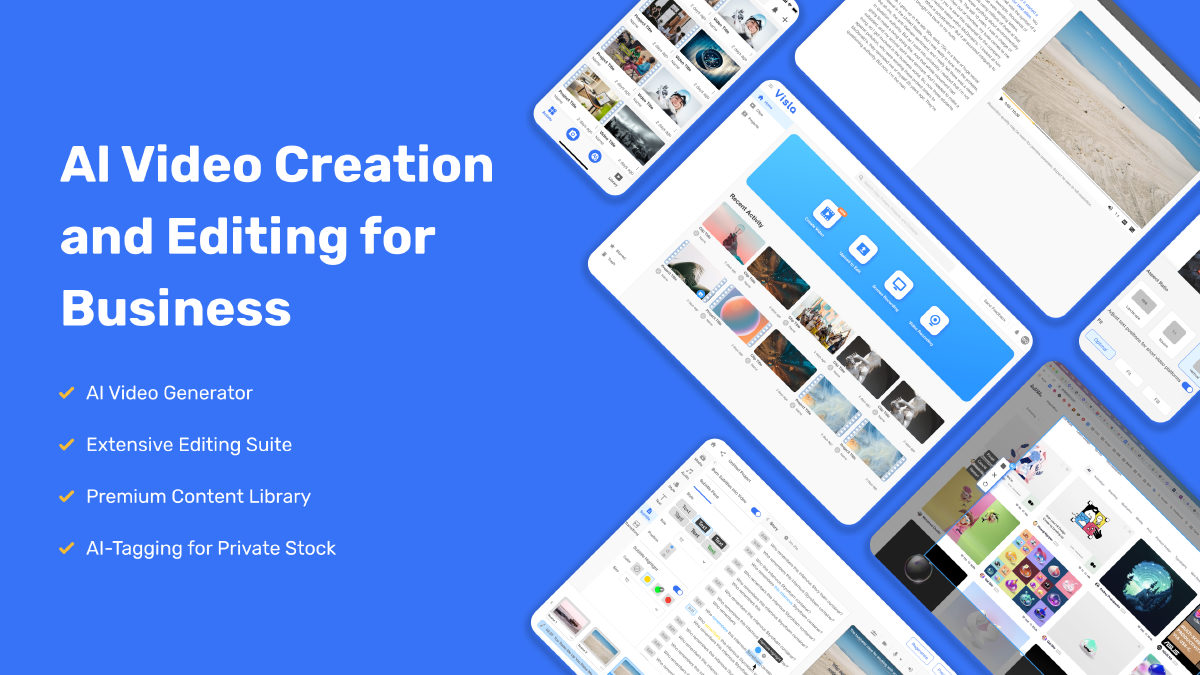
 Visla ▲ 1 ▼ 0
Most video tools want to dazzle you with cinematic five-second clips of neon landscapes.
 TensorPix ▲ 1 ▼ 0
Anyone who has ever tried upscaling grainy footage or old home videos knows the headache: you either need a monster desktop PC with a four-figure GPU, or you spend twelve hours listening to your laptop fans scream in agony.

 VEED ▲ 1 ▼ 0
VEED is a browser-first video studio that bundles classic timeline editing with an expansive suite of generative AI tools.
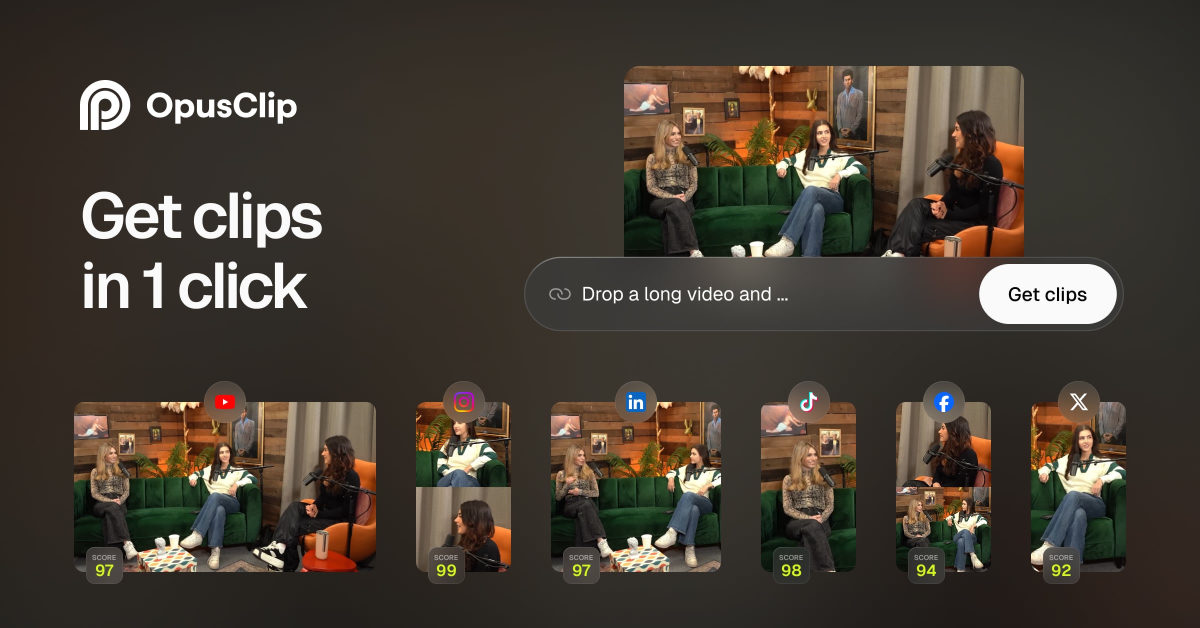
 OpusClip ▲ 2 ▼ 0
OpusClip is an AI-powered video repurposing platform designed to take long-form recordings and chop them into vertical clips for platforms like YouTube Shorts, TikTok, and Instagram Reels.
 Reels Boss ▲ 1 ▼ 0
Reels Boss is a cloud-based AI media processing engine built to take raw, long-form footage and convert it into high-volume short-form content.