
 Freemium
Floatboat
Quick facts
- Pricing model
- Freemium
- Minimum price
- Free
- Free access
- Yes
- Platforms & integrations
- Web
- Windows
- macOS
- Payment methods
- Visa
- Mastercard
- American Express
- JCB
- Discover
- Diners Club
- UnionPay
- Apple Pay
- Link
- Alipay
- Interface languages
- English
- 简体中文
- Service status
- Online, checked


Developer and reliability
Information about the developer and the service's terms. This is a factual reference, not a quality assessment or a guarantee of safety.
- Legal entity
- AOE Tech Labs Limited
- Legal entity's country
- Hong Kong SAR China
- Domain registered
- January 16, 2026
- The domain registration date is not the service's launch date.
Compare with alternatives
Choose a pair to compare features, pricing and payment methods.
About the tool
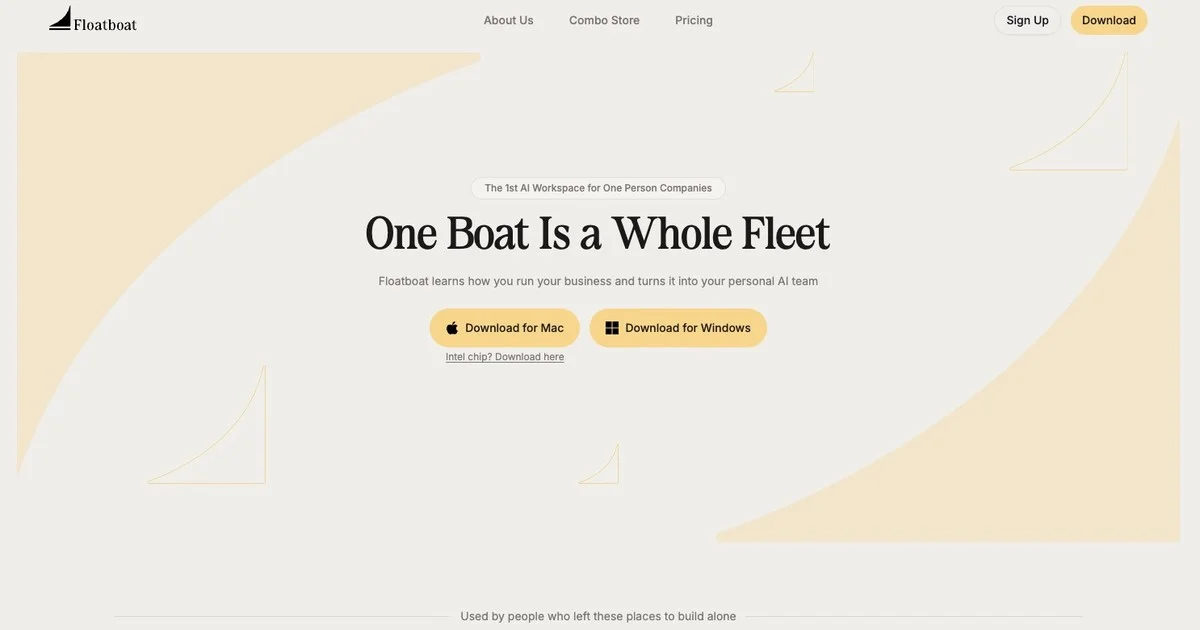
Most AI tools sit passively in a browser tab waiting for you to type a prompt. Floatboat completely flips this dynamic by turning your schedule into an active runtime. Developed by Hong Kong-based AOE Tech Labs Limited, this desktop environment connects to Google Calendar, Notion Calendar, Lark, Microsoft Outlook, Apple iCloud, or any ICS feed, treating each scheduled block as an automated execution trigger. Instead of manually prompting an assistant before a meeting or after a deadline, Floatboat runs context preparation, draft compilation, and post-event follow-ups proactively, storing all artifacts directly in your local folders.
Much like multi-model workspaces such as Floutwork, Floatboat integrates frontier intelligence under one roof so you do not have to juggle separate subscriptions. However, unlike cloud-only agents like Happycapy, Floatboat operates on a privacy-first, local-first runtime: your files stay on your machine, and external LLM calls only receive strictly necessary context.
Key features and built-in toolset:
- Calendar-driven Agent Spaces: Every meeting, routine, or deadline spins up an isolated workspace with its own run history, model selection, and event-scoped permissions.
- Built-in multi-model routing: Built-in access to model families from OpenAI, Anthropic Claude, Google Gemini, DeepSeek, Kimi, MiniMax, GLM, and Seedance without needing API keys or VPNs. Auto Mode routes routine parsing to fast models and deep reasoning to heavy frontier models, with automatic fallback if a provider hits rate limits.
- Local file intelligence & Obsidian sync: Features an integrated multi-pane file manager, Markdown editing, automated sorting, AI batch document parsing, and direct read-write access to local Obsidian vaults.
- Isolated AI Browser: Automates repetitive tasks inside web portals and apps by importing cookies and sessions from your existing browsers, without hijacking your primary navigation windows.
- Flow Mode & multimedia processing: Speech-to-outcome voice capture turns raw dictation into structured memos and slides. Batch processes audio and video for transcription, translation, and burnt-in subtitles.
- FloatIM & multi-agent chats: A specialized desktop and iOS messenger where local agents collaborate, assign roles among themselves, and deliver finished code, research, or presentations.
- Extensible skill marketplaces: Access prebuilt routines through the Combo Store, Workflow Store, and Timeshop to automate browser actions, webhooks, or structured workflows.
Floatboat Reviews
No reviews collected yet
We are collecting user reviews of this tool from public sources. They will appear here soon.
Floatboat Pricing & Plans
Free
Lite
Pro
Max
3,000 Credits Booster
Prices are based on the provider's information and may change.
Floatboat Feature Comparison
Compare key features, prices and capabilities with similar tools
| Feature |  Current tool |  |  |
|---|---|---|---|
| Pricing model | Freemium | Free trial | Free trial |
| Minimum price | from $1/month | from $34/month | from $29/month |
| Free access | Yes | Trial access | Trial access |
| User rating | |||
| Current tool |
Frequently Asked Questions about Floatboat
How does Floatboat turn a calendar into an automated agent workflow?
Floatboat connects with calendar providers such as Google Calendar, Notion Calendar, Lark, Outlook, and iCloud. Instead of treating meetings as static calendar entries, the system treats each time block as a contextual trigger: agents automatically generate briefing notes before meetings, assemble drafts before project deadlines, and compile follow-up tasks or emails once the event ends.
Are my local documents and private files uploaded to the cloud?
No. Floatboat uses a local-first architecture where files are processed on your computer and remain stored on your local drive. Only the specific, necessary context required for inference is sent to external AI providers when executing agentic tasks, and permissions can be scoped per calendar event.
Which AI models are included, and do I need to bring my own API keys?
The platform comes with built-in access to model families from OpenAI, Anthropic Claude, Google Gemini, DeepSeek, Kimi, MiniMax, and GLM out of the box without requiring personal API keys or VPNs. However, users who prefer using their own provider credentials can configure Bring Your Own Key (BYOK) setups.
Which operating systems and client platforms does Floatboat support?
Floatboat runs as a native desktop application on macOS 13+ (with builds for both Apple Silicon and Intel processors) and Windows 10/11 (available via direct installer and Microsoft Store). It also offers the FloatIM companion app on iOS, with messenger plugins and agent integrations available for Slack, Telegram, Discord, Feishu/Lark, WeChat, and WeCom.
How can I pay for Floatboat?
Floatboat payment methods: Visa, Mastercard, American Express, JCB, Discover, Diners Club, UnionPay, Apple Pay, Link, and Alipay.
What languages is the Floatboat interface available in?
The Floatboat interface is available in: English and 简体中文.
What platforms is Floatboat available on?
Floatboat is available on: Web, Windows, and macOS.
Similar tools
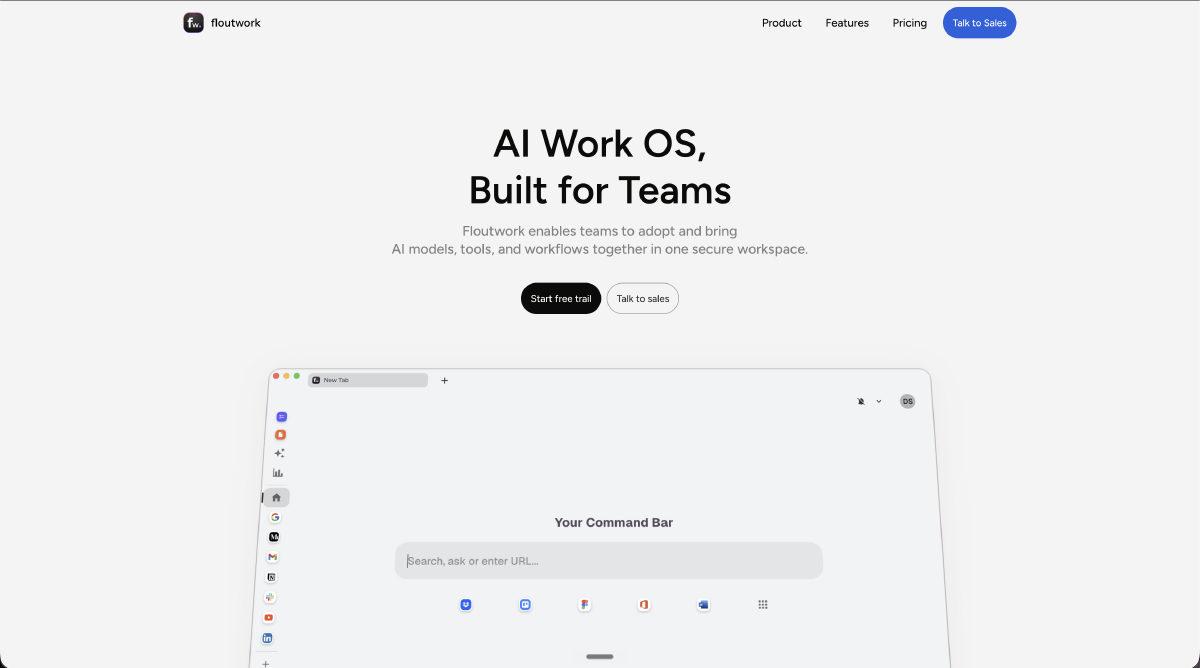 Floutwork ▲ 1 ▼ 0
Combines a desktop web browser, productivity tools, and multiple AI models into a single workspace for macOS and Windows. A context-aware assistant reads active web pages and documents alongside your browsing, automatically routing queries across providers like Claude, Gemini, and OpenAI.
 PaioClaw ▲ 1 ▼ 0
Deploys persistent autonomous AI agents on managed cloud servers to execute recurring workflows and background tasks. Users can command their agents directly through messaging apps like Telegram, WhatsApp, and Slack without managing server infrastructure.







