
 Freemium
Ludo AI
Quick facts
- Pricing model
- Freemium
- Minimum price
- Free
- Free access
- Yes
- Platforms & integrations
- Web
- API
- MCP Server
- CLI
- Unity Integration
- Payment methods
- Visa
- Mastercard
- American Express
- JCB
- Apple Pay
- Google Pay
- Link
- Cash App
- Amazon Pay
- Interface languages
- English
- Service status
- Online, checked



Developer and reliability
Information about the developer and the service's terms. This is a factual reference, not a quality assessment or a guarantee of safety.
- Developer
- Ludo.ai
- Service launch
- April 2021
- Domain registered
- April 22, 2020
- The domain registration date is not the service's launch date.
Compare with alternatives
Choose a pair to compare features, pricing and payment methods.
About the tool
Instead of bouncing between generic chatbots and a patchwork of disconnected art apps, Ludo AI rolls the entire game pre-production, prototyping, and asset pipeline into one workspace. It handles the whole creative run-up—from market research and Game Design Document (GDD) writing down to 2D sprites, 3D meshes, audio, and code scaffolding.
While specialized tools like AutoSprite focus strictly on standalone sprite sheets and moveset matrices, Ludo AI takes on the broader cycle from napkin sketch to engine-ready files:
- Sprite Generator & 2D Pipeline: Cooks up standalone 2D art, VFX, icons, UI elements, and full animated sprite sheets from prompts or reference images. You get over 641 motion presets across 34 categories, 8-direction perspective exports, motion transfer from video clips, and dedicated pixel art workflows powered by Forge Pixel.
- 3D Asset Generation & Rigging: Turns text prompts or a single 2D image into textured GLB models with poly counts from 1k to 200k triangles. It rigs humanoid skeletons automatically in about a minute and packs animation clips straight into the GLB file for Unity, Godot, Blender, and Unreal Engine.
- Audio & Video Previews: Generates custom sound effects, looping background tracks, and seamless ambient soundscapes, alongside voice generation and voice cloning for dialogue. The built-in video generator animates static concepts into 5- to 15-second gameplay mockups with synced audio.
- Game Design & Logic Scaffolding: Helps co-write structured GDDs in the Project workspace, runs genre-based market ideation via Idea Pathfinder, offers interactive engine tutorials, and writes foundational Unity C# scripts for character mechanics and UI.
- Developer Automation: Plugs straight into production pipelines through an official Unity plugin, an asynchronous REST API, an MCP server, and the Ludo CLI built for coding agents like Claude Code and Cursor to stream assets directly into your repo.
A few practical caveats to keep in mind: the free tier slaps a watermark onto every single frame of downloaded sprite sheets (though upgrading clears them retroactively), auto-rigging only works on humanoid meshes, and any programmatic calls via API, CLI, or MCP burn credits even when certain web app actions are unlimited.
Ludo AI Reviews
No reviews collected yet
We are collecting user reviews of this tool from public sources. They will appear here soon.
Ludo AI Pricing & Plans
Prices are based on the provider's information and may change.
Looking for a free option? Try these alternatives to Ludo AI:
Ludo AI Feature Comparison
Compare key features, prices and capabilities with similar tools
| Feature |  Current tool |  |  |  |
|---|---|---|---|---|
| Pricing model | Freemium | Freemium | Free trial | Paid |
| Minimum price | from $20/month | from $12/month | from $4.99 one-time | from $25/month |
| Free access | Yes | Yes | Trial access | No |
| User rating | ||||
| Current tool |
Frequently Asked Questions about Ludo AI
How do watermarks work on the free tier?
On the Free tier, downloaded sprite sheets come with a Ludo watermark stamped onto every individual frame. The upside: the moment you upgrade to any paid plan, those watermarks are removed automatically and retroactively from your existing files—no need to regenerate anything.
Which plans include API, MCP, and CLI developer access?
Developer access—including the REST API, MCP server, Ludo CLI, and Unity editor plugin—unlocks on the Pro ($50/month) and Studio ($350/month) tiers. Just remember that every call through the API, MCP, or CLI draws from your monthly credit allowance, even if the web app lets you generate certain asset types without limits.
Who owns the intellectual property and commercial rights to generated assets?
You do. Whoever generates content on Ludo AI keeps full ownership of the output, covering 2D sprites, 3D meshes, audio clips, and code. You can monetize these assets in commercial game releases, and the platform explicitly doesn't train AI models on your private concepts, project files, or prompts.
What payment methods are supported, and do unused credits expire?
Ludo AI accepts Visa, Mastercard, American Express, JCB, Apple Pay, Google Pay, Link, Cash App, and Amazon Pay. Unused credits don't vanish either—they roll over month to month as long as your paid subscription stays active.
How can I pay for Ludo AI?
Ludo AI payment methods: Visa, Mastercard, American Express, JCB, Apple Pay, Google Pay, Link, Cash App, and Amazon Pay.
What languages is the Ludo AI interface available in?
The Ludo AI interface is available in: English.
What platforms is Ludo AI available on?
Ludo AI is available on: Web, API, MCP Server, CLI, and Unity Integration.
Similar tools
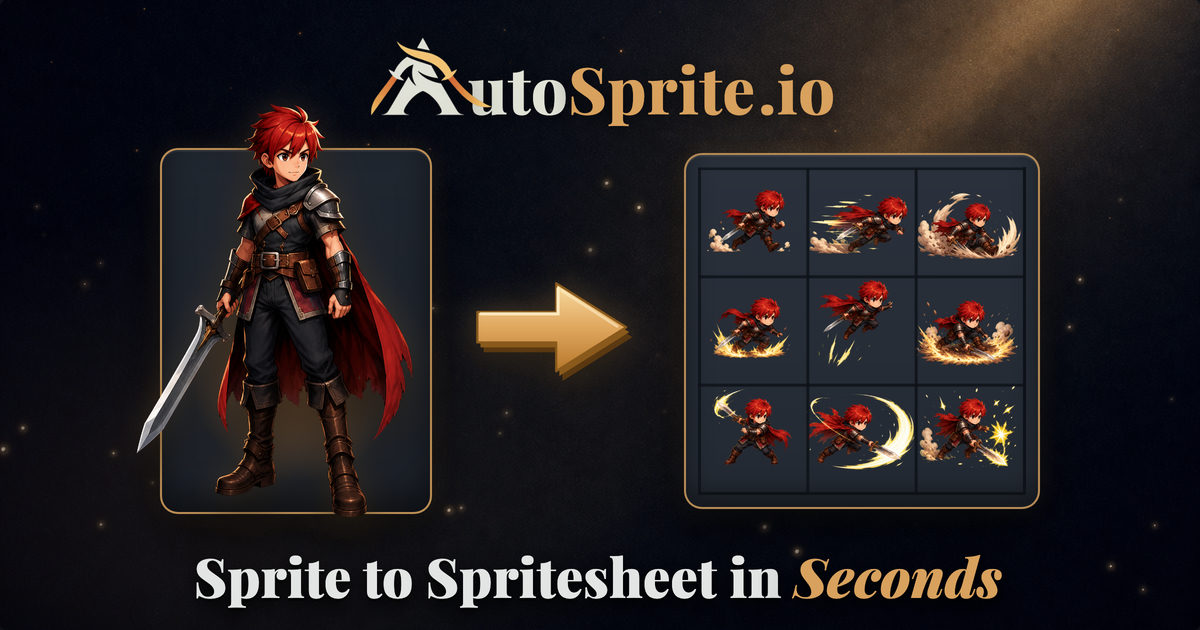 AutoSprite ▲ 1 ▼ 0
Converts single concept images or text prompts into game-ready 2D spritesheets and animation cycles. Built for game developers, it automates frame alignment and background removal to export structured PNG sheets and JSON atlases.
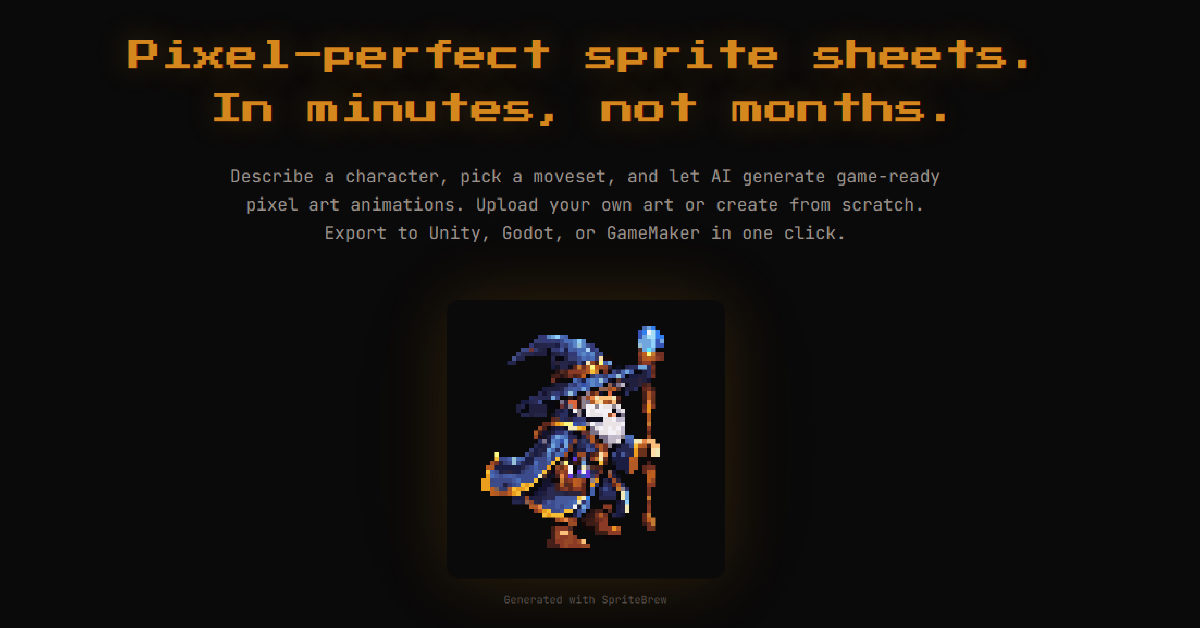 SpriteBrew ▲ 3 ▼ 0
Generates pixel art assets and converts static sprites into animated movement cycles for 2D game development. It includes an in-browser pixel editor and exports directly to engines like Unity, Godot, and GameMaker.
 Tesana ▲ 2 ▼ 0
Generates playable 2D and 3D games directly in the browser or on mobile from natural language prompts and visual references. The platform compiles real executable game code, creates supporting assets, and includes a built-in code editor for manual script adjustments.
 SeaVerse AI Game Maker ▲ 1 ▼ 0
Turns plain-English prompts into playable 2D and 3D browser games without writing code. Dial in mechanics and visuals via chat, then share instant play links through built-in cloud hosting.

 Summer Engine ▲ 1 ▼ 0
A desktop game development environment for Windows and macOS that lets creators build 2D and 3D Godot games using conversational AI. Users can describe mechanics, environments, and systems in natural language to generate scenes, assets, and clean GDScript directly inside their project hierarchy.
 Figma ▲ 1 ▼ 0
Turns prompts into playable web games and interactive apps with working front-end code, wiring up your existing design components, frames, and styling tokens right out of the box.







