
 Freemium
AutoSprite
Quick facts
- Pricing model
- Freemium
- Minimum price
- Free
- Free access
- Yes
- Platforms & integrations
- Web
- API
- MCP Server
- Unity Integration
- Unreal Engine Integration
- Godot Integration
- Phaser Integration
- GameMaker Integration
- Astrocade Integration
- RPG Maker Integration
- Payment methods
- Visa
- Mastercard
- American Express
- JCB
- Discover
- Diners Club
- UnionPay
- Apple Pay
- Google Pay
- Link
- Cash App
- Klarna
- Amazon Pay
- Interface languages
- English
- Service status
- Online, checked



Developer and reliability
Information about the developer and the service's terms. This is a factual reference, not a quality assessment or a guarantee of safety.
- Domain registered
- September 10, 2025
- The domain registration date is not the service's launch date.
Compare with alternatives
Choose a pair to compare features, pricing and payment methods.
About the tool
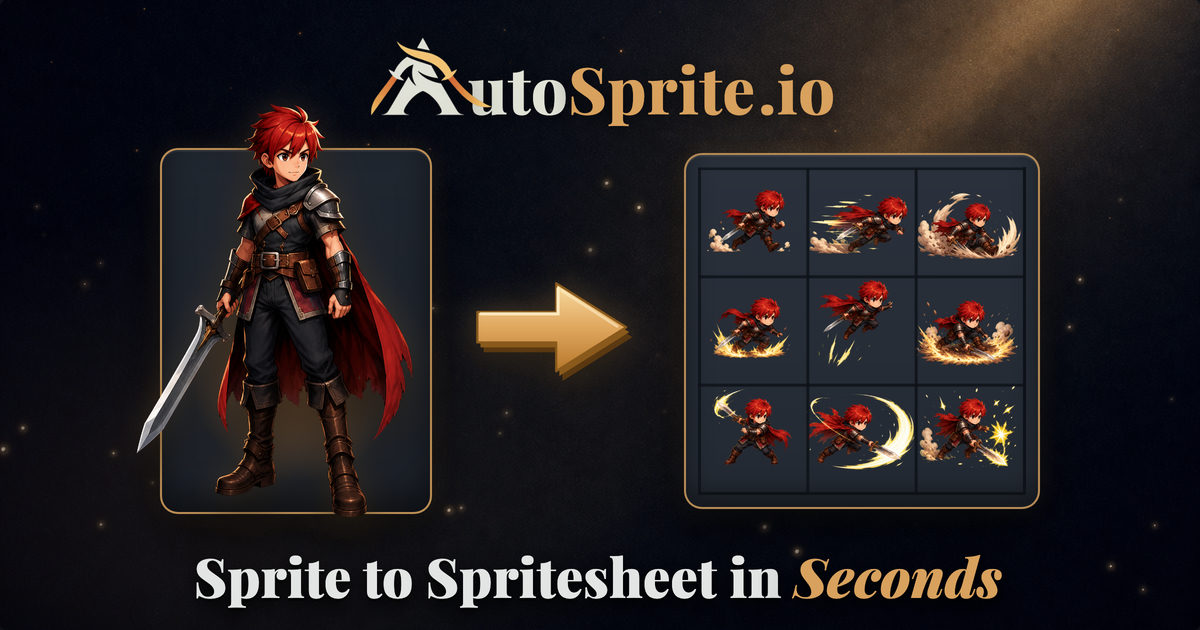
Anyone who has ever tackled 2D game development knows the exact nightmare of manual sprite creation: aligning bounding boxes, standardizing bottom-center pivots, erasing fringing background pixels, and praying that the character's feet do not stutter across the tilemap. AutoSprite automates the entire 2D asset pipeline, turning single concept images or text prompts into game-ready spritesheets with clean alpha channels and structured metadata.
The service accepts a single character upload or prompt, binds it to standard or custom animation cycles, and outputs production-ready frame sequences. Instead of rough, disjointed still frames, the underlying pipeline synthesizes fluid motion loops before slicing them into structured PNG sheets and JSON atlases. Key features include:
- Extensive Animation Presets: Covers foundational cycles (Idle, Walk, Run, Jump, Attack) along with full combat suites, weapon choreography (swords, spears, bows, axes), and directional locomotion (climbing, rolling, sliding).
- Isometric & Side-Scroller Renders: Generates classic side-view profiles or complete 8-direction isometric packs rendered in one go to preserve character silhouette and costume details across all angles.
- Advanced Pipeline Matrix: Batch-generates movesets for entire character rosters, supporting explicit first-and-last frame targeting for non-looping hits and jumps.
- Audio and Cutscene Generation: Higher tiers synthesize synchronized sound effects (SFX) matched to action timings and render multi-second animated cutscenes.
- Engine-Ready Integration: Exports directly into standard powers-of-two cell sizes (from 32px up to 1024px) with automated bottom-center alignment, supported by plugins for Unity and Godot as well as native templates for Unreal Engine, Phaser, GameMaker, and RPG Maker.
- Developer Automation via MCP: In addition to a REST API, an integrated Model Context Protocol (MCP) server enables game developers to generate and alter sprites directly inside AI-assisted coding environments like Cursor or Claude Code.
A standout design choice is the distinction between a Redo (which completely recalculates the neural motion from scratch) and a Regenerate (which lets you adjust grid density, background cutout masks, and sharpening filters locally without spending generative credits). User inputs and outputs are never used to train internal models, making the tool safe for commercial indie pipelines.
AutoSprite Reviews
No reviews collected yet
We are collecting user reviews of this tool from public sources. They will appear here soon.
AutoSprite Pricing & Plans
Free Plan
Starter Plan
Pro Plan
Enterprise Plan
Prices are based on the provider's information and may change.
Looking for a free option? Try these alternatives to AutoSprite:
AutoSprite Feature Comparison
Compare key features, prices and capabilities with similar tools
| Feature |  Current tool |  |  |
|---|---|---|---|
| Pricing model | Freemium | Free trial | Freemium |
| Minimum price | from $12/month | from $4.99 one-time | from $20/month |
| Free access | Yes | Trial access | Yes |
| User rating | |||
| Current tool |
Frequently Asked Questions about AutoSprite
How does AutoSprite ensure exported sprites do not jitter in-engine?
AutoSprite automatically sets and locks bottom-center pivots across every extracted frame, ensuring consistent footing on ground colliders. Spritesheets are exported as transparent PNGs accompanied by JSON texture atlas files with exact coordinates and frame durations, ready to plug into Unity, Godot, Unreal Engine, Phaser, or GameMaker.
What is the difference between Redo and Regenerate?
A Redo completely re-renders the underlying motion sequence using generative models, which uses credits or monthly redo allowances. A Regenerate is a free local re-processing step that lets you re-slice the existing video render, adjust pixelation filters, tweak cell dimensions, or re-run background removal without consuming extra credits.
Does AutoSprite train AI models on my uploaded assets?
No. AutoSprite's official terms explicitly state that user content—including uploaded art, prompts, and generated outputs—is never used to train or improve machine learning models. You retain full ownership of your inputs and hold the rights to your generated sheets to the extent permitted by your input materials.
Can I integrate AutoSprite directly into my code editor?
Yes. On Pro and Enterprise plans, AutoSprite provides both a REST API and a Model Context Protocol (MCP) server. This allows you to connect the asset generation engine directly to development tools like Cursor, Claude Code, or Windsurf to prompt, modify, and import animations without leaving your code editor.
How can I pay for AutoSprite?
AutoSprite payment methods: Visa, Mastercard, American Express, JCB, Discover, Diners Club, UnionPay, Apple Pay, Google Pay, Link, Cash App, Klarna, and Amazon Pay.
What languages is the AutoSprite interface available in?
The AutoSprite interface is available in: English.
What platforms is AutoSprite available on?
AutoSprite is available on: Web, API, MCP Server, Unity Integration, Unreal Engine Integration, Godot Integration, Phaser Integration, GameMaker Integration, Astrocade Integration, and RPG Maker Integration.
Similar tools
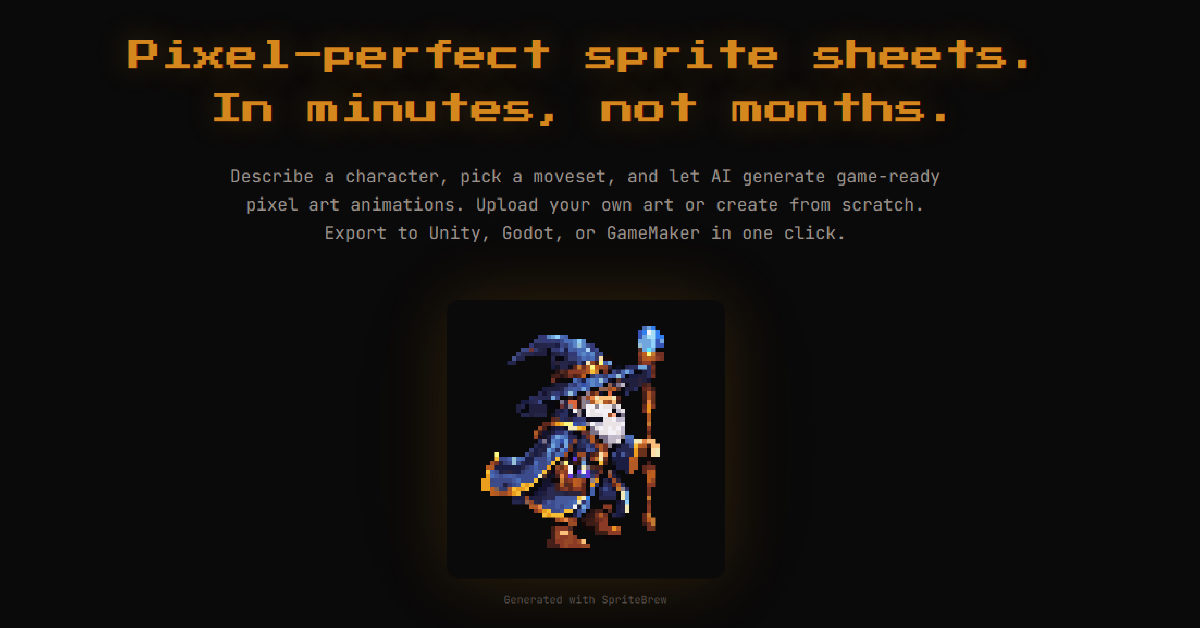 SpriteBrew ▲ 3 ▼ 0
Generates pixel art assets and converts static sprites into animated movement cycles for 2D game development. It includes an in-browser pixel editor and exports directly to engines like Unity, Godot, and GameMaker.
 Ludo AI ▲ 1 ▼ 0
Tackles game pre-production and prototyping under one roof by generating assets, documentation, and code. It rolls out 2D animated sprites, rigged 3D models, audio, game design documents, and foundational engine scripts without making you juggle a dozen separate tools.







